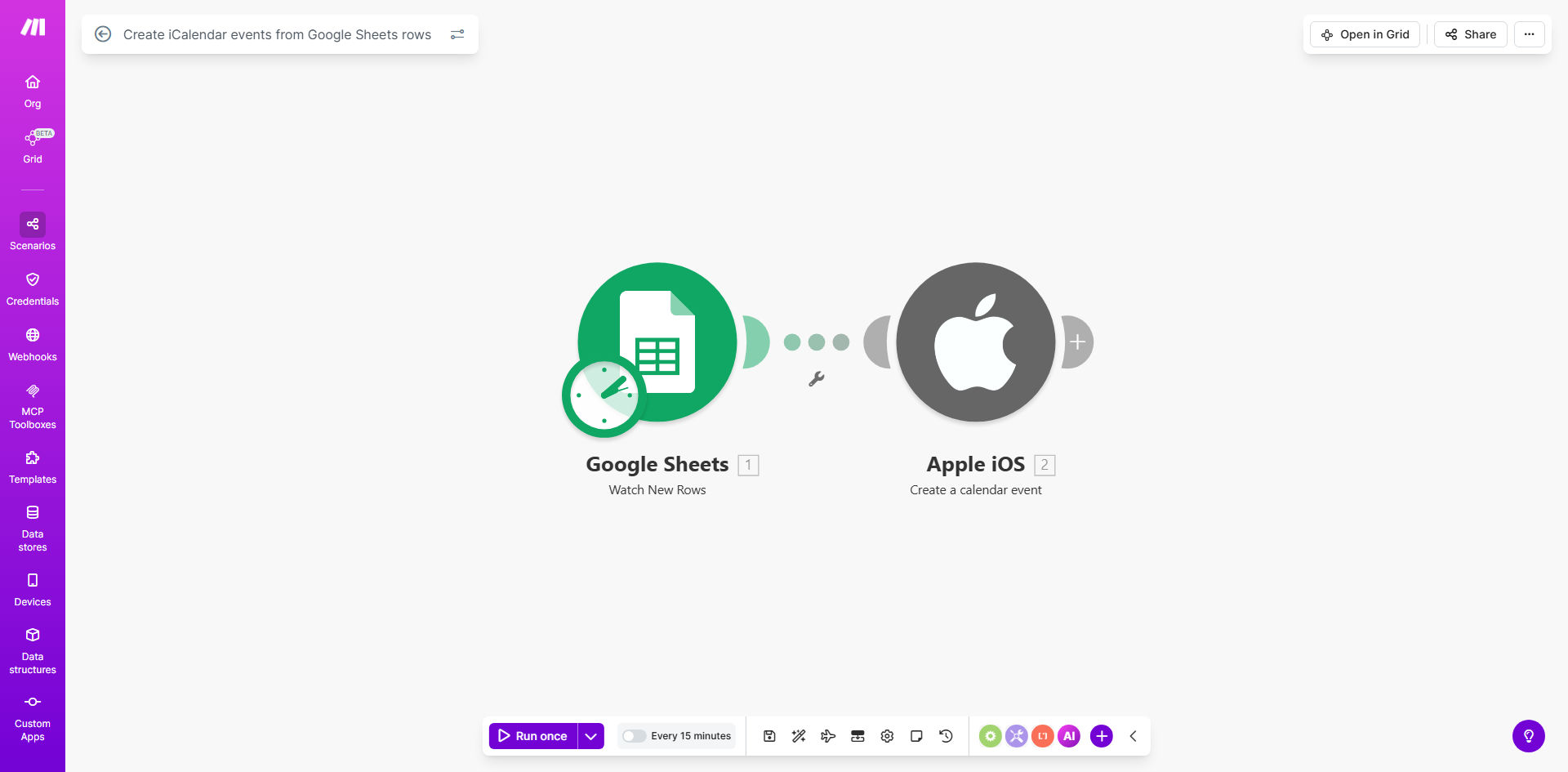
What This Workflow Does
This automation solves the tedious and error-prone process of manually creating calendar events from spreadsheet data. Many teams and businesses manage their schedules in Google Sheets - whether it's client appointments, team meetings, or training sessions - but then waste hours copying this information into calendar invites.
The workflow automatically converts rows in your Google Sheet into professional iCalendar (.ics) files that can be imported into any calendar system. It preserves all important event details like titles, descriptions, locations, dates/times, and reminders while eliminating manual data entry mistakes.
How It Works
1. Connect to your Google Sheet
The workflow authenticates with your Google account to access your specified spreadsheet. You select which sheet and data range to use as the source for your calendar events.
2. Map spreadsheet columns to event fields
You configure how each column in your spreadsheet corresponds to standard calendar event properties. For example, mapping a "Meeting Title" column to the event name, "Start Time" to the event start, etc.
3. Generate iCalendar files
The system converts each spreadsheet row into a properly formatted iCalendar event following the RFC 5545 standard. This creates .ics files that are compatible with all major calendar platforms.
4. Deliver the calendar files
The generated files can be emailed to recipients, saved to Google Drive, or made available via download links - whatever distribution method works best for your workflow.
Pro tip: Set up this workflow to run automatically whenever your spreadsheet is updated to keep your calendar events always in sync with your latest scheduling data.
Who This Is For
This automation is ideal for:
- Administrative assistants managing team calendars
- Event coordinators handling multiple sessions or workshops
- Coaches and consultants scheduling client appointments
- HR teams organizing training programs and orientations
- Marketing teams coordinating webinars or promotional events
What You'll Need
- A Google Sheet containing your event data (with consistent column headers)
- A Make.com account (free tier available)
- Google account permissions to access the spreadsheet
- Basic understanding of calendar event properties (optional but helpful)
Quick Setup Guide
- Copy this template to your Make.com account
- Connect your Google account and select your spreadsheet
- Map your spreadsheet columns to calendar event fields
- Configure how you want to distribute the generated .ics files
- Test with a few sample rows to verify the output
- Schedule the workflow to run automatically or trigger manually
Key Benefits
Save 5+ hours per month by eliminating manual calendar entry from spreadsheets. What used to take hours of copying and pasting now happens automatically with perfect accuracy.
Reduce scheduling errors by 90% since the system pulls data directly from your source spreadsheet without human transcription mistakes.
Standardize event formatting across your organization with consistent calendar invites that include all necessary details in a professional format.
Scale event management effortlessly - whether you need to create 5 events or 500, the workflow handles it with the same reliability.
Maintain data synchronization between your master schedule spreadsheet and actual calendar events, ensuring everyone works from the same updated information.