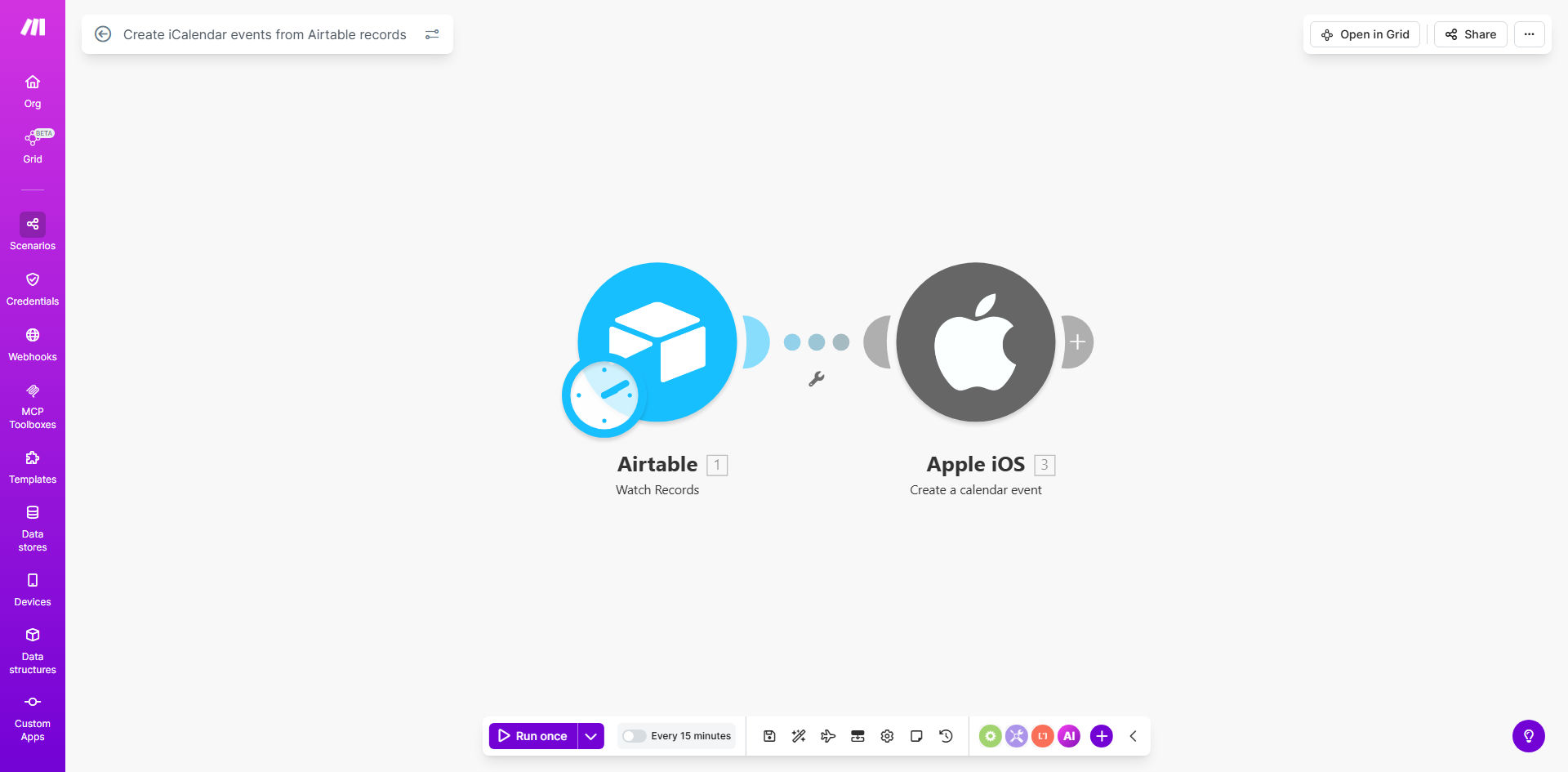
What This Workflow Does
This automation bridges the gap between your Airtable database and calendar scheduling by automatically converting records into standardized iCalendar (.ics) events. It solves the common problem of manually transferring appointment details, class schedules, or meeting times from your database to participants' calendars.
The workflow watches for new or updated records in your specified Airtable base, extracts relevant event details (date, time, title, description), formats them according to iCalendar specifications, and generates calendar-ready files that can be emailed to attendees or added directly to shared calendars. This eliminates copy-paste errors and ensures all stakeholders have accurate, up-to-date scheduling information.
How It Works
1. Airtable Trigger
The workflow monitors your designated Airtable base for new records or changes to existing records in your events table. You can configure it to watch specific fields like status changes or date modifications.
2. Data Extraction
Key event details are pulled from the Airtable record including event title, description, start/end times, location, and attendee emails. The system validates date formats and required fields to prevent malformed calendar events.
3. iCalendar Generation
The workflow constructs a properly formatted .ics file following iCalendar standards, including all necessary event properties and optional elements like reminders or recurring event rules.
4. Distribution
Generated calendar files can be emailed to attendees, uploaded to cloud storage, or sent to other apps via webhook. The workflow can also create calendar events directly in Google Calendar or Outlook if configured.
Who This Is For
This automation delivers the most value for:
- Service businesses scheduling client appointments (consultancies, salons, clinics)
- Educational institutions managing class schedules and room bookings
- Event planners coordinating multiple vendors and participants
- Remote teams needing to schedule across time zones
- Any organization using Airtable as their scheduling system of record
What You'll Need
- An Airtable account with a base containing your event records
- Make.com account (free plan sufficient)
- Airtable API key (from your account settings)
- Basic understanding of iCalendar event properties
- Email service or calendar platform for distribution (optional)
Quick Setup Guide
- Install the template from Make.com's template library
- Connect your Airtable account by entering your API key
- Select the base and table containing your event records
- Map Airtable fields to corresponding calendar event properties
- Configure your distribution method (email, webhook, etc.)
- Test with sample records to verify event formatting
Pro tip: Add a "Last Updated" field in Airtable to track changes and configure the workflow to only process modified records, reducing unnecessary calendar updates.
Key Benefits
Eliminates manual calendar entry: Businesses report saving 5-10 hours per week by automating what was previously a tedious copy-paste process between systems.
Reduces scheduling errors: Automated formatting ensures consistent event details across all calendars, preventing mistakes from manual entry that lead to missed appointments.
Improves participant experience: Attendees receive standardized calendar invites they can add with one click, rather than deciphering scheduling details from emails or messages.
Maintains data consistency: Changes in Airtable automatically propagate to all connected calendars, ensuring everyone works from the same up-to-date schedule.
Scales effortlessly: The system handles 10 or 10,000 events with equal reliability, growing with your scheduling needs without additional administrative overhead.