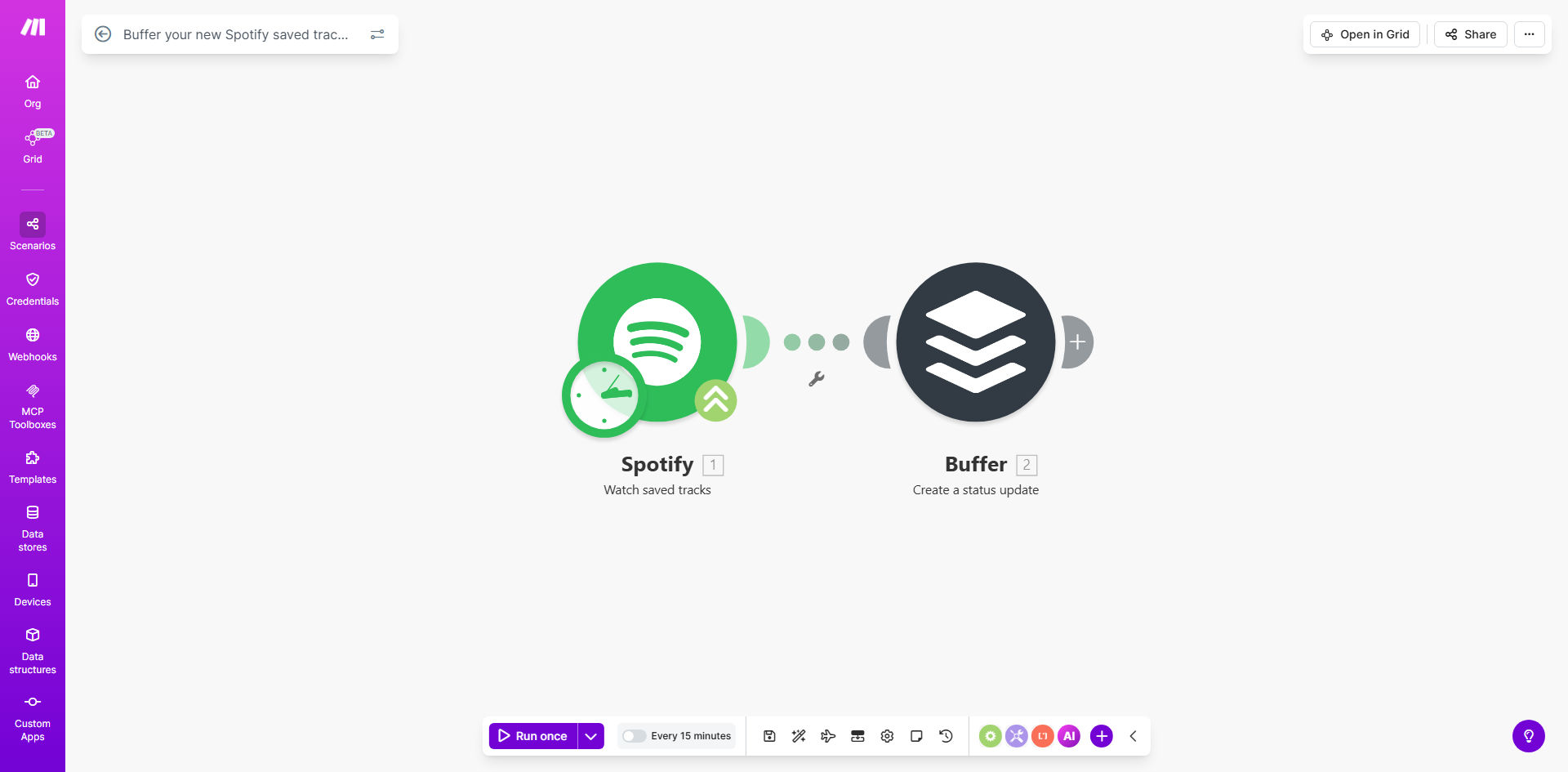
What This Workflow Does
This automation solves the common problem of forgetting to share your newly discovered music on social media. When you save a track on Spotify, it often represents music you're excited about and want to share with your audience. However, manually sharing each track to Buffer can be time-consuming and easy to overlook.
The workflow automatically detects when you save a new track on Spotify and instantly adds it to your Buffer queue. This ensures your social media followers consistently see your music recommendations without any manual effort. The automation maintains your personal branding while saving you valuable time each week.
How It Works
1. Spotify Triggers the Workflow
Make.com continuously monitors your Spotify account for new saved tracks. The moment you save a song, it triggers the workflow to begin processing.
2. Track Details Are Extracted
The workflow retrieves key information about the saved track including song title, artist, album, and cover art. This data is formatted for optimal social media presentation.
3. Content Is Prepared for Buffer
The system creates a social media post combining the track details with your preferred formatting. You can customize the message template to match your brand voice.
4. Post Is Added to Buffer Queue
The prepared content is automatically sent to your Buffer account and added to your posting queue. It will be shared according to your existing Buffer schedule.
Pro tip: Customize the message template to include relevant hashtags or commentary that reflects your music taste and engages your audience.
Who This Is For
This automation is ideal for music bloggers, influencers, DJs, and anyone who regularly shares their musical discoveries. If you use Spotify to find new music and Buffer to manage your social media presence, this workflow bridges the gap between these platforms perfectly.
Businesses in the music industry like record labels, venues, and promoters can also benefit by automating their music sharing while maintaining a consistent social media presence.
What You'll Need
- A Spotify Premium account (required for API access)
- A Buffer account with at least one connected social profile
- A Make.com account (free tier works for basic usage)
- Authorization to connect Spotify and Buffer to Make.com
Quick Setup Guide
- Click "Get This Workflow" to duplicate the template in Make.com
- Connect your Spotify account in the Make.com interface
- Connect your Buffer account and select your preferred profile
- Customize the message template if desired
- Activate the scenario and start saving tracks on Spotify
Key Benefits
Save 2-3 hours per week by eliminating manual music sharing tasks. The automation handles what would normally require constant attention.
Never miss sharing a favorite track again. The system works even when you're busy or forgetful.
Maintain consistent engagement with regular music content that algorithms favor, helping grow your audience.
Professional presentation with standardized formatting that reinforces your brand identity across all shared tracks.