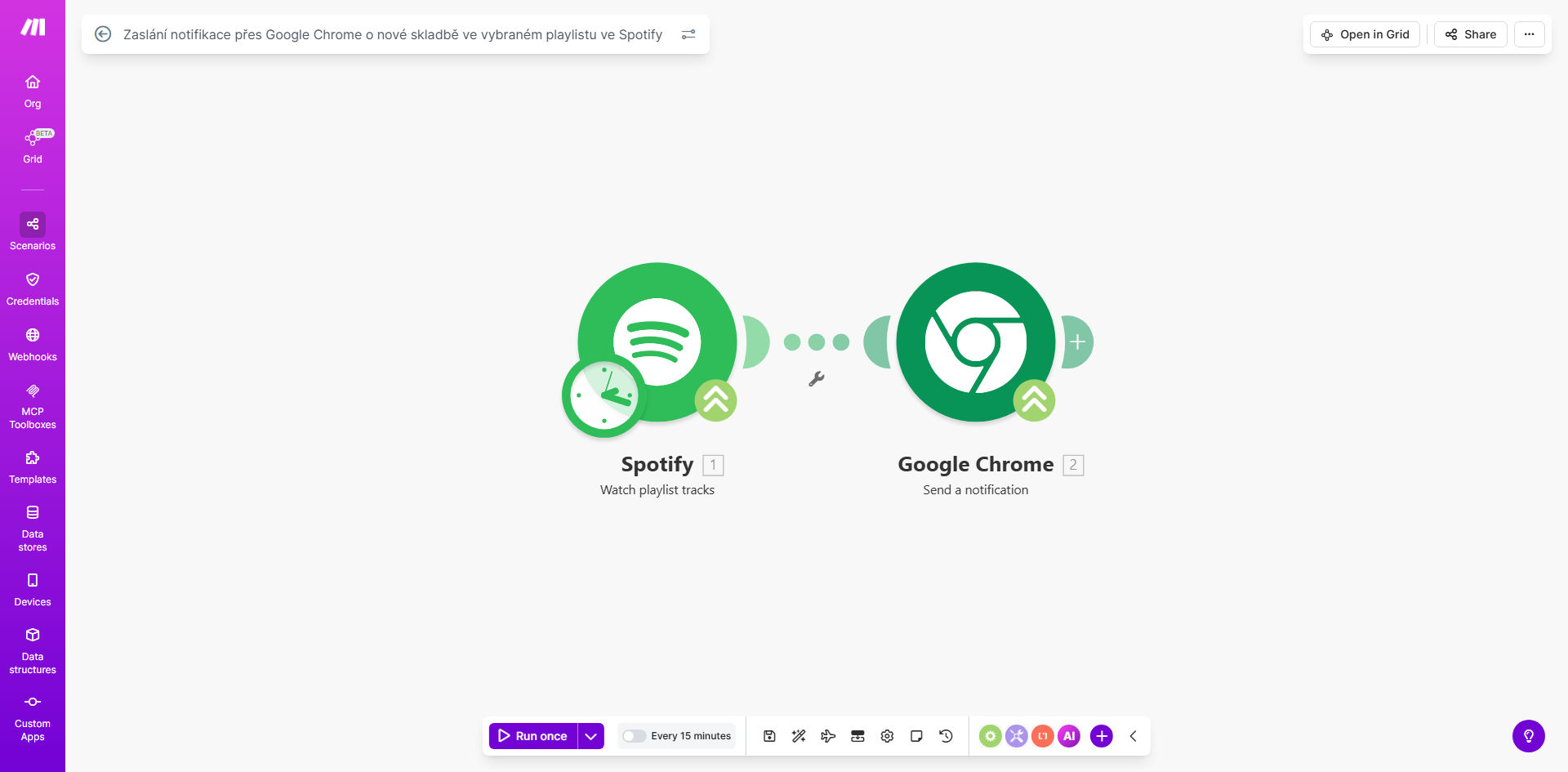
What This Workflow Does
This automation solves the problem of manually checking Spotify playlists for updates. Whether you're a music curator, playlist collaborator, or just want to stay informed about changes to your favorite playlists, this workflow eliminates the need for constant manual checking.
Every time a new track is added to any playlist you're monitoring, the system automatically sends a push notification through Google Chrome. This means you'll get instant alerts on any device where you're signed into Chrome, whether you're at your computer or using your mobile device.
How It Works
1. Monitoring Spotify Playlists
The workflow continuously checks your specified Spotify playlists for changes using Spotify's API. It can monitor multiple playlists simultaneously and detects new additions in near real-time.
2. Detecting New Tracks
When a new track is added, the system captures all relevant details including the song name, artist, album, and who added it (for collaborative playlists). This data is then prepared for notification.
3. Sending Chrome Notifications
Using Chrome's notification API, the system pushes a customized alert to your browser. Notifications can include clickable links to the new track, album artwork, and other metadata you choose to display.
Pro tip: Configure different notification styles for different playlists by duplicating and modifying the scenario for each important playlist.
Who This Is For
This automation is ideal for music professionals, playlist curators, collaborative playlist managers, and music enthusiasts who want to stay instantly informed about playlist updates. It's particularly valuable for:
- Music bloggers and journalists tracking new releases
- DJs monitoring collaborative playlists with producers
- Music teachers sharing educational playlists with students
- Brands managing official Spotify playlists
- Anyone who wants to know immediately when friends add songs to shared playlists
What You'll Need
- A Spotify Premium account (required for API access)
- Google Chrome installed on at least one device
- A Make.com account (free tier available)
- Basic familiarity with connecting apps in Make.com
Quick Setup Guide
- Click "Get This Workflow" to open the template in Make.com
- Connect your Spotify account following the prompts
- Specify which playlists to monitor
- Customize the notification content if desired
- Test the workflow by adding a track to a monitored playlist
- Enable the scenario to run automatically
Key Benefits
Never miss a playlist update again. Get notified the moment new tracks are added, eliminating the need for manual checks that can waste hours each month.
Stay connected to your music community. For collaborative playlists, instant notifications help maintain engagement and prompt responses when others contribute.
Customizable alerts for different needs. Tailor notifications to show just the information you care about, from simple track names to full metadata with artwork.
Works across all your devices. Chrome notifications sync across desktop and mobile, so you're always informed no matter where you are.
Saves valuable time for music professionals. Curators and industry professionals can monitor multiple playlists effortlessly, focusing their time on content rather than administration.