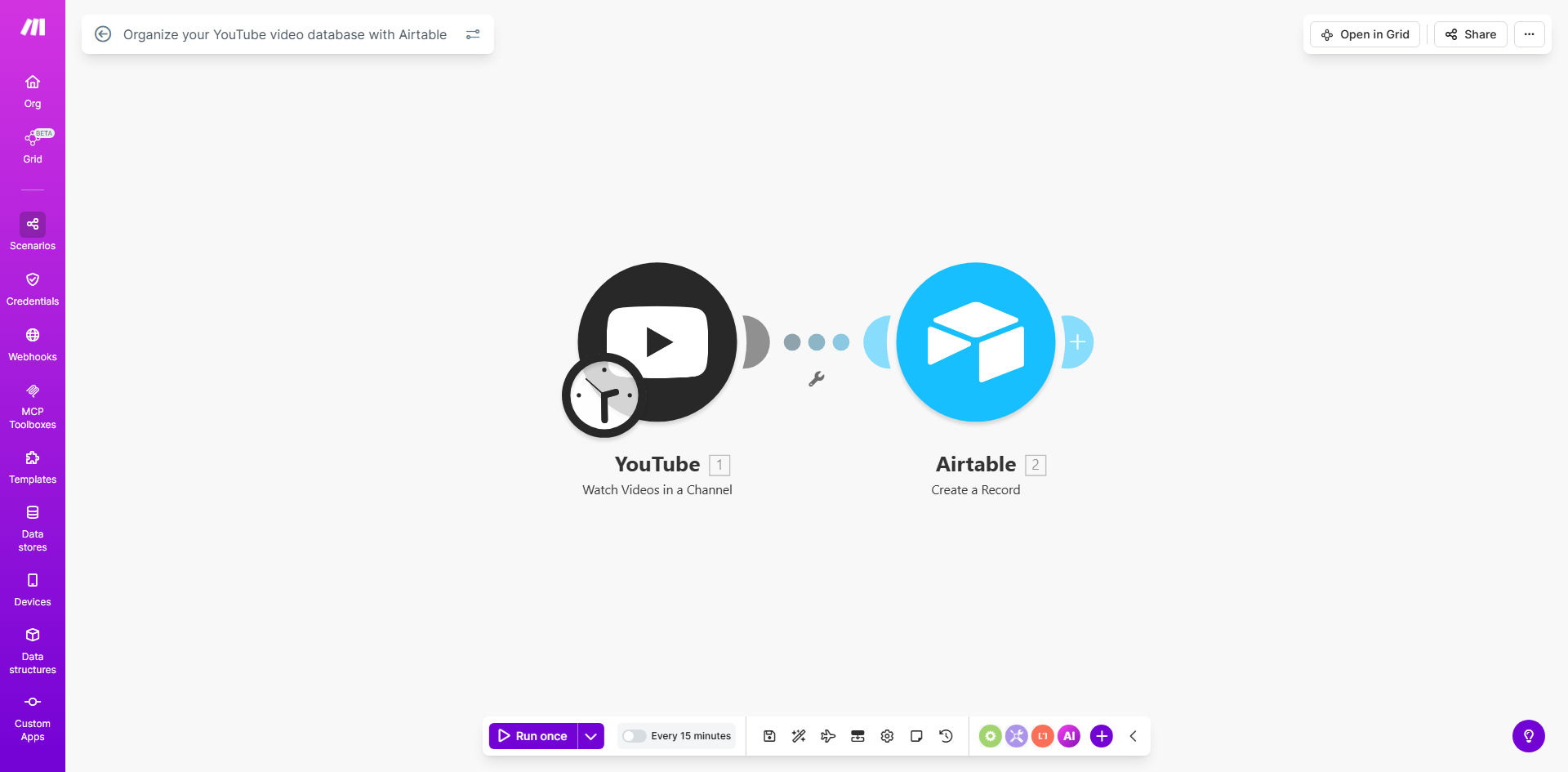
What This Workflow Does
Managing a growing YouTube channel becomes increasingly complex as your video library expands. This automation connects your YouTube channel to Airtable, automatically creating a searchable, organized database of all your published videos complete with performance metrics and categorization options.
The system eliminates manual data entry by automatically capturing video titles, descriptions, publish dates, view counts, engagement metrics, and more. You can then enrich this data with custom tags, content categories, and production notes to create a powerful content management system that helps you analyze what works and plan future videos strategically.
How It Works
1. YouTube API connection
The workflow connects to YouTube's API to fetch your channel's video data, including both current metrics and historical performance trends.
2. Data transformation
Raw API responses are processed into a structured format optimized for Airtable, calculating key ratios like engagement rate and converting timestamps to readable dates.
3. Airtable synchronization
Processed video data gets added or updated in your designated Airtable base, maintaining a complete historical record while avoiding duplicates.
4. Scheduled updates
The automation runs on your preferred schedule (daily/weekly) to keep all metrics current without manual intervention.
Pro tip: Add a "Content Pillar" field in Airtable to categorize videos by topic or campaign. This lets you filter performance reports by strategic initiative.
Who This Is For
This workflow benefits:
- YouTube creators managing multiple content series or formats
- Marketing teams tracking campaign performance across videos
- Media companies with large video libraries needing organization
- Educators maintaining structured course content repositories
- Agencies reporting on client video performance metrics
What You'll Need
- A YouTube channel with existing content
- An Airtable account (free plan works)
- Make.com account (free tier supports this workflow)
- YouTube API credentials (setup instructions included)
Quick Setup Guide
- Clone the template in your Make.com account
- Connect your YouTube channel via API credentials
- Design your Airtable base structure (template provided)
- Map YouTube fields to your Airtable columns
- Set your preferred update frequency (daily recommended)
- Test with a small sample of videos before full sync
Key Benefits
Save 3-5 hours weekly by eliminating manual video data tracking and spreadsheet updates.
Spot content trends faster with centralized metrics and customizable Airtable views showing what performs best.
Improve strategic planning by analyzing which topics, formats, or styles generate the most engagement.
Maintain institutional knowledge with production notes and metadata that stays with each video record.
Create client-ready reports instantly by exporting filtered Airtable views showing campaign performance.