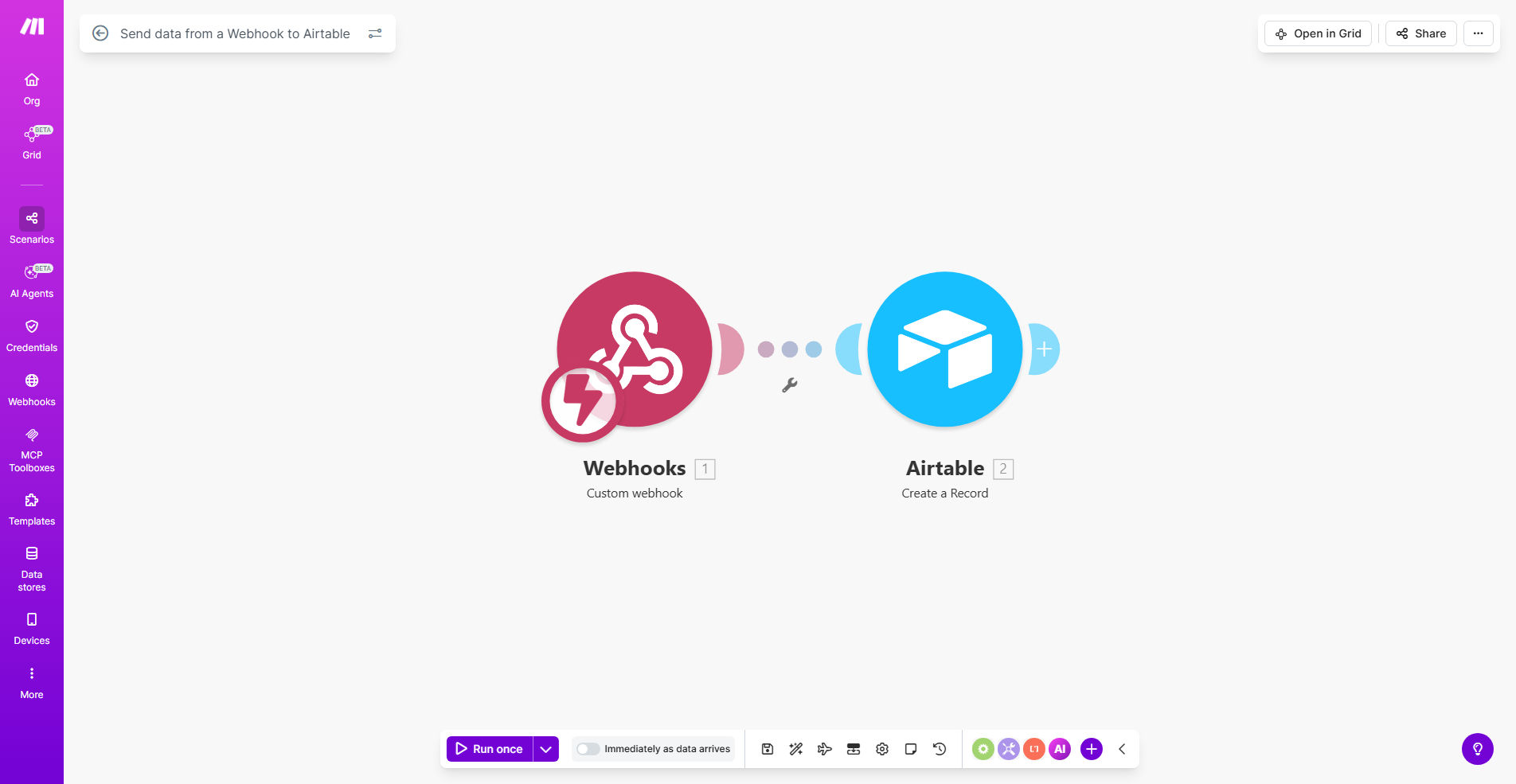
What This Workflow Does
This automation eliminates manual data entry by instantly transferring information from any webhook-enabled system directly into your Airtable base. Whether you're receiving form submissions, payment notifications, CRM updates, or IoT device data, this workflow ensures your records stay current without any manual intervention.
The solution solves the common problem of data silos between platforms. Instead of wasting time copying and pasting information between systems, your team gets automatic updates in Airtable the moment new data becomes available from connected services.
How It Works
1. Webhook Trigger
The workflow starts when an external system sends data to your unique webhook URL. This could be triggered by events like new form submissions, completed purchases, or updated CRM records.
2. Data Parsing
Make.com receives the webhook payload and extracts the relevant data fields. The workflow can handle JSON, XML, or form-encoded data formats automatically.
3. Field Mapping
The system matches incoming data fields with your Airtable column structure, ensuring information lands in the correct tables and fields without manual mapping.
4. Airtable Update
The workflow creates new records or updates existing ones in your specified Airtable base, maintaining data integrity with automatic type conversion and validation.
Pro tip: Add a filter step before the Airtable update to prevent duplicate records by checking for existing entries with matching unique identifiers.
Who This Is For
This workflow benefits any business using Airtable as their central database that needs to:
- Capture form submissions from tools like Typeform or Jotform
- Sync customer data from CRMs like HubSpot or Salesforce
- Track e-commerce orders from Shopify or WooCommerce
- Monitor IoT device data or application logs
- Centralize data from multiple sources for reporting
What You'll Need
- An active Make.com account (free plan available)
- An Airtable base with appropriate table structure
- A webhook-enabled system to send data (most modern SaaS platforms support this)
- Basic understanding of your data structure
Quick Setup Guide
- Clone the template in your Make.com account
- Connect your Airtable account and select the target base
- Copy your unique webhook URL from the scenario
- Configure the sending system to post data to your webhook
- Map incoming data fields to your Airtable columns
- Test with sample data and activate the workflow
Key Benefits
Eliminate manual data entry - Save 5-15 hours per week by automating information transfer between systems instead of copying/pasting data.
Real-time updates - Get information in Airtable within seconds of the triggering event, rather than waiting for batch imports or manual refreshes.
Reduce errors - Automated data transfer eliminates human mistakes that occur during manual data entry.
Scalable solution - Handle thousands of records per day without additional staff time or resources.
Centralized data - Bring information from multiple sources into one organized Airtable base for better visibility and reporting.