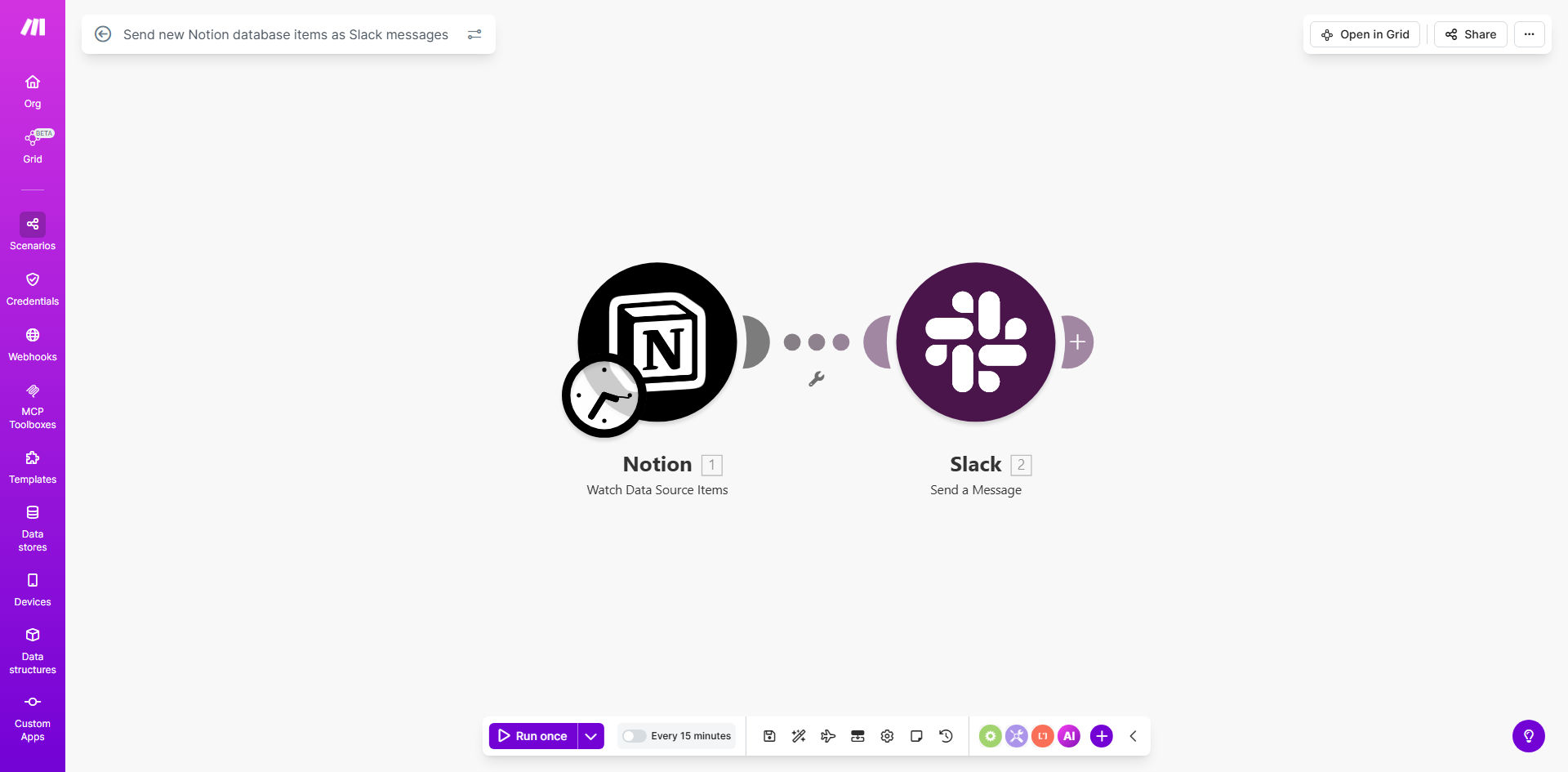
What This Workflow Does
This automation bridges two essential business tools: Notion for documentation and Slack for communication. Whenever a team member adds or updates an item in your Notion database, the workflow instantly sends a notification to your designated Slack channel. This eliminates manual check-ins and ensures everyone stays informed about important updates.
The solution solves the common problem of information silos between documentation platforms and communication tools. Teams often waste time checking Notion for updates or manually posting Slack reminders. This workflow automates that process, creating a seamless connection between your knowledge base and team communication.
How It Works
1. Trigger: New Notion database item
The workflow monitors your specified Notion database for new items or updates. It checks at regular intervals (typically every 5-15 minutes) or can be configured for instant webhook triggers when available.
2. Extract relevant data
When a new item appears, the automation extracts key information like the page title, assigned team members, due dates, or any other fields you want to highlight. You can customize which Notion properties get included in the Slack message.
3. Format Slack notification
The workflow formats the extracted data into a clean, readable Slack message. You can customize the message template to include emojis, formatting, and exactly the information your team needs to see.
4. Deliver to Slack channel
Finally, the automation posts the formatted message to your chosen Slack channel. You can set rules to notify specific team members or entire channels based on the content of the Notion update.
Pro tip: Use different Slack channels for different Notion databases to keep notifications organized. For example, send project updates to #team-projects but customer feedback to #product-ideas.
Who This Is For
This automation benefits any team using both Notion and Slack for collaboration:
- Project managers tracking tasks in Notion who need to notify teams in Slack
- Product teams collecting customer feedback in Notion databases
- HR departments managing employee onboarding processes
- Marketing teams coordinating campaigns across both platforms
- Remote teams needing better visibility into documentation updates
What You'll Need
- A Notion account with admin access to the database you want to monitor
- A Slack workspace where you can create webhooks or connect apps
- A Make.com account (formerly Integromat) to host the automation
- Basic understanding of Notion database structure and Slack channel management
Quick Setup Guide
- Duplicate the template in your Make.com account
- Connect your Notion account and select the database to monitor
- Connect your Slack account and choose the notification channel
- Map the Notion fields you want to include in Slack messages
- Customize the message format and notification rules
- Test with a new Notion item to verify the Slack notification
- Activate the workflow for ongoing automation
Key Benefits
Save 5+ hours per week by eliminating manual Notion checks and Slack updates. Team members get instant notifications without disrupting their workflow.
Reduce missed updates by 80% compared to manual processes. Important database changes never slip through the cracks when notifications are automatic.
Improve cross-team visibility by bringing Notion updates into Slack where conversations happen. Stakeholders stay informed without needing Notion access.
Customizable notification rules let you control exactly which updates trigger alerts and how much detail gets shared. Avoid notification fatigue with smart filtering.
Scalable across departments - once you set up one database integration, you can easily replicate it for other teams and use cases.