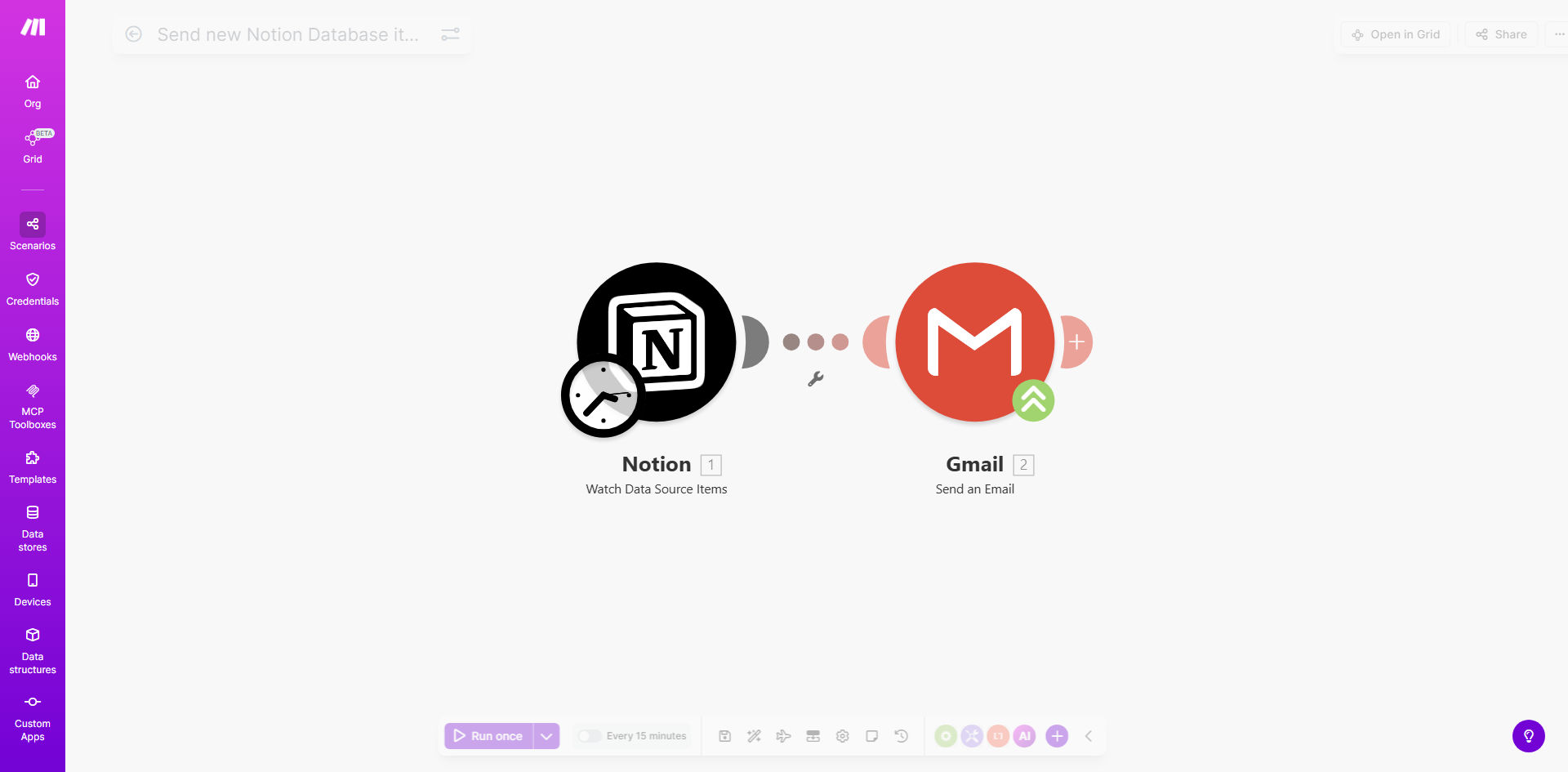
What This Workflow Does
This automation solves the common challenge of team members missing important updates in Notion databases. When new items are added to your Notion database—whether they're tasks, customer inquiries, or project updates—this workflow automatically sends email notifications through Gmail to the relevant recipients.
The solution eliminates manual notification processes that waste valuable time. Instead of requiring someone to check the database and send emails manually, the system handles this automatically, ensuring timely communication while reducing human error.
How It Works
1. New database item detection
The workflow continuously monitors your specified Notion database for new entries using Make.com's polling functionality. When a new item appears, it triggers the automation sequence.
2. Data extraction and formatting
The system extracts relevant information from the Notion database item, including properties you've designated as important for notifications. This might include task names, assignees, due dates, or custom fields.
3. Email composition and sending
Using the extracted data, the workflow constructs a professional email notification with all necessary details. It then sends this through your connected Gmail account to the designated recipients.
Pro tip: Configure your workflow to include direct links back to the Notion database items in each email, making it easy for recipients to access and update the records.
Who This Is For
This automation is ideal for teams using Notion as their central collaboration hub. Project managers can ensure task assignments are communicated immediately. Support teams can notify agents about new customer inquiries. Content teams can alert editors about new submissions.
Any business that relies on Notion databases for workflow management and needs to ensure timely awareness of new items will benefit from this solution. It's particularly valuable for remote teams and asynchronous work environments where real-time communication isn't always possible.
What You'll Need
- A Notion account with admin access to the database you want to monitor
- A Gmail account with sending privileges
- A Make.com account (free tier works for basic setups)
- Basic understanding of Notion database properties
- List of email recipients (can be static or dynamic based on database fields)
Quick Setup Guide
- Connect your Notion account in Make.com and select the target database
- Configure the polling interval (how often to check for new items)
- Map the database fields you want to include in notifications
- Connect your Gmail account and design the email template
- Set up recipient logic (fixed addresses or dynamic based on database values)
- Test with sample database entries before activating
Key Benefits
Instant notifications: Team members receive emails immediately when new database items are created, reducing response times by 60-80% compared to manual processes.
Error reduction: Automated notifications eliminate the risk of human forgetfulness or oversight that occurs with manual notification systems.
Time savings: Save 2-5 hours per week per team member by removing the need to manually check databases and send update emails.
Customizable alerts: Tailor notifications based on item type, priority, or other database properties to ensure the right people get the right information.
Audit trail: Maintain a record of all notifications sent through Gmail's sent items folder for accountability and reference.