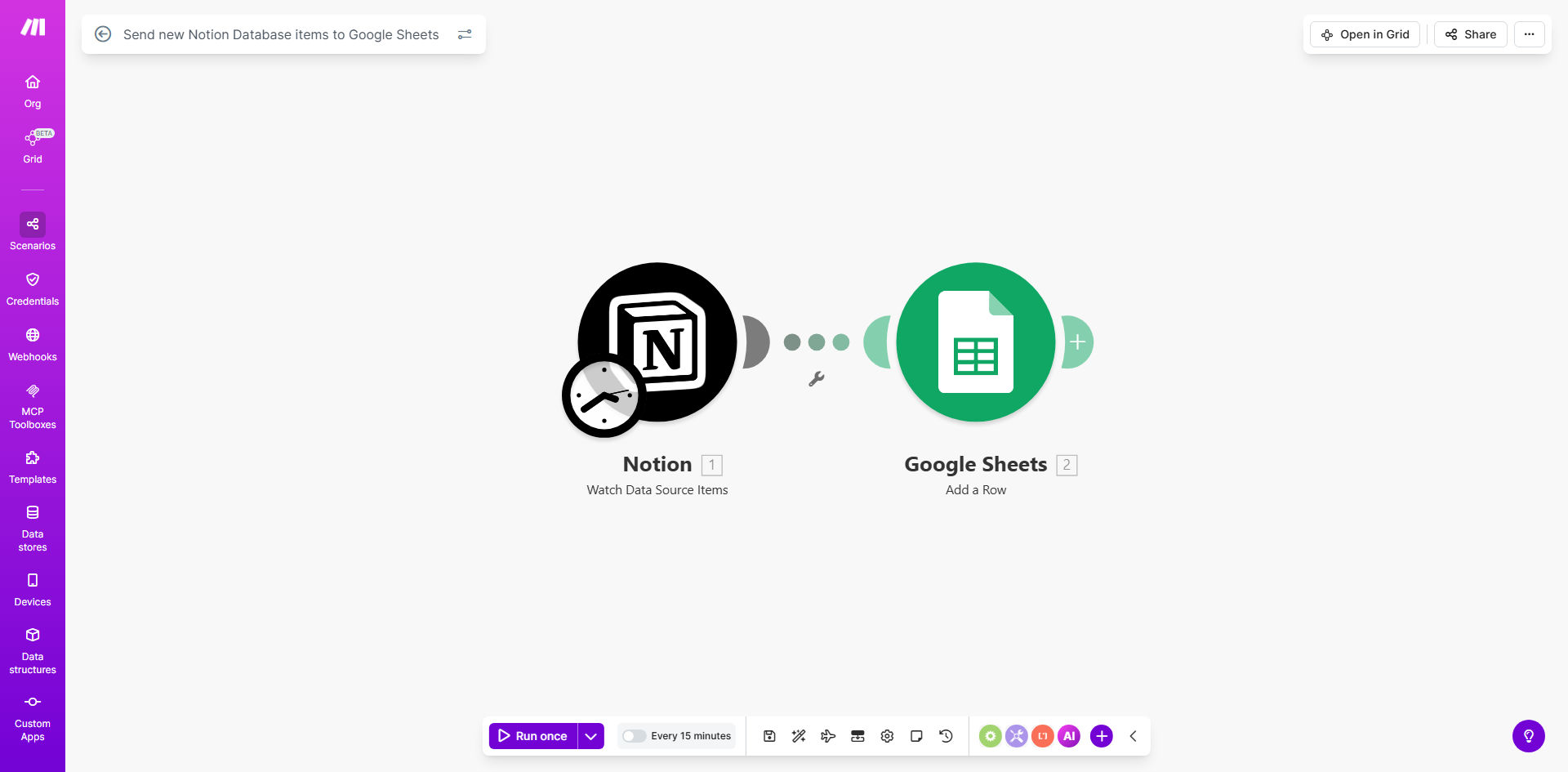
What This Workflow Does
This automation solves the common challenge of manually transferring data between Notion databases and Google Sheets. Many teams use Notion for its flexible database capabilities but need to share that data in Google Sheets for analysis, reporting, or collaboration with stakeholders who may not use Notion.
The workflow automatically detects new items added to your Notion database and syncs them to a designated Google Sheet in real-time. This eliminates repetitive copy-paste work while ensuring your spreadsheet always contains the most up-to-date information from your Notion workspace.
How It Works
1. Trigger on new Notion database items
The workflow monitors your specified Notion database for new entries using Notion's API. Whenever a new item is created, it immediately triggers the automation.
2. Extract relevant field data
The workflow parses the new database item and extracts all configured fields (properties) that you want to sync to Google Sheets. This can include text, numbers, dates, select options, and other supported field types.
3. Format data for Google Sheets
The extracted data is transformed into a format compatible with Google Sheets, ensuring proper handling of dates, multi-select fields, and other special data types that might require conversion.
4. Add row to Google Sheet
The formatted data is appended as a new row in your specified Google Sheet, maintaining your column structure and data integrity. The workflow can be configured to add the data to a specific worksheet within your spreadsheet.
Pro tip: Use this workflow with a filtered view in Notion to only sync specific types of items. For example, you might only want to sync completed tasks or high-priority projects to your spreadsheet.
Who This Is For
This automation is ideal for:
- Teams using Notion as their primary database but needing to share data with Google Sheets users
- Project managers tracking tasks in Notion who need to generate reports in Sheets
- Content creators maintaining editorial calendars in Notion but sharing schedules via Sheets
- Sales teams managing leads in Notion but needing to analyze data in Sheets
- Researchers collecting data in Notion but performing analysis in Sheets
What You'll Need
- A Notion account with a database you want to sync
- A Google account with access to Google Sheets
- A Make.com account (free plan available)
- API connections to both Notion and Google Sheets
- Basic understanding of your database structure
Quick Setup Guide
- Click "Get This Workflow" to copy the template to your Make.com account
- Connect your Notion account in Make.com and select your database
- Connect your Google account and select your target spreadsheet
- Map your Notion database fields to the appropriate Google Sheets columns
- Test the workflow with a new Notion database item
- Turn on the scenario to begin automatic syncing
Key Benefits
Eliminate manual data entry: Save 2-5 hours per week by automating what was previously a tedious copy-paste process between platforms.
Maintain data accuracy: Reduce human error by removing manual transcription steps where mistakes commonly occur.
Real-time synchronization: Your Google Sheet updates immediately when changes happen in Notion, keeping all stakeholders informed.
Flexible field mapping: Choose exactly which Notion properties to sync and how they appear in your spreadsheet.
Scalable solution: The workflow handles hundreds or thousands of records with the same reliability as a few items.