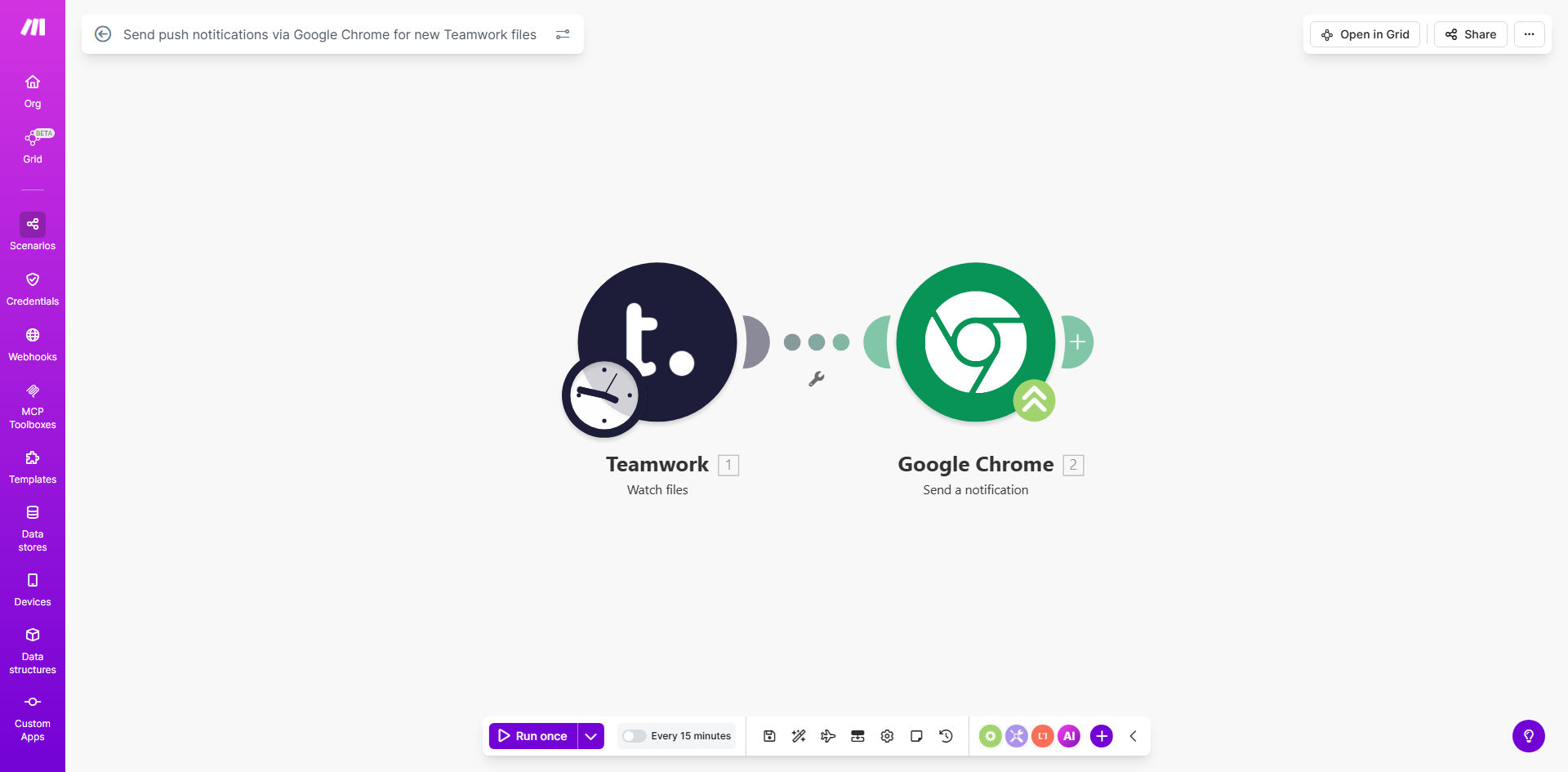
What This Workflow Does
This automation solves the common problem of team members missing important file updates in Teamwork projects. Instead of requiring constant manual checks or relying on easily overlooked email notifications, it delivers instant Chrome push notifications directly to team members' desktops whenever new files are added to monitored projects.
The workflow monitors specified Teamwork projects in real-time, triggering alerts the moment any team member uploads documents, images, spreadsheets, or other files. Each notification includes key details like the file name, project name, and upload timestamp, helping recipients quickly assess the importance of each update.
How It Works
1. Teamwork Project Monitoring
The workflow continuously watches designated Teamwork projects for new file uploads using Make.com's Teamwork integration. You can configure it to monitor specific projects or all projects in your account.
2. Instant Event Detection
When Teamwork records a new file upload, Make.com immediately captures the event details including file name, type, size, uploader information, and project context.
3. Notification Processing
The system formats a clear notification message with all relevant file details and prepares it for delivery through Chrome's push notification system.
4. Desktop Alert Delivery
Chrome displays the notification on recipients' desktops, even when they're not actively using Teamwork or their browser. Notifications remain visible until dismissed.
Who This Is For
This automation is ideal for:
- Project teams that frequently share files in Teamwork
- Remote teams across different time zones
- Creative teams collaborating on design assets
- Client service teams sharing important documents
- Any team that's missed critical file updates in the past
What You'll Need
- A Make.com account (free tier available)
- Teamwork account with API access
- Team members using Chrome browser (Windows/Mac/Linux)
- Permission to configure webhook notifications in Teamwork
Quick Setup Guide
- Copy the template to your Make.com account
- Connect your Teamwork account in the Make.com modules
- Specify which projects to monitor for file uploads
- Customize the notification message format if desired
- Test with a sample file upload to verify delivery
- Activate the scenario to begin monitoring
Key Benefits
Eliminate missed file updates with 100% notification delivery directly to team members' desktops, unlike emails that get buried in crowded inboxes.
Save 5-10 hours per week per team member by eliminating constant manual checks for new project files across multiple Teamwork projects.
Accelerate collaboration with real-time awareness of new assets - team members can begin working with new files immediately after upload.
Reduce project delays caused by unnoticed file submissions - critical documents get attention within minutes instead of hours or days.
Customizable alerts let you highlight priority files or categorize notifications by project, file type, or uploader for better information management.