Facebook Evernote Community Management Knowledge Base

Create Evernote Notes from Facebook Groups Posts

Automatically archive valuable discussions and resources from your Facebook Groups into organized Evernote notebooks

Get This Workflow → Make.com · Free Template
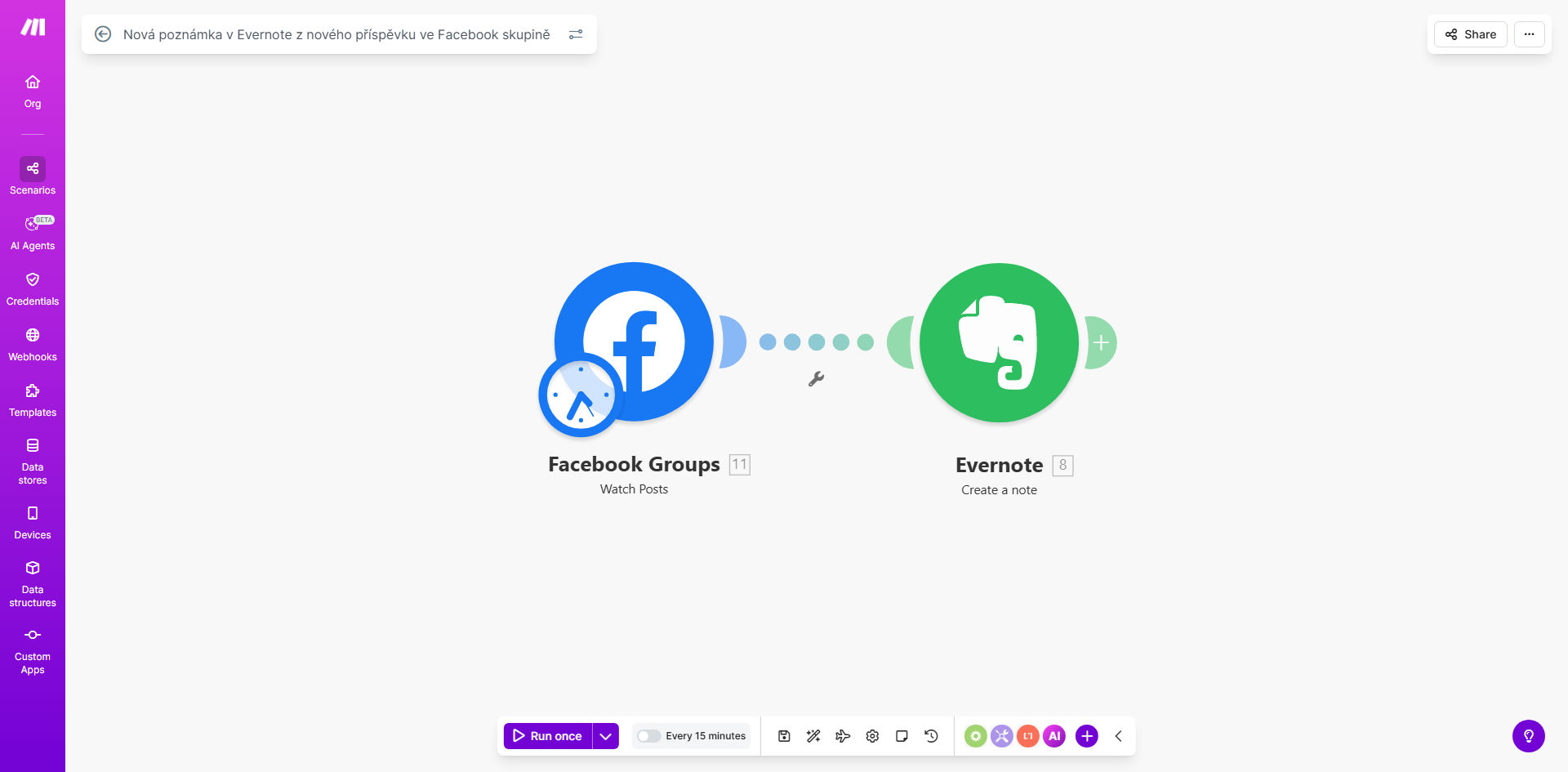
Make.com workflow interface showing Facebook to Evernote automation setup

What This Workflow Does

This automation solves the common challenge of losing valuable discussions and resources shared in Facebook Groups. Many community managers, educators, and professionals struggle to keep track of important posts amidst the constant flow of group activity. The workflow automatically captures each new Facebook Group post and creates a corresponding note in Evernote with the full content, author information, and timestamps.

By connecting these platforms, you create a permanent, searchable archive outside of Facebook's ecosystem. This is particularly valuable for reference materials, instructional content, and community knowledge that you want to preserve long-term. The automation runs continuously in the background, ensuring no important discussions slip through the cracks.

How It Works

1. Trigger: New Facebook Group Post

The workflow monitors your specified Facebook Group for new posts. You can choose to watch an entire group or filter for specific types of content.

2. Data Extraction

Make.com captures the post content, author details, timestamps, and any media attachments. This information is structured for clean transfer to Evernote.

3. Note Creation

The system creates a new Evernote note with the Facebook post content formatted for optimal readability. You can customize the note template to include specific metadata fields.

4. Organization

Notes are automatically filed in your designated Evernote notebook and can be tagged based on content type or keywords for easy retrieval.

Who This Is For

This automation delivers the most value for:

  • Community Managers: Preserve important announcements and member contributions
  • Educators: Archive student discussions and resource sharing from class groups
  • Professional Networks: Capture industry insights and peer advice
  • Support Groups: Maintain records of helpful advice and shared experiences
  • Content Curators: Build a searchable knowledge base from group discussions

Pro tip: Combine this with Evernote's OCR capabilities to make text within images from Facebook posts searchable in your notes.

What You'll Need

  1. A Make.com account (free tier available)
  2. Facebook account with admin/mod access to the Group
  3. Evernote account (free or paid)
  4. 5 minutes to set up the template

Quick Setup Guide

  1. Click "Get This Workflow" to open the template in Make.com
  2. Connect your Facebook account and select the Group to monitor
  3. Connect your Evernote account and choose the target notebook
  4. Optionally customize the note format and add filters
  5. Activate the workflow and test with a new Group post

Key Benefits

Never lose valuable content: Facebook Groups can be ephemeral, with posts getting buried or deleted. This workflow creates a permanent archive of important discussions.

Save 3-5 hours weekly: Eliminate manual copying of posts and comments while ensuring comprehensive coverage of all group activity.

Enhanced searchability: Evernote's powerful search features make finding specific discussions much easier than scrolling through Facebook's interface.

Cross-platform access: Access your archived Group content from any device through Evernote, without needing to log into Facebook.

Customizable organization: Structure your archive with notebooks, tags, and custom fields that match your workflow.

Frequently Asked Questions

Common questions about Facebook to Evernote automation

Saving Facebook Group posts to Evernote helps preserve valuable discussions, reference materials, and community insights in a searchable, organized format outside of Facebook's platform. This protects against content loss if posts get deleted and makes information easier to find later.

Many users find that important resources shared in Groups become inaccessible over time. By archiving to Evernote, you create a personal knowledge base that's always available.

Discussion threads with actionable advice, resource lists, event details, and member testimonials are ideal for Evernote archiving. The system works particularly well for educational groups, professional networks, and community organizations where knowledge sharing is valuable.

Content with long-term reference value benefits most from this automation. Casual conversations may not warrant archiving unless they contain specific insights.

Automation eliminates manual copy-pasting, ensures no important posts are missed, and organizes content automatically with timestamps and source references. Community managers report saving 3-5 hours weekly by automating this previously manual process.

The system works continuously in the background, capturing content even when you're not actively monitoring the Group. This creates a complete archive without constant attention.

Yes, Make.com allows setting filters based on keywords, post types, authors, or engagement thresholds. You might choose to only save posts with 10+ comments or those containing specific hashtags relevant to your work.

Advanced filtering helps prevent your Evernote from becoming cluttered with less relevant content while ensuring important posts are always captured.

Make.com uses OAuth for secure connections, never storing your login credentials. Data transfers are encrypted, and you maintain full control over which Facebook Groups and Evernote notebooks are accessed by the automation.

You can review and revoke access at any time through your Facebook and Evernote account settings independently of the automation.

Create dedicated notebooks for each Facebook Group, use tags for topics/threads, and leverage Evernote's search features. Many users add custom metadata like original post dates and author names for better organization.

Consider establishing a consistent naming convention for notes and using Evernote's template feature to standardize how information is captured from different types of posts.

Absolutely! Our team specializes in tailored automation solutions. We can build custom filters, add processing steps, and integrate additional apps to create a perfect system for your specific community management needs.

Customizations might include adding sentiment analysis, automatic categorization, integration with your CRM, or special formatting for different post types. We'll design a solution that fits seamlessly into your existing workflows.

Need a Custom Facebook Automation?

This free template is a starting point. Our team builds fully tailored automation systems for your specific business needs.