GitHub ClickUp DevOps Automation

Automatically Create ClickUp Tasks from GitHub Issues

Sync new GitHub issues to ClickUp as tasks in real-time with this Make.com workflow template

Get This Workflow Make.com · Free Template
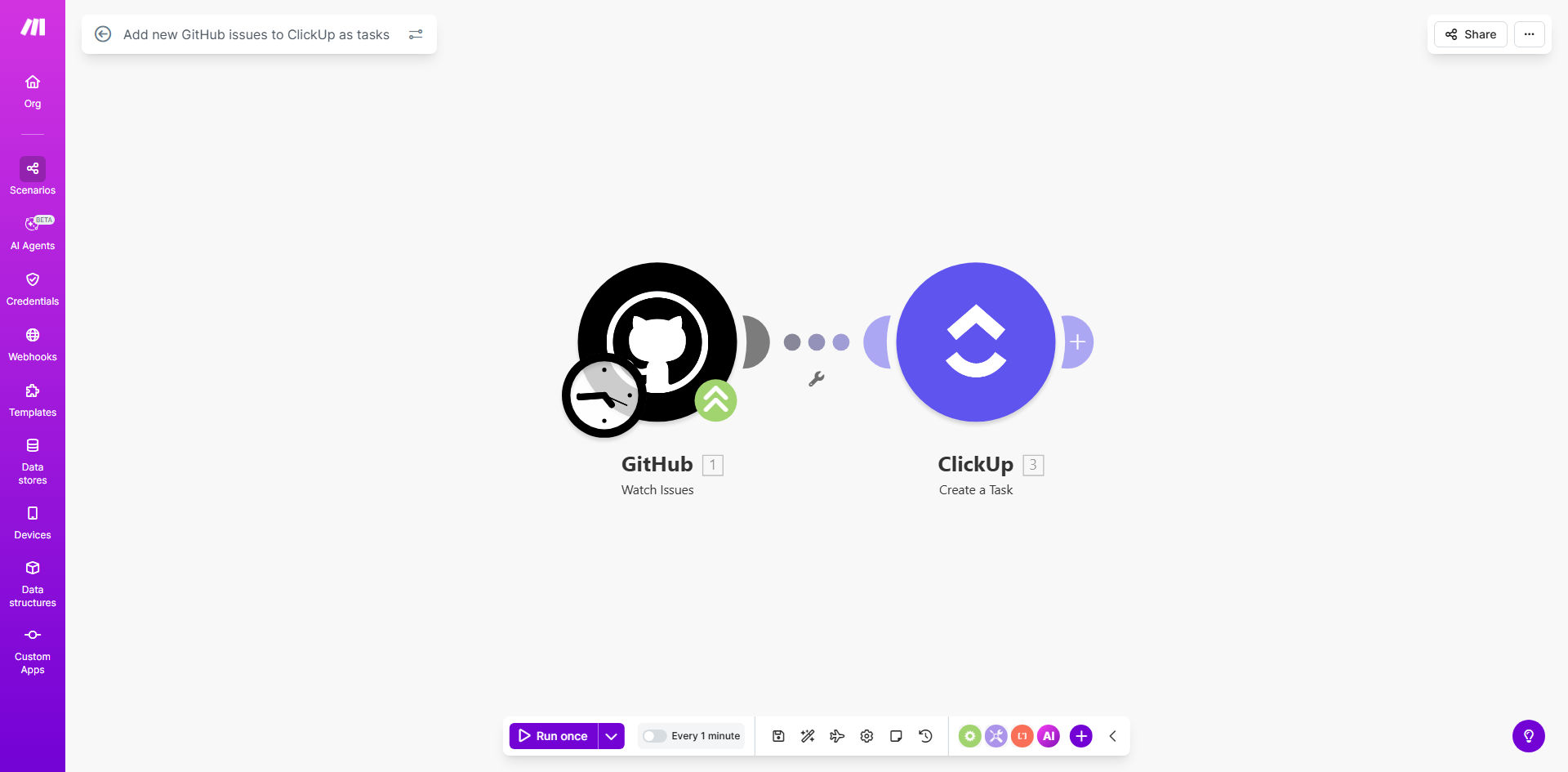
Make.com workflow diagram showing GitHub issues syncing to ClickUp tasks

What This Workflow Does

This automation bridges GitHub and ClickUp by instantly converting new GitHub issues into actionable ClickUp tasks. When developers create issues in GitHub, the workflow automatically generates corresponding tasks in your ClickUp workspace with all relevant details - including titles, descriptions, labels, and assignees.

Development teams using both platforms often waste hours manually recreating GitHub issues in ClickUp. This workflow eliminates that duplication while maintaining both systems' unique strengths: GitHub's code context and ClickUp's project management capabilities.

How It Works

1. GitHub Trigger

The workflow monitors your specified GitHub repositories for new issues using Make.com's GitHub module. You can configure it to watch specific organizations, repos, or apply label filters.

2. Data Mapping

When a new issue appears, the workflow extracts key fields like title, body text, labels, and assignees. It transforms GitHub's Markdown formatting into ClickUp-compatible content.

3. ClickUp Task Creation

The workflow creates a new task in your designated ClickUp space/list, mapping GitHub fields to corresponding ClickUp fields. You can customize which fields transfer and how they're formatted.

4. Error Handling

If the API connection fails, the workflow automatically retries and notifies administrators via email or Slack after multiple failures.

Who This Is For

This workflow benefits any team using GitHub for issue tracking and ClickUp for project management, including:

  • Software development teams managing sprints in ClickUp
  • DevOps engineers tracking infrastructure issues
  • Product teams coordinating between engineering and design
  • Open source maintainers managing community contributions

What You'll Need

  1. A Make.com account (free tier available)
  2. Admin access to your GitHub organization/repository
  3. ClickUp workspace with create-task permissions
  4. API keys for both services (OAuth recommended)

Quick Setup Guide

  1. Install the template from Make.com's template library
  2. Connect your GitHub account and select repositories to monitor
  3. Connect your ClickUp account and choose destination lists
  4. Configure field mappings between GitHub and ClickUp
  5. Set up error notifications (Slack/email)
  6. Test with a new GitHub issue and verify ClickUp task creation

Key Benefits

Eliminates duplicate work - Developers no longer need to manually recreate issues in ClickUp, saving 5-10 hours per developer monthly.

Improves visibility - Product managers and stakeholders see GitHub activity directly in ClickUp without context switching.

Reduces missed issues - Automated sync ensures no GitHub issues get overlooked in project management.

Maintains data consistency - All teams work from the same updated task information across platforms.

Scales with your team - The workflow handles hundreds of issues daily without performance degradation.

Frequently Asked Questions

Common questions about GitHub-ClickUp automation

Automating GitHub issues to ClickUp tasks saves developers 5-10 hours weekly by eliminating manual task creation. It ensures no issues fall through the cracks while maintaining visibility across both platforms. Teams report 30% faster issue resolution with this workflow.

The integration creates a seamless handoff between code-level issues and project management. Product managers get real-time visibility into development work without needing GitHub access, while developers avoid repetitive administrative work.

The automation transfers issue title, description, labels, and assignees by default. You can configure it to include comments, milestones, or custom fields. This creates comprehensive ClickUp tasks that mirror the GitHub issue context.

Advanced configurations can map GitHub labels to ClickUp tags, convert issue templates to ClickUp custom fields, or attach relevant pull requests. The workflow preserves Markdown formatting and code snippets during transfer.

This integration bridges communication between GitHub's code context and ClickUp's project management. Developers stay in GitHub while project managers track progress in ClickUp. It eliminates duplicate data entry and version conflicts across platforms.

Teams experience fewer miscommunications when task details automatically stay synchronized. The workflow reduces the "whos working on what" status meetings by making progress visible to all stakeholders in ClickUp.

Yes, you can set filters to only create ClickUp tasks for specific repositories, labels, or issue types. Common filters exclude draft issues, bots, or low-priority labels to prevent task overload.

For enterprise teams, we recommend creating separate workflows for different issue types (bugs vs. features) that route to different ClickUp lists. This maintains clean separation of concerns in your project management.

The workflow can be configured to sync updates either one-way (GitHub to ClickUp) or bidirectionally. Most teams prefer one-way sync from GitHub to maintain a single source of truth while keeping ClickUp updated.

For critical fields like status changes, the workflow can trigger notifications in ClickUp when GitHub issues are closed or reassigned. This keeps project managers informed without manual status updates.

Make.com's automation has 99.9% uptime with error handling for rate limits and API changes. Failed syncs automatically retry and notify admins. Over 8,000 teams use this template with minimal maintenance required.

The workflow includes safeguards against common pitfalls like GitHub API rate limits and ClickUp field mapping changes. Audit logs track all sync attempts for troubleshooting without impacting performance.

Yes! GrowwStacks specializes in custom GitHub-ClickUp integrations tailored to your development workflow. We can add custom field mapping, approval workflows, and SLA tracking beyond this template's capabilities.

Our engineers will analyze your current GitHub and ClickUp usage to design an automation that fits your team's specific processes. We handle everything from initial configuration to ongoing maintenance and support.

  • Custom field mappings for your unique workflow
  • Priority support and maintenance
  • Enterprise-grade security and compliance

Need a Custom GitHub-ClickUp Automation?

This free template is a starting point. Our team builds fully tailored automation systems for your specific business needs.