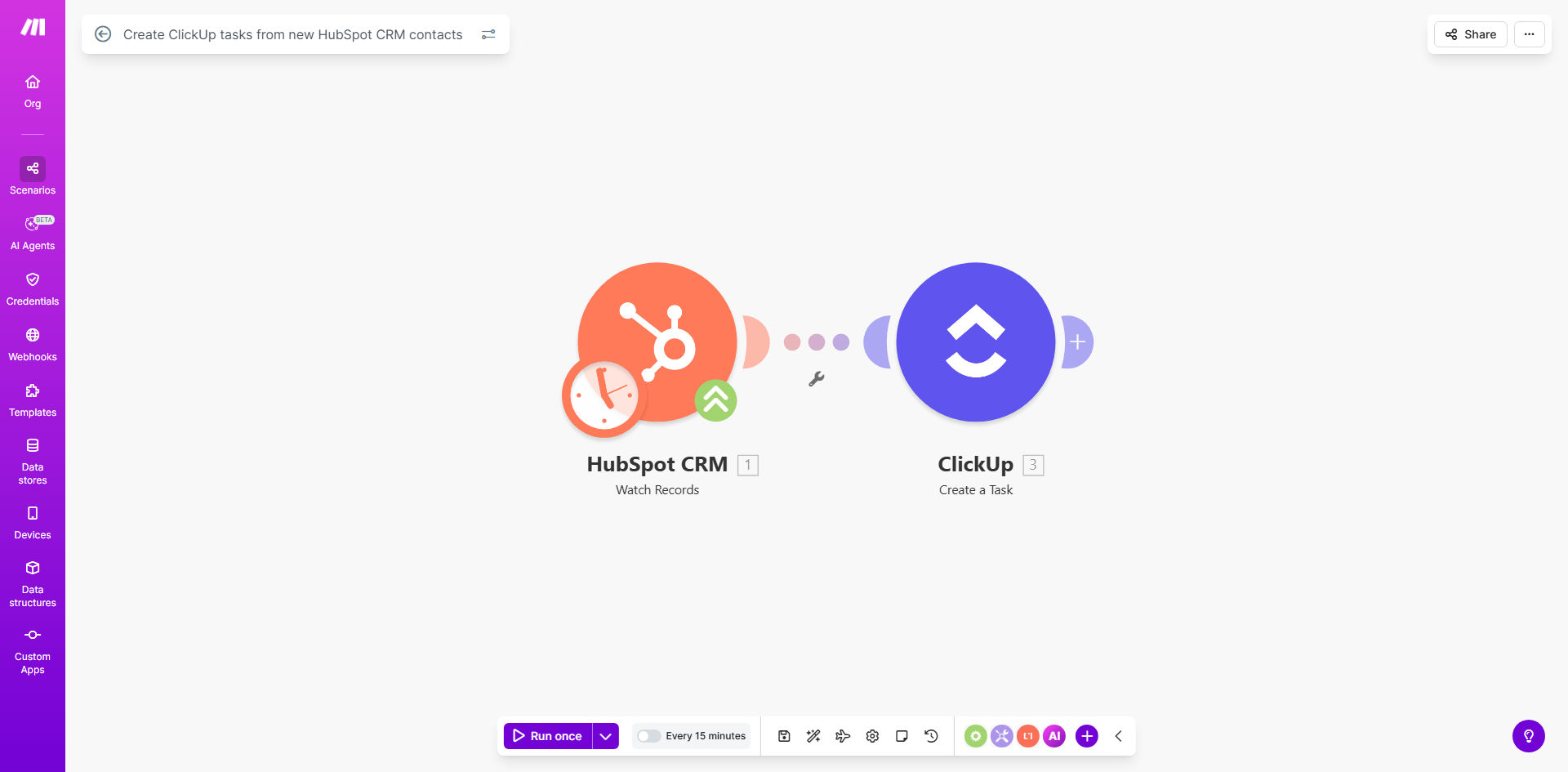
What This Workflow Does
This automation bridges the gap between your CRM and task management system by instantly creating ClickUp tasks whenever new contacts are added to HubSpot. It solves the common problem of leads getting stuck in your CRM without proper follow-up actions being assigned to your team.
By automating this process, you ensure every new contact receives timely attention while eliminating manual data entry between systems. The workflow captures all relevant contact information from HubSpot and transforms it into a properly formatted task in your designated ClickUp list with the appropriate assignee, due date, and custom fields.
How It Works
1. New Contact Detection
The workflow monitors your HubSpot CRM for any newly created contacts. It can be configured to watch specific contact lists or apply filters based on contact properties.
2. Data Extraction
When a new contact is detected, the workflow retrieves all relevant information including name, company, email, phone number, lead source, and any custom properties you want to include.
3. Task Creation
The system then creates a new task in your specified ClickUp list, populating all the relevant fields. You can customize the task name, description, assignee, due date rules, and priority based on the contact's properties.
4. Verification
Optionally, the workflow can send a confirmation to Slack or email when the task is successfully created, or alert you if there are any errors in the process.
Who This Is For
This automation is ideal for sales teams, account managers, and customer success professionals who use HubSpot as their CRM and ClickUp for task management. It's particularly valuable for:
- Sales teams that need to ensure prompt follow-up on new leads
- Account-based marketing teams coordinating outreach
- Customer support teams tracking new client onboarding
- Operations teams managing handoffs between departments
What You'll Need
- A HubSpot CRM account with contacts you want to track
- A ClickUp account with at least one list for the created tasks
- A Make.com account to host the automation
- API access enabled for both HubSpot and ClickUp
- Clear understanding of which contact properties should map to which task fields
Quick Setup Guide
- Install the template in your Make.com account
- Connect your HubSpot and ClickUp accounts
- Select the HubSpot contact properties to include
- Choose your target ClickUp list and set field mappings
- Configure task naming conventions and assignment rules
- Test with a sample contact to verify the workflow
- Activate the scenario to begin automatic task creation
Key Benefits
Never miss a lead: Automatic task creation ensures every new contact receives timely follow-up, reducing response times from days to minutes.
Eliminate manual work: Save 5-10 minutes per lead by removing the need to manually create tasks and copy contact information between systems.
Standardize processes: Ensure consistent task creation with predefined templates that include all necessary information for follow-up.
Improve visibility: Give managers clear insight into lead handling with automatically created tasks that include source tracking.
Scale your team: As your contact volume grows, the automation handles the increased workload without additional staffing needs.