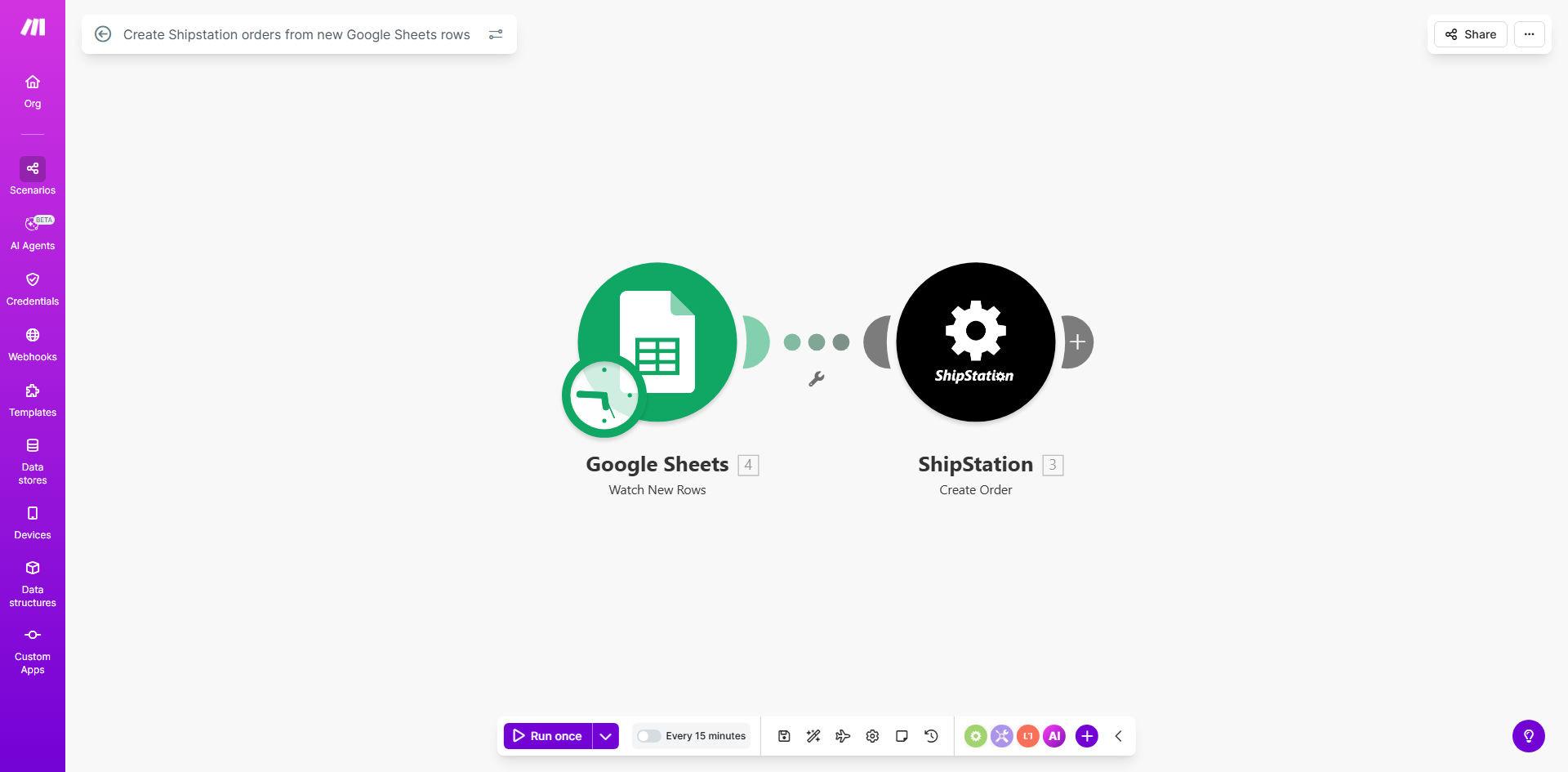
What This Workflow Does
This automation eliminates the tedious manual process of creating ShipStation orders from spreadsheet data. Every time a new row is added to your designated Google Sheet, the workflow automatically creates a corresponding order in ShipStation with all the relevant details.
Ecommerce businesses using spreadsheets for order management can save 5-10 hours per week by automating this process. The template handles field mapping between your spreadsheet columns and ShipStation's order fields, reducing errors that commonly occur during manual data entry.
How It Works
1. New Row Detection
The workflow monitors your Google Sheet for new rows being added to a specified worksheet. It can check as frequently as every 5 minutes or on a custom schedule you define.
2. Data Validation
Before processing, the workflow verifies that all required fields are present in the new row. This prevents partial or incorrect orders from being created in ShipStation.
3. Order Creation
Validated order data is formatted according to ShipStation's API requirements and a new order is created automatically. The workflow handles all the technical details of the API connection.
4. Error Handling
If an order fails to create, the workflow logs the error and can notify your team via email. This allows for quick resolution without losing any order data.
Who This Is For
This workflow is ideal for:
- Ecommerce businesses using Google Sheets for order management
- Small businesses transitioning from manual processes to automation
- Operations teams tired of copying data between systems
- Businesses experiencing growth that need to scale order processing
What You'll Need
- A Google Sheet with your order data (example format provided)
- A ShipStation account with API access enabled
- A Make.com account (free tier available)
Quick Setup Guide
- Copy the template to your Make.com account
- Connect your Google Sheets and ShipStation accounts
- Map your spreadsheet columns to ShipStation fields
- Set your preferred schedule for checking new rows
- Test with sample data before going live
Pro tip: Add data validation rules to your Google Sheet to ensure all required ShipStation fields are populated before the automation runs.
Key Benefits
Time savings: Eliminate hours of manual data entry each week by automating order creation.
Error reduction: Automated field mapping reduces the 15-20% error rate typical of manual order entry.
Scalability: Process hundreds of orders as easily as you process one, without adding staff.
Real-time processing: Orders can be created in ShipStation within minutes of being added to your sheet.
Customizable: Adapt the workflow to your specific spreadsheet format and ShipStation requirements.