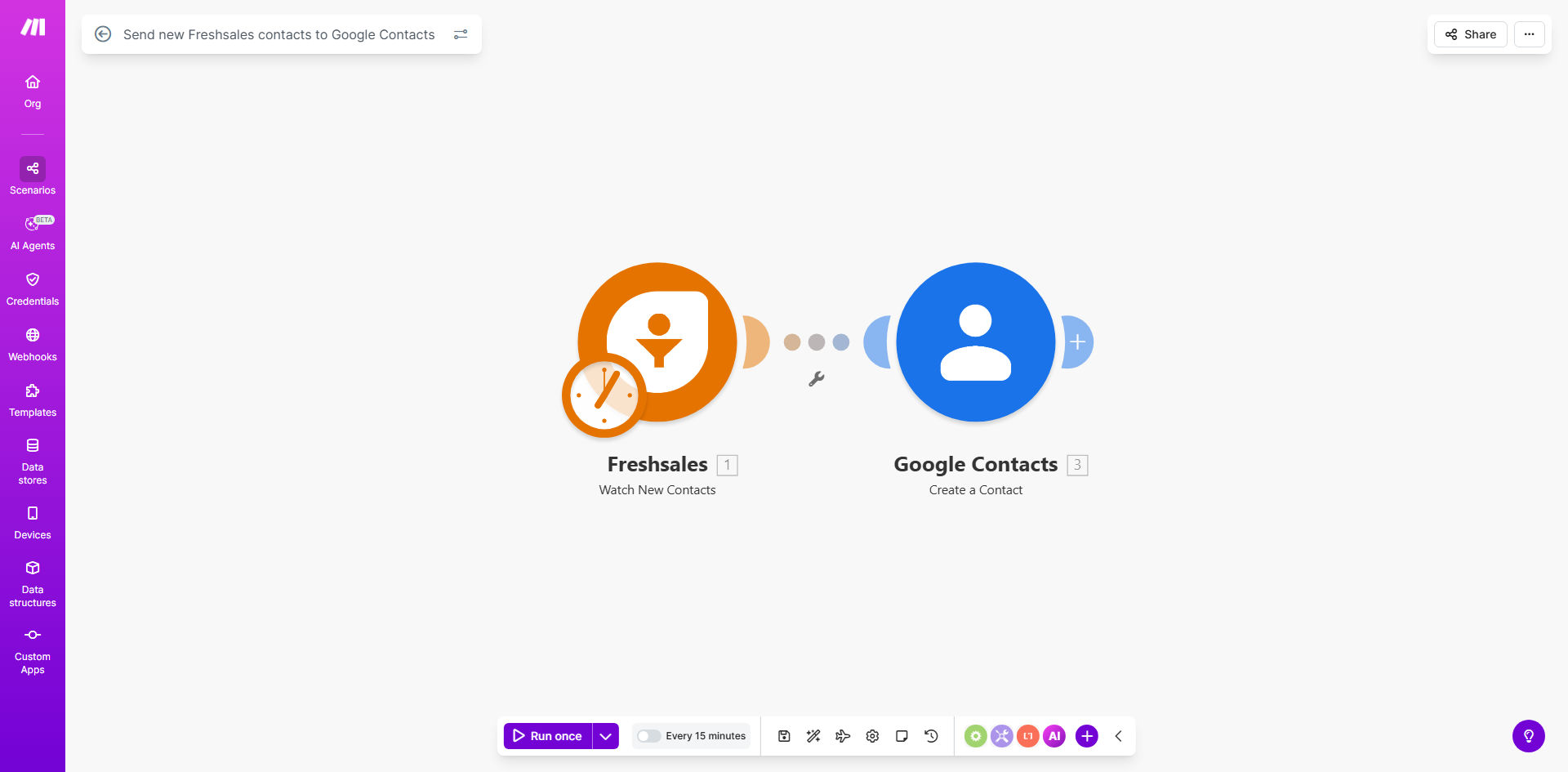
What This Workflow Does
This automation solves the common problem of CRM contacts being siloed in your sales platform while your team needs access to them across all communication channels. Every time your sales team adds a new contact in Freshsales, this workflow instantly adds that contact to Google Contacts.
The integration eliminates hours of manual data entry while reducing errors from copy-paste transfers. Your marketing, support, and executive teams will always have access to updated contact information without needing direct CRM access.
How It Works
1. Freshsales triggers the workflow
The automation monitors your Freshsales account for new contact creation events. As soon as a sales rep adds a lead or customer, the workflow activates.
2. Contact data is formatted for Google
The workflow extracts all relevant contact information including name, email, phone numbers, company details, and custom fields. It reformats this data to match Google Contacts' structure.
3. Contact is added to Google Contacts
Using your Google account credentials, the workflow creates a new contact entry with all the mapped fields. You can configure which contact groups or labels to apply automatically.
Pro tip: Add conditional logic to only sync contacts that meet specific criteria (like lead status or deal size) to prevent cluttering your Google Contacts with irrelevant entries.
Who This Is For
This workflow is ideal for:
- Sales teams using Freshsales who need contacts available company-wide
- Marketing teams running campaigns through Gmail or Google Workspace
- Executives who want direct access to key contacts without CRM training
- Support teams who reference client details during service calls
- Businesses with distributed teams using different communication platforms
What You'll Need
- A Freshsales account with admin or API access
- A Google Workspace or personal Google account
- A Make.com account (free tier works for basic syncs)
- 5-10 minutes to configure the workflow
Quick Setup Guide
- Click "Get This Workflow" to import the template to your Make.com account
- Connect your Freshsales account via API key
- Authorize access to your Google Contacts
- Map Freshsales fields to Google Contact fields
- Set any filters for which contacts should sync
- Activate the workflow and test with a new contact
Key Benefits
Save 5+ hours per week by eliminating manual contact transfers between systems. Sales teams can focus on selling rather than data entry.
Reduce contact data errors by 90% compared to manual transfers. Automated syncs ensure perfect field mapping every time.
Improve team collaboration by making CRM contacts instantly available to all departments through Google Contacts.
Enhance customer experience with consistent, up-to-date contact information across all communication channels.
Scale your processes as your contact database grows without adding administrative overhead.