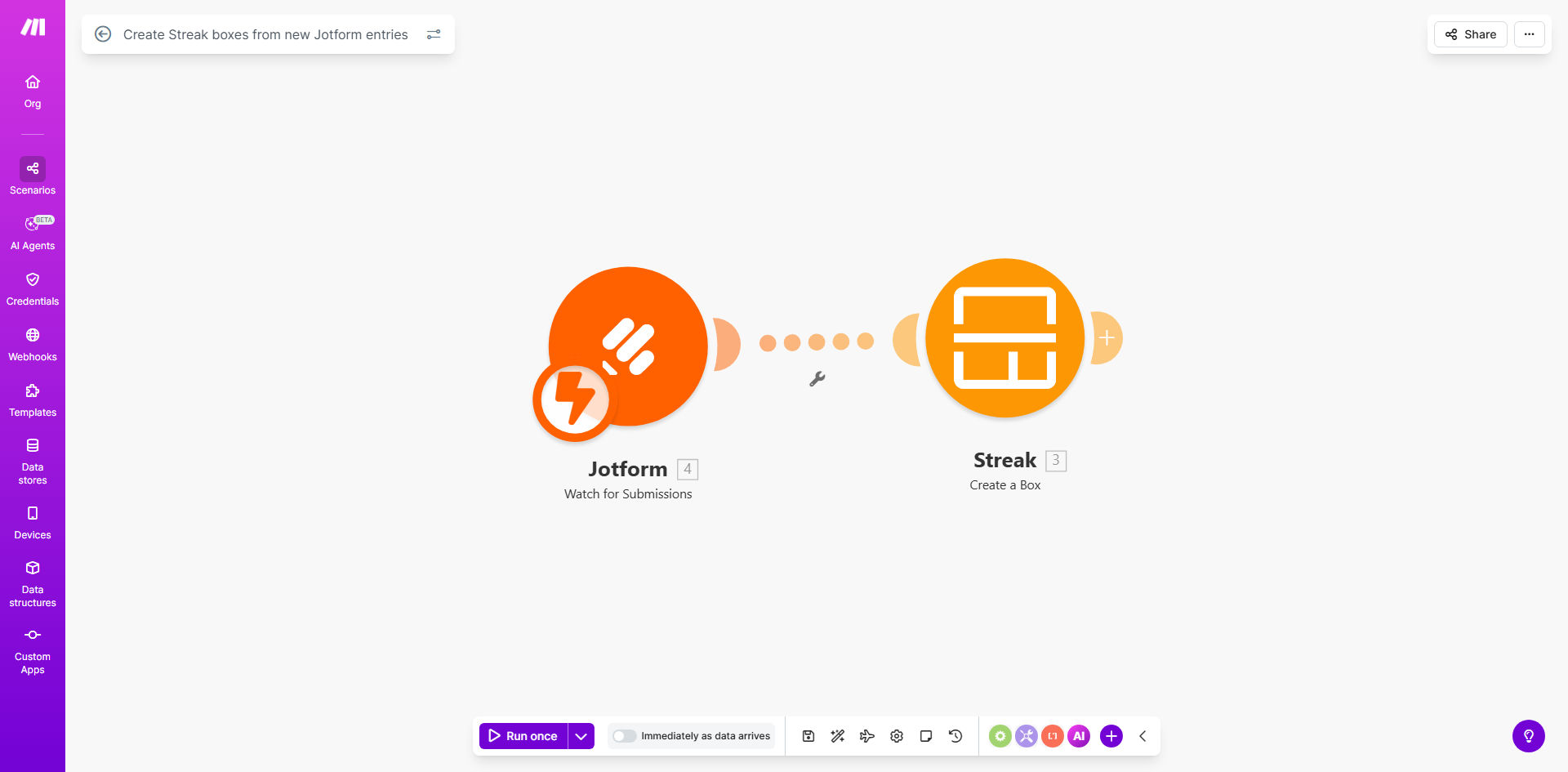
What This Workflow Does
This automation solves a critical gap in lead management by instantly creating Streak boxes (deal records) for every new Jotform submission. Manual data entry between forms and your CRM creates delays and errors - this workflow eliminates that friction point entirely.
When potential customers complete your Jotform (whether it's a contact request, application, or quote form), Make.com detects the new entry and automatically creates a corresponding box in your Streak pipeline with all the submitted information. This gives your sales team immediate visibility into new opportunities with complete context.
How It Works
1. New form submission trigger
The workflow monitors your specified Jotform for new entries using Make.com's instant webhook trigger. No polling delays - submissions are processed in real-time.
2. Data parsing and validation
Make.com extracts all form field values and performs basic validation to ensure required fields are present before proceeding to Streak.
3. Streak box creation
The system creates a new box in your designated Streak pipeline, mapping form fields to appropriate box properties. You can customize which fields transfer and how they're labeled in Streak.
4. Error handling and logging
If any step fails, the workflow automatically retries or notifies your team while maintaining a complete audit log of all processing attempts.
Who This Is For
This automation delivers the most value for:
- Sales teams using Jotform for lead generation
- Businesses with high-volume form submissions
- Organizations tracking deals in Streak pipelines
- Teams needing faster lead response times
- Companies wanting to eliminate CRM data entry
What You'll Need
- A Jotform account with at least one active form
- A Streak account with an existing pipeline
- A Make.com account (free tier works)
- API access enabled for both Jotform and Streak
Quick Setup Guide
- Clone the template in your Make.com account
- Connect your Jotform account in the first module
- Select which form to monitor for submissions
- Connect your Streak account in the second module
- Choose the target pipeline for new boxes
- Map form fields to Streak box properties
- Test with a sample form submission
- Activate the scenario
Pro tip: Add a hidden field in your Jotform to track the original submission URL. Map this to a custom field in Streak so your team can quickly reference the complete form response.
Key Benefits
Reduce lead response time by 80%+ by eliminating manual data transfer between systems. New opportunities appear in Streak seconds after form submission.
Eliminate missed leads with 100% reliable automatic box creation. No more lost form submissions sitting unprocessed in Jotform.
Improve sales team productivity by removing repetitive data entry tasks. Your team spends time selling, not typing.
Maintain complete data fidelity with direct field-to-field mapping. No more copy/paste errors or missing information.
Gain real-time visibility into lead sources and submission trends through automatically populated Streak boxes.