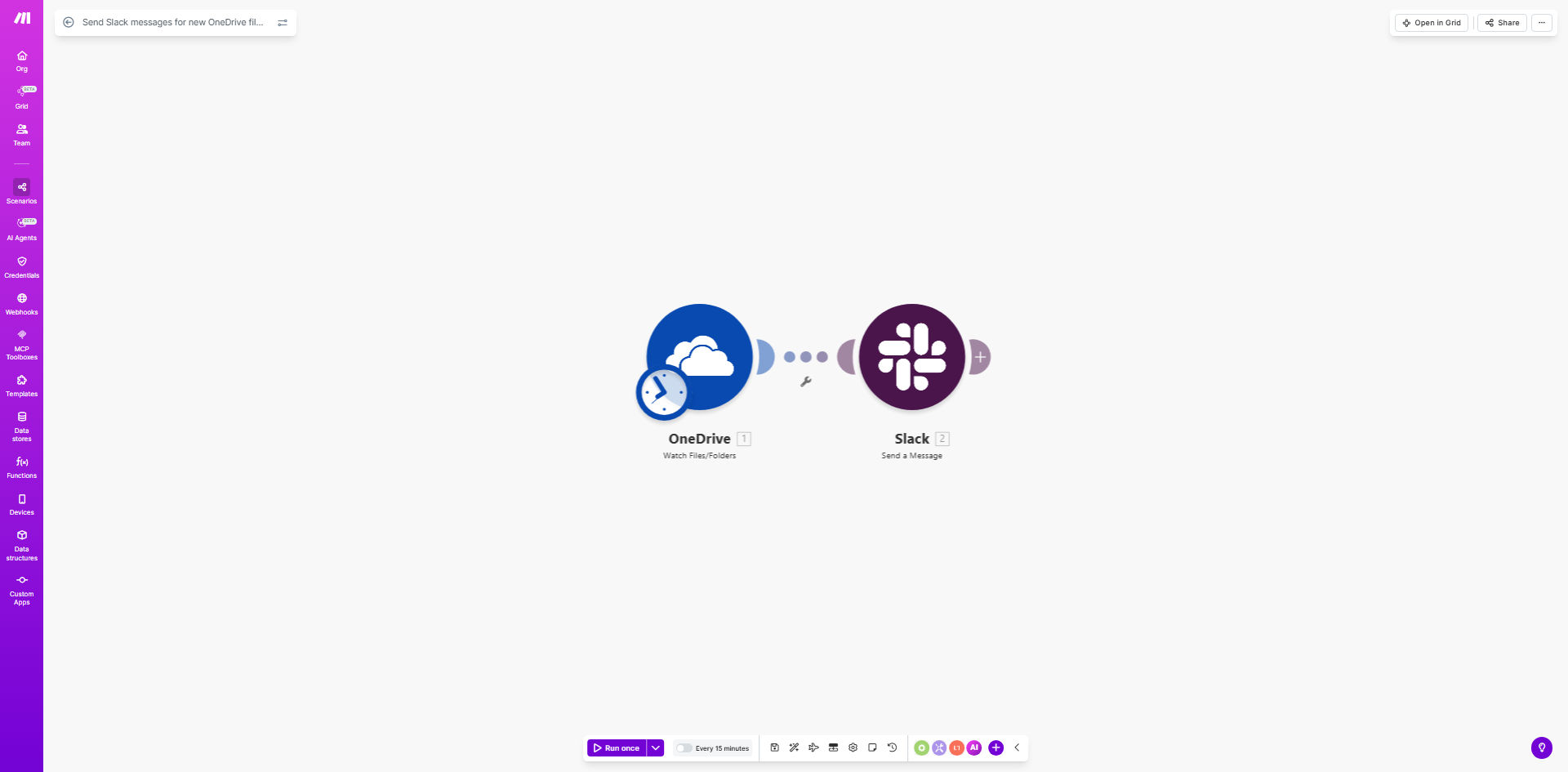
What This Workflow Does
This automation solves the common problem of team members missing important file updates in OneDrive. Without automation, teams waste time manually checking folders or sending "I've uploaded the file" emails. The workflow monitors your OneDrive for new files and instantly posts structured notifications to your chosen Slack channel.
Each notification includes the filename, upload timestamp, and a direct link to access the file in OneDrive. For businesses handling client documents, contracts, or creative assets, this ensures everyone stays synchronized without constant manual follow-ups.
How It Works
1. OneDrive File Detection
The workflow continuously monitors your specified OneDrive folders for new file additions. Using Make.com's reliable trigger system, it detects uploads within seconds while maintaining security through Microsoft's API.
2. File Information Processing
For each new file, the system extracts key details like filename, file type, size, and the sharable OneDrive link. This metadata is formatted into a clean message template for Slack.
3. Smart Slack Notification
The formatted message posts to your designated Slack channel with @mentions for relevant team members. The notification appears as a rich message with file type icons and quick-access buttons.
Pro tip: Add custom filters to only notify about specific file types (like .pdf or .xlsx) or folders to reduce notification noise.
Who This Is For
This workflow benefits any team using OneDrive for document collaboration:
- Legal teams tracking contract versions
- Marketing departments sharing creative assets
- Remote teams coordinating project files
- HR departments distributing company policies
- Sales teams sharing client proposals
What You'll Need
- A Make.com account (free plan available)
- Admin access to your organization's OneDrive
- Slack workspace with permissions to create webhooks
- The specific OneDrive folder path you want to monitor
- The Slack channel name for notifications
Quick Setup Guide
- Click "Get This Workflow" to copy the template to your Make account
- Connect your OneDrive account in the Make.com dashboard
- Specify the exact folder path to monitor for new files
- Connect your Slack workspace and select the notification channel
- Customize the message format with optional file details
- Turn on the scenario and test with a sample file upload
Key Benefits
Eliminate document blind spots with real-time visibility into all OneDrive file additions. Teams report 80% fewer "Did you see the file?" follow-up messages.
Reduce email clutter by moving file notifications to Slack where they're more actionable. One architecture firm reduced their file-related emails by 62% after implementing this.
Improve version control with immediate awareness of new document versions. Marketing teams particularly benefit from knowing exactly when the latest brand assets are available.
Customizable for different departments with filters for specific file types or folders. Legal teams can monitor contract folders while creative teams track design assets.
Works 24/7 without manual monitoring, ensuring no file additions are missed even during off-hours or vacations.