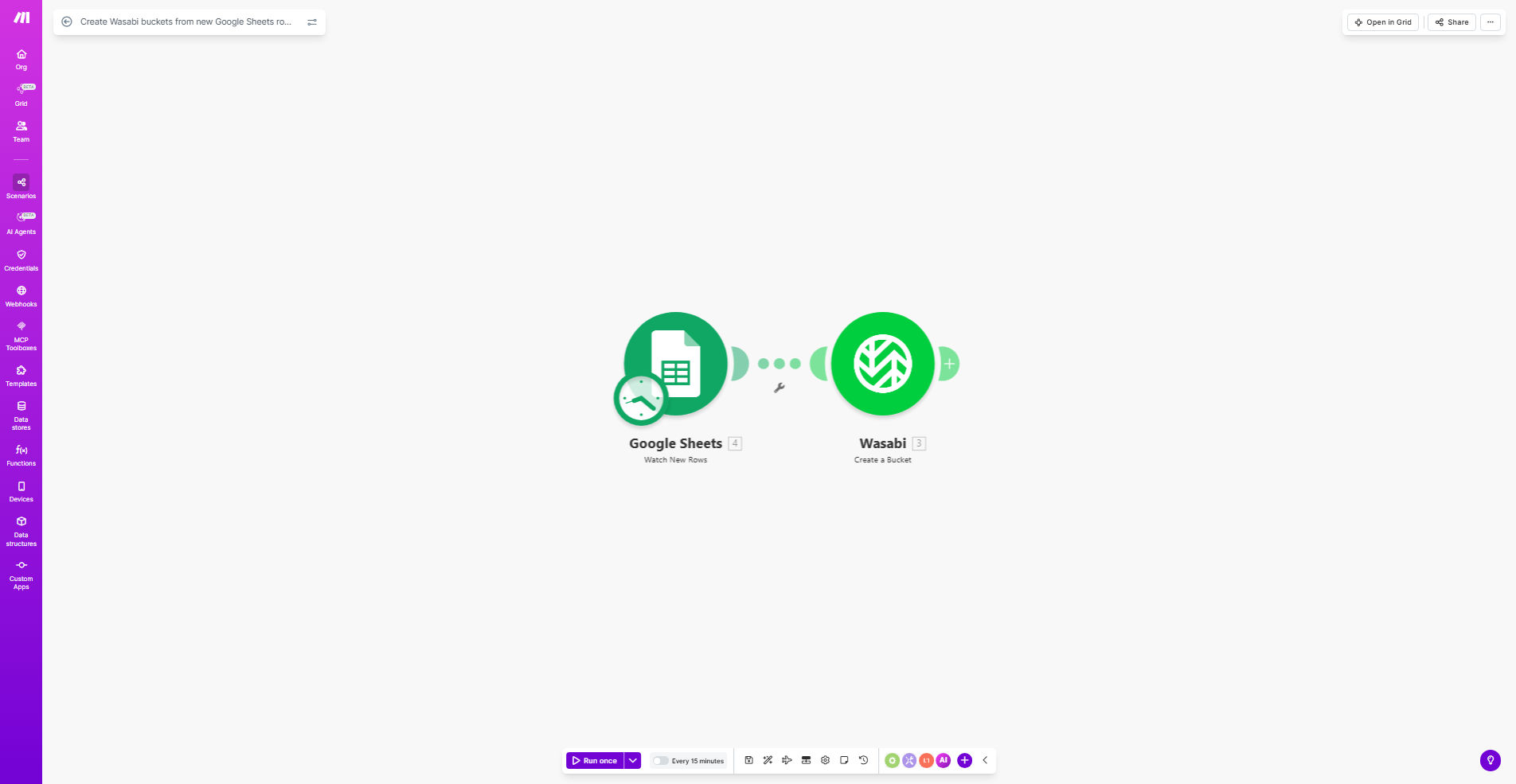
What This Workflow Does
This automation bridges your spreadsheet data with cloud storage management. Whenever a new row is added to your designated Google Sheets spreadsheet, the workflow automatically creates a corresponding storage bucket in your Wasabi cloud storage account.
Eliminating manual bucket creation reduces administrative overhead and ensures consistent naming conventions. The template handles authentication, error checking, and logging, making it ideal for businesses that regularly provision storage for different clients, projects, or datasets.
How It Works
1. New row detection
The workflow monitors your specified Google Sheet for new row additions. You can configure it to watch specific columns that contain bucket naming parameters or other relevant metadata.
2. Data validation
Before creating buckets, the workflow validates the spreadsheet data to ensure required fields are present and properly formatted. This prevents errors in the bucket creation process.
3. Wasabi bucket creation
Using Wasabi's API, the workflow programmatically creates storage buckets with names derived from your spreadsheet data. You can customize naming patterns using column values, timestamps, or static prefixes/suffixes.
4. Status logging
The workflow updates your spreadsheet with creation status (success/failure) and timestamps, giving you complete visibility into the automation process.
Who This Is For
This automation delivers the most value for:
- Digital agencies managing storage for multiple client projects
- SaaS platforms provisioning isolated storage per customer
- Data processing teams handling different datasets
- IT departments streamlining cloud resource allocation
- Businesses transitioning from manual storage management
What You'll Need
- A Google Sheets spreadsheet with your bucket configuration data
- A Wasabi cloud storage account with API access enabled
- A Make.com account (formerly Integromat)
- Basic understanding of spreadsheet structure and cloud storage concepts
Quick Setup Guide
- Copy the template from Make.com to your account
- Connect your Google Sheets account and specify your spreadsheet
- Authenticate with your Wasabi credentials
- Map spreadsheet columns to bucket naming parameters
- Test with sample data to verify proper bucket creation
- Activate the scenario to begin automatic processing
Key Benefits
Reduce manual work by 90%: Eliminate repetitive bucket creation tasks that previously required logging into multiple systems.
Ensure naming consistency: Automated naming conventions prevent human errors in bucket labeling and organization.
Scale effortlessly: Handle hundreds of bucket creations as easily as handling one, with no additional effort.
Immediate availability: New storage space is ready the moment data is entered, accelerating project timelines.
Centralized control: Manage all bucket provisioning from a single spreadsheet interface.