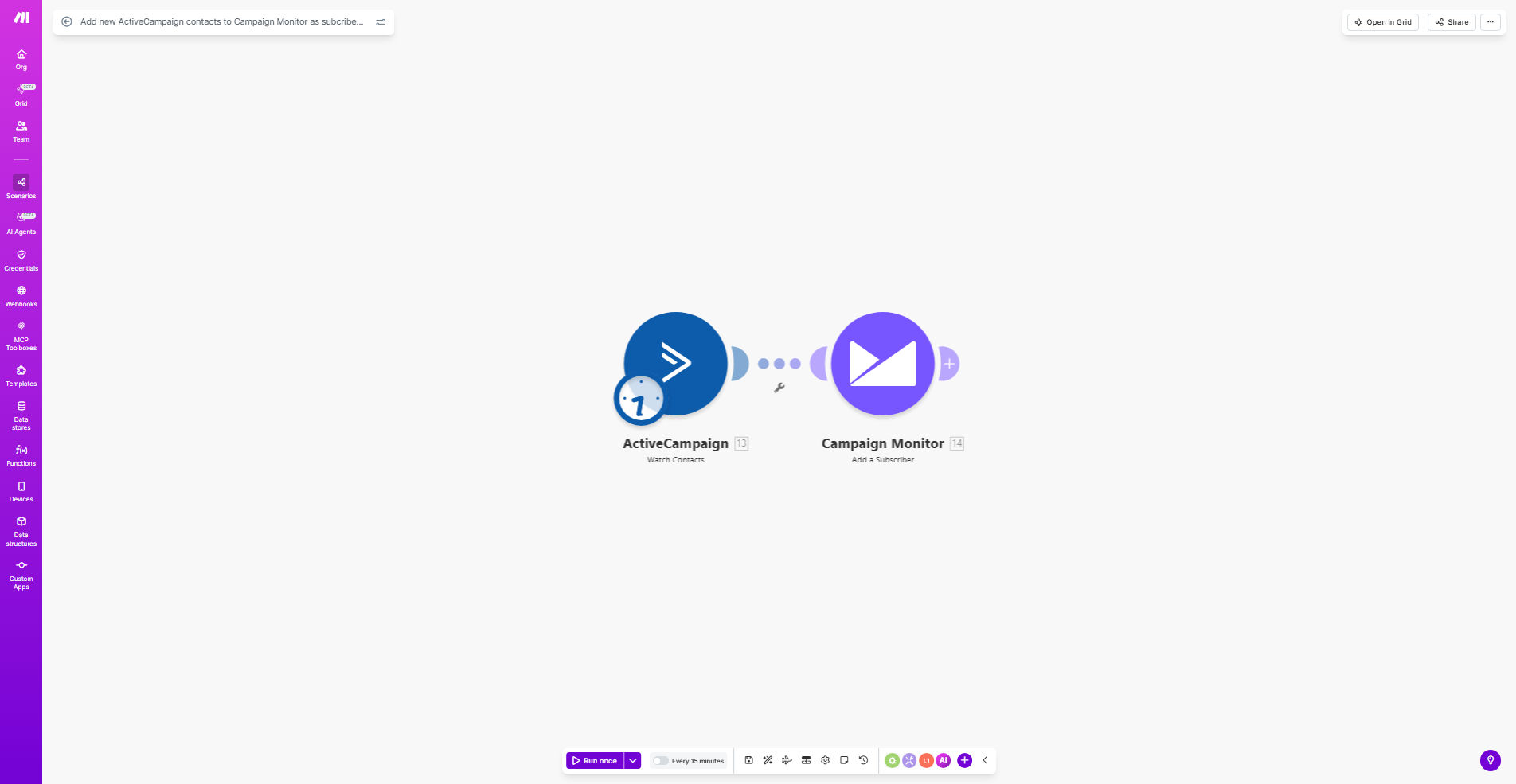
What This Workflow Does
This automation bridges the gap between ActiveCampaign (your CRM and marketing automation platform) and Campaign Monitor (your email marketing tool). Every time a new contact is added to ActiveCampaign, the workflow automatically adds them as a subscriber to your specified Campaign Monitor list.
Marketing teams often struggle with manual data transfers between systems. This creates delays in email campaigns, risks of human error, and inconsistent subscriber lists. The automation solves these problems by maintaining real-time synchronization between your CRM contacts and email marketing audience.
How It Works
1. New Contact Trigger
The workflow monitors your ActiveCampaign account for new contact additions. When detected, it immediately captures all available contact details including email, name, custom fields, and tags.
2. Data Processing
Make.com processes the contact information, applying any filters or transformations you've configured. This might include formatting names consistently, assigning default values, or excluding contacts based on specific criteria.
3. Campaign Monitor Integration
The processed contact data is sent to your Campaign Monitor account via API. The workflow adds the contact to your specified list while preserving all relevant contact attributes and subscription preferences.
Pro tip: Configure the workflow to only sync contacts with specific ActiveCampaign tags. This lets you control which segments of your audience receive Campaign Monitor emails.
Who This Is For
This automation is ideal for marketing teams that:
- Use ActiveCampaign for CRM/automation but prefer Campaign Monitor for email design
- Need to keep sales and marketing contact lists synchronized
- Want to automatically enroll new leads in email nurture sequences
- Manage multiple email lists with different subscription preferences
What You'll Need
- ActiveCampaign account with API access enabled
- Campaign Monitor account with API credentials
- Make.com account (free tier works for basic syncs)
- List ID from Campaign Monitor where subscribers should be added
- Field mapping plan between ActiveCampaign and Campaign Monitor
Quick Setup Guide
- Clone the template in your Make.com account
- Connect your ActiveCampaign account via OAuth or API key
- Add your Campaign Monitor API credentials
- Specify the target Campaign Monitor list ID
- Map ActiveCampaign fields to corresponding Campaign Monitor fields
- Test with a sample contact to verify the sync works
- Activate the workflow to begin automatic processing
Key Benefits
Saves 5+ hours weekly by eliminating manual contact transfers between platforms. Marketing teams no longer need to export/import CSV files or copy-paste contact details.
Reduces human error by automating data transfers. No more typos in email addresses or missed contacts during manual processes.
Improves email deliverability by ensuring proper subscription management and reducing spam complaints from contacts who didn't consent to receive emails.
Accelerates campaign deployment since new contacts are immediately available in Campaign Monitor rather than waiting for manual processing.
Maintains data consistency across platforms by syncing all contact attributes and keeping information current in both systems.