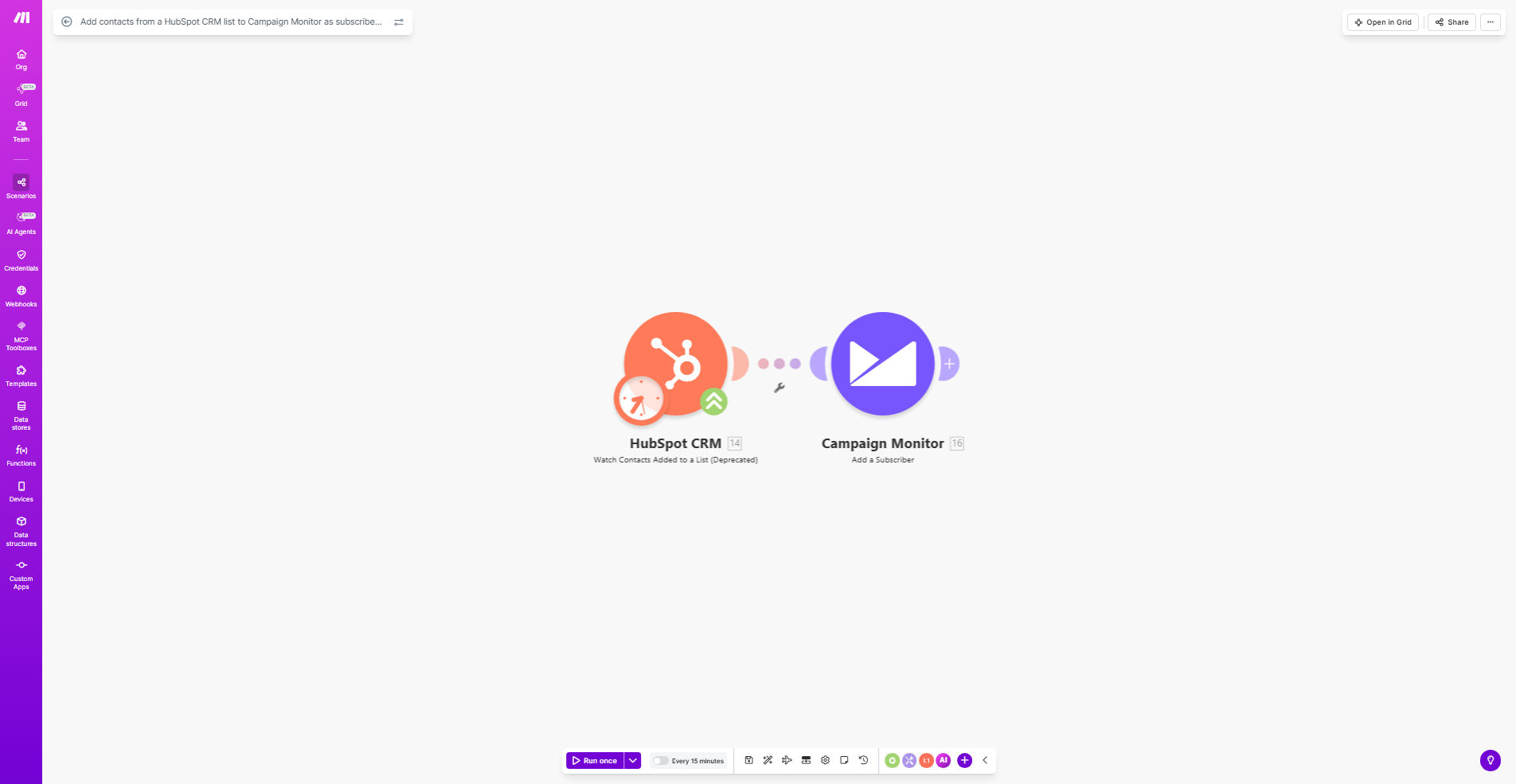
What This Workflow Does
This automation bridges the gap between your HubSpot CRM and Campaign Monitor email marketing platform. Whenever a new contact is added to a specified list in HubSpot, the workflow automatically adds them as a subscriber in Campaign Monitor with all relevant contact information.
Marketing teams waste countless hours manually exporting contacts from CRMs and importing them into email platforms. This solution eliminates that friction point, ensuring your email campaigns always have access to your most current CRM data while maintaining proper list segmentation.
How It Works
1. Trigger: New HubSpot Contact
The workflow monitors your specified HubSpot contact list for new additions. You can choose to watch all contacts or filter by specific properties.
2. Data Mapping
Contact fields from HubSpot (name, email, company, custom properties) are mapped to corresponding subscriber fields in Campaign Monitor.
3. List Assignment
The contact is added to your designated Campaign Monitor subscriber list, with options to apply tags or custom fields during the transfer.
4. Error Handling
The workflow includes built-in checks to handle duplicates, invalid emails, and API rate limits, with notifications for any failed transfers.
Pro tip: Create a dedicated "Email Subscribers" list in HubSpot to maintain clear segmentation between contacts who should and shouldn't receive marketing emails.
Who This Is For
This automation is ideal for:
- Marketing teams managing email campaigns through Campaign Monitor
- Sales teams using HubSpot CRM who want leads automatically added to nurture sequences
- Businesses with high contact acquisition volume needing reliable data transfer
- Organizations aiming to improve email deliverability through proper list hygiene
What You'll Need
- A HubSpot CRM account with administrator access
- A Campaign Monitor account with API access enabled
- Make.com account (free tier available)
- Clear understanding of which contact fields need synchronization
Quick Setup Guide
- Install the template in your Make.com account
- Connect your HubSpot and Campaign Monitor accounts
- Select the source HubSpot list and target Campaign Monitor list
- Map contact fields between systems
- Test with sample contacts and activate the workflow
Key Benefits
Time Savings: Eliminates 5-10 hours per month of manual contact transfers between systems.
Data Accuracy: Reduces human error in contact information transfers, improving email deliverability.
Real-Time Sync: New contacts enter your email funnel immediately after CRM entry.
Scalability: Handles contact volume increases without additional manual work.