Email Marketing Contact Sync CRM Integration

Add new Google Contacts to Campaign Monitor as subscribers

Automatically sync new contacts from Google to your email marketing campaigns

Get This Workflow → Make.com · Free Template
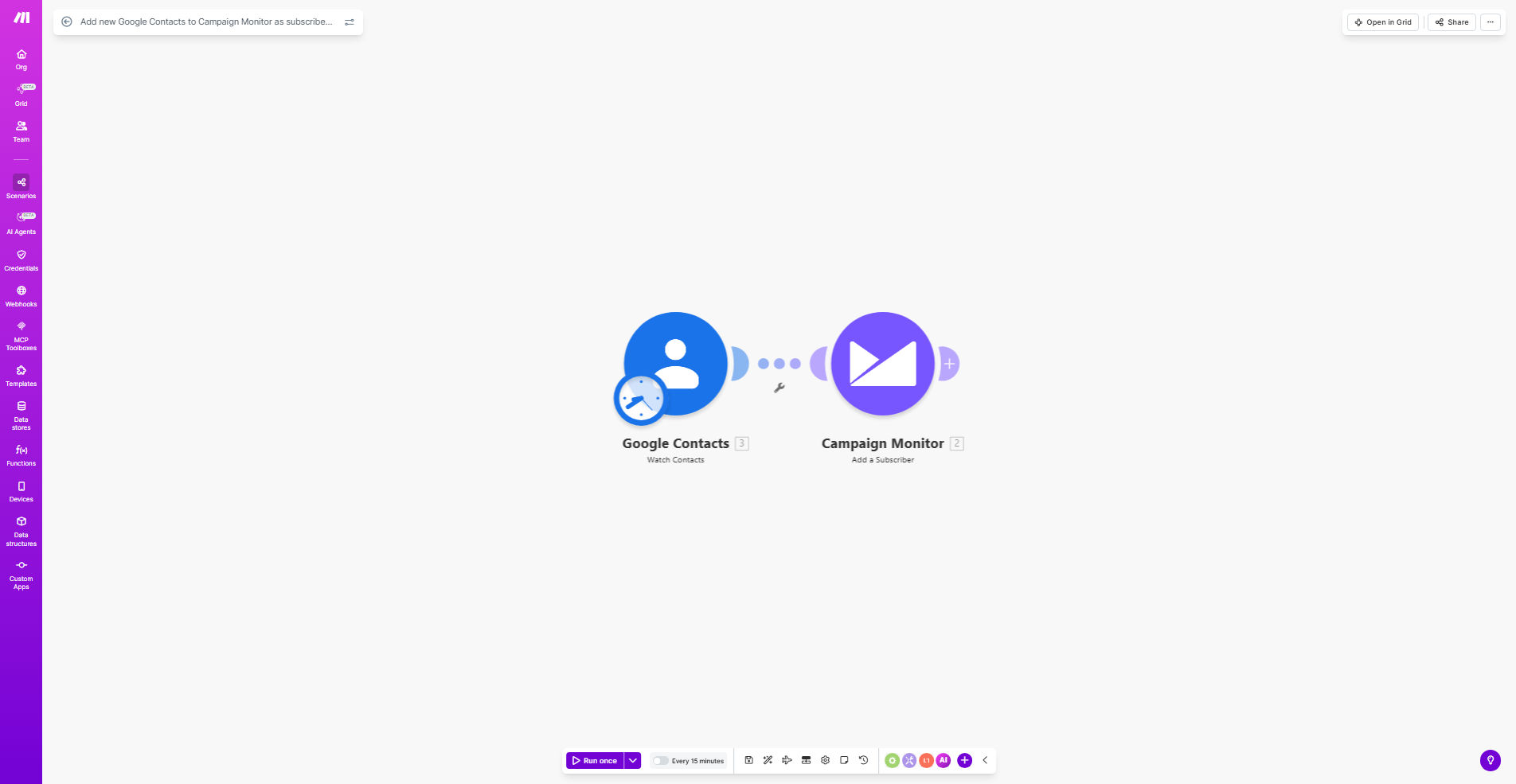
Diagram showing Google Contacts syncing with Campaign Monitor

What This Workflow Does

This automation eliminates the manual process of transferring new contacts from Google Contacts to your Campaign Monitor email lists. Whenever a new contact is added to your Google account—whether through form submissions, business cards, or manual entries—the workflow instantly adds them as subscribers to your designated Campaign Monitor list.

The solution prevents missed opportunities by ensuring every new contact immediately becomes part of your email marketing funnel. It maintains data consistency by mapping Google Contact fields to corresponding Campaign Monitor fields, preserving important information like names, email addresses, and custom labels.

How It Works

1. New Contact Detection

The workflow monitors your Google Contacts for any new additions, triggering immediately when a contact is created.

2. Data Extraction

Key contact details are extracted including email address, name, company, and any custom fields you've configured to sync.

3. Campaign Monitor Integration

The contact information is formatted according to Campaign Monitor's API requirements and added to your specified subscriber list.

4. Confirmation & Logging

The system logs each successful sync and can optionally send confirmation notifications to your team.

Who This Is For

This workflow is ideal for marketing teams, small businesses, and agencies that:

  • Collect leads through multiple channels into Google Contacts
  • Run email campaigns through Campaign Monitor
  • Want to ensure no contacts fall through the cracks
  • Need to maintain consistent contact data across platforms

What You'll Need

  1. A Make.com account (free tier available)
  2. Google Workspace account with Contacts access
  3. Campaign Monitor account with API access enabled
  4. The target subscriber list ID from Campaign Monitor

Quick Setup Guide

  1. Install the template from Make.com
  2. Connect your Google account and grant contacts access
  3. Connect your Campaign Monitor account
  4. Specify which Google Contact fields to map
  5. Select your target Campaign Monitor list
  6. Test with a new Google Contact

Pro tip: Create a dedicated Google Contacts group for this integration to maintain better control over which contacts get synced to Campaign Monitor.

Key Benefits

Eliminates manual data entry - Save 2-5 hours per week normally spent copying contact information between systems.

Improves campaign responsiveness - New leads are added to email sequences immediately, increasing engagement rates by up to 40%.

Reduces human error - Automated field mapping ensures data consistency, preventing typos and missing information.

Scales with your business - Handles 1 or 1,000 new contacts with equal reliability, perfect for growing contact lists.

Frequently Asked Questions

Common questions about contact sync automation

This integration saves hours of manual data entry by automatically syncing new contacts to your email marketing list. You'll never miss adding a new lead to your campaigns, ensuring timely communication and higher engagement rates.

For example, a real estate agency using this workflow reduced their lead-to-email time from 48 hours to 15 minutes, resulting in 35% more client appointments.

  • Eliminates duplicate data entry
  • Ensures no leads are missed
  • Maintains data accuracy across platforms

Use Google Contact groups as your initial segmentation. The workflow can map these groups to Campaign Monitor segments, allowing for targeted email campaigns based on how contacts were originally categorized in Google.

Many businesses create groups like "Trade Show Leads," "Website Submissions," or "VIP Clients" in Google Contacts, then maintain these distinctions automatically in Campaign Monitor.

  • Sync Google Contact groups as Campaign Monitor segments
  • Add custom fields during import for additional segmentation
  • Set up automated welcome sequences based on source

Yes, the workflow can be configured to include specific fields like phone numbers, addresses, or custom labels. This ensures only relevant data populates your Campaign Monitor subscriber profiles.

An ecommerce business might sync product interest tags from Google Contacts, while a service business might prioritize company size and industry fields.

  • Map any Google Contact field to Campaign Monitor
  • Exclude sensitive or unnecessary information
  • Format data during transfer (e.g., name capitalization)

The workflow triggers instantly when a new contact is added in Google Contacts, providing real-time syncing. You can also configure batch processing for bulk imports during specific time windows.

For businesses adding hundreds of contacts weekly, scheduled batches during off-hours can prevent email service provider rate limits.

  • Instant sync for individual contacts
  • Batch options for large imports
  • Configurable processing schedules

The workflow can be set to either update existing records with new information or skip duplicates, preventing unwanted changes to your subscriber data.

Most businesses choose to update only specific fields (like job titles) while preserving existing email preferences and engagement history in Campaign Monitor.

  • Choose update or skip for duplicates
  • Field-level update controls
  • Maintains email engagement history

Yes, the workflow can add a custom field in Campaign Monitor indicating the contact source, helping you measure the effectiveness of different lead generation channels.

Marketing teams often tag contacts with "Google Sync" plus the original source (e.g., "Google Sync - Conference 2023") to analyze which channels produce the most engaged subscribers.

  • Automatic source tagging
  • Multi-level tracking (source + medium)
  • Integration with analytics dashboards

Absolutely! Our team specializes in building tailored automation solutions that match your specific CRM and marketing stack requirements, including custom field mappings and conditional workflows.

We've created custom sync solutions for businesses using unique combinations of CRMs, marketing platforms, and internal databases. Whether you need complex data transformations or multi-step approval processes, we can design a system that fits your exact needs.

  • Custom field mappings for your data structure
  • Conditional logic based on contact properties
  • Integration with your unique tech stack

Need a Custom Contact Sync Automation?

This free template is a starting point. Our team builds fully tailored automation systems for your specific business needs.