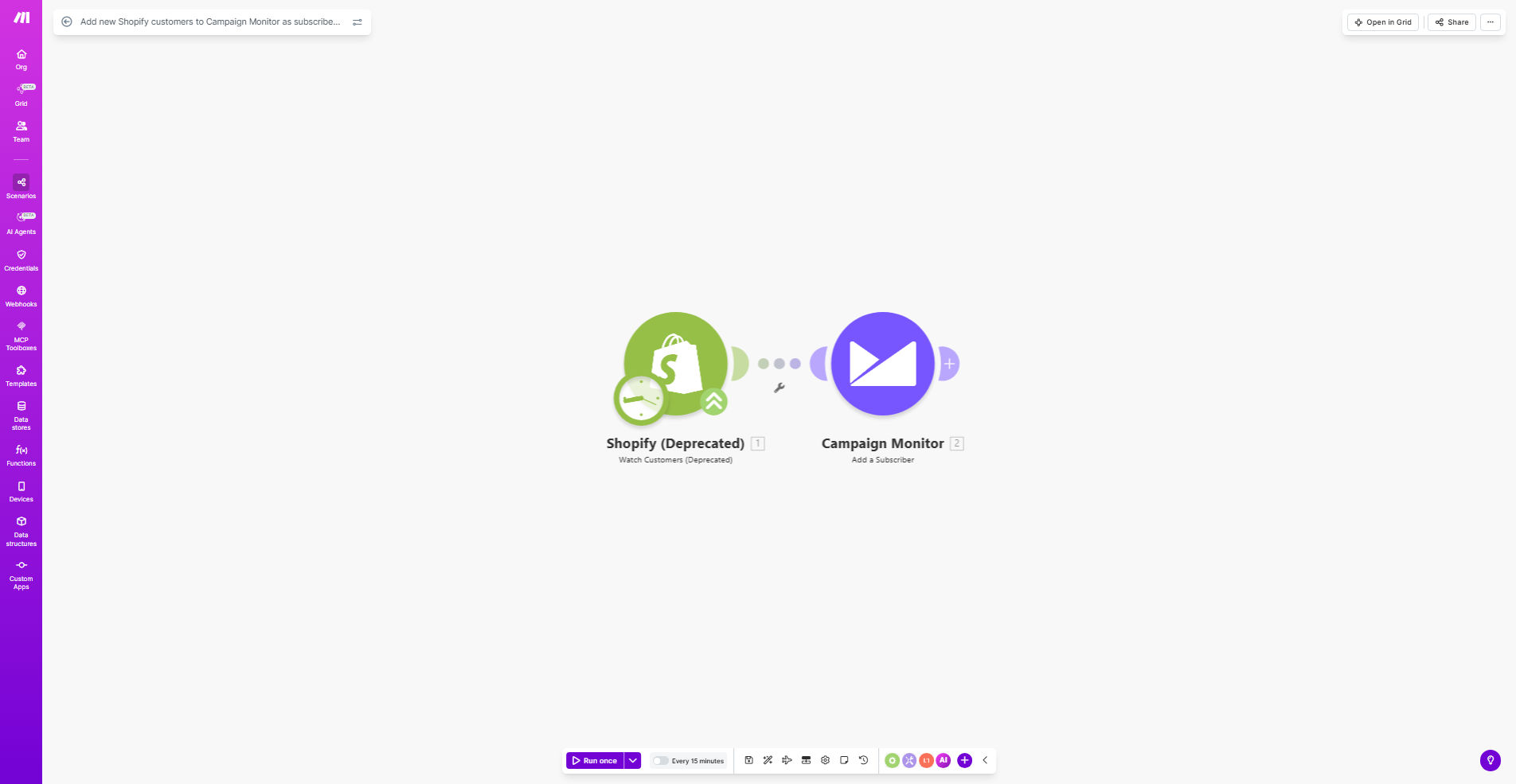
What This Workflow Does
This automation solves the common problem of manually transferring new customer data from Shopify to email marketing platforms like Campaign Monitor. Every time a customer creates an account or makes a purchase in your Shopify store, their information is automatically added to your Campaign Monitor subscriber list.
The workflow eliminates the need for CSV exports, spreadsheet manipulation, and manual imports - processes that often lead to data errors and missed opportunities. By ensuring every new customer immediately joins your email list, you can start building relationships through welcome sequences and targeted campaigns right away.
How It Works
1. Shopify triggers the workflow
The automation monitors your Shopify store for new customer creation events. Each time a customer registers or completes a purchase, Shopify sends their details to Make.com.
2. Data processing in Make
Make receives the customer data (name, email, purchase details) and formats it according to Campaign Monitor's API requirements. You can customize which Shopify fields map to which Campaign Monitor fields.
3. Subscriber addition to Campaign Monitor
The processed customer data is sent to your specified Campaign Monitor list. The workflow can handle duplicate prevention, custom field mapping, and segmentation based on your preferences.
Pro tip: Add a short delay (5-10 minutes) before adding subscribers to Campaign Monitor. This gives customers time to complete any post-purchase actions that might provide additional segmentation data.
Who This Is For
This workflow is ideal for:
- Ecommerce stores using Shopify and Campaign Monitor
- Marketing teams tired of manual customer data transfers
- Businesses wanting to improve email list growth rates
- Stores with high customer acquisition volume
- Marketers who want to trigger automated welcome sequences
What You'll Need
- A Shopify store with customer accounts enabled
- A Campaign Monitor account with API access
- A Make.com account (free plan available)
- The Campaign Monitor list ID where subscribers should be added
- Optional: Custom fields in Campaign Monitor for Shopify customer data
Quick Setup Guide
- Copy this template to your Make.com account
- Connect your Shopify store via the Shopify module
- Connect your Campaign Monitor account via the API
- Specify which Campaign Monitor list should receive new subscribers
- Map Shopify customer fields to Campaign Monitor subscriber fields
- Test with a new Shopify customer account
- Activate the workflow for live use
Key Benefits
Never miss a subscriber: 100% of new customers automatically join your email list, compared to 60-80% with manual processes.
Save 3-5 hours weekly: Eliminate the need for manual CSV exports and imports between platforms.
Faster email engagement: Customers receive welcome emails immediately rather than waiting for weekly batch updates.
Accurate data transfer: Automated field mapping prevents human errors in data entry.
Scalable solution: Handles any volume of new customers without additional work.