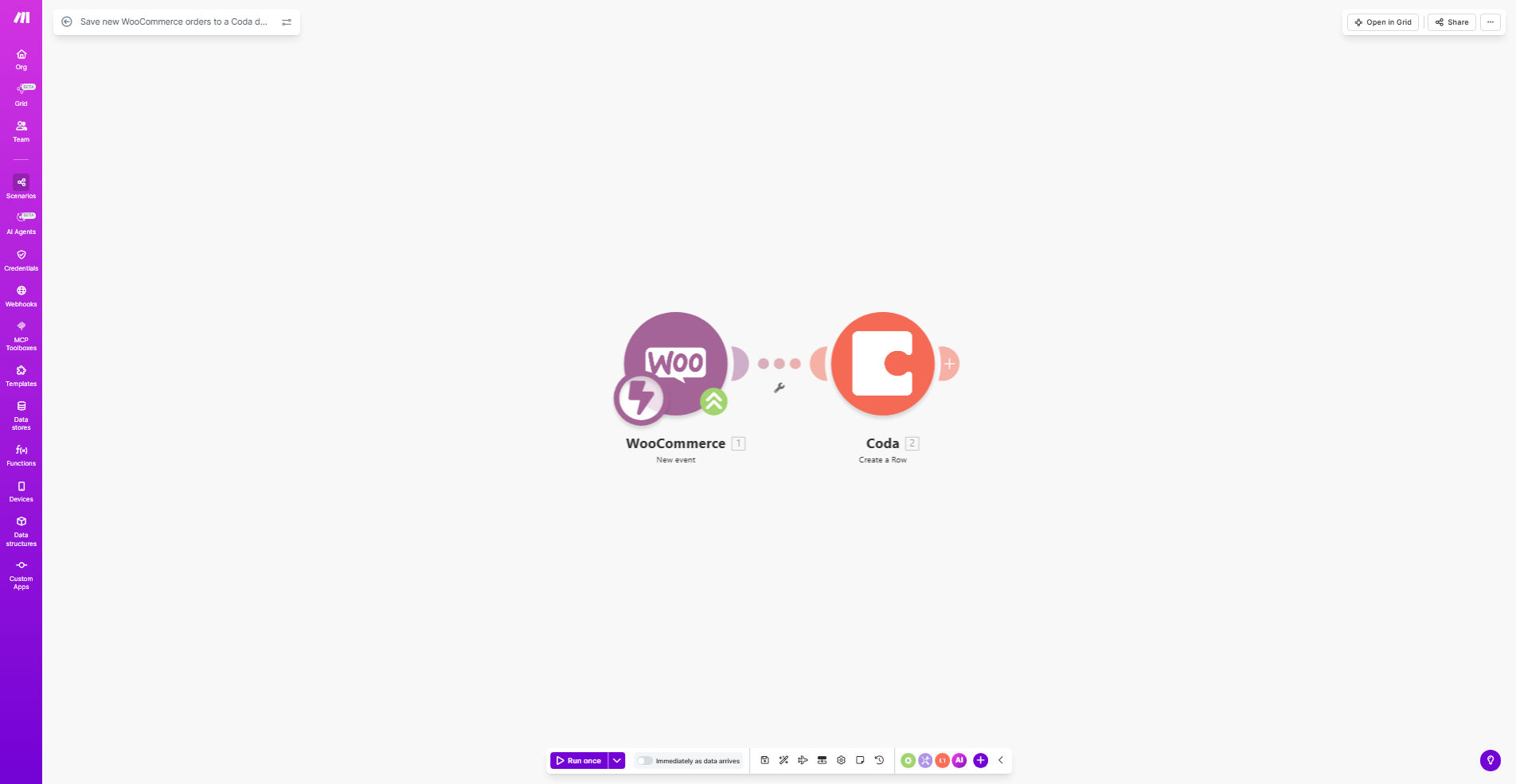
What This Workflow Does
This automation solves the tedious manual process of copying order details from WooCommerce to documentation systems. Ecommerce businesses often need to maintain order records for customer service, accounting, or inventory tracking purposes, but doing this manually wastes hours each week and risks data entry errors.
The workflow automatically captures every new WooCommerce order as it's placed and creates a corresponding record in your Coda document. This creates a permanent, searchable order log that your team can reference without needing WooCommerce admin access. The integration happens in real-time, ensuring your documentation is always up-to-date.
How It Works
1. Trigger on new WooCommerce orders
The workflow monitors your WooCommerce store's order API for new purchases. Whenever a customer completes checkout, the system immediately detects the new order.
2. Extract relevant order details
Key information like order number, customer details, product items, quantities, prices, and shipping information is extracted from the WooCommerce order data.
3. Format data for Coda
The raw order data is transformed into the structure needed for your Coda table, with proper field mapping and data type conversion.
4. Create new Coda row
The formatted order data is sent to your specified Coda doc via API, creating a new row in your designated table with all the order details.
Pro tip: Add a "Last Updated" column in Coda that automatically timestamps when each order record was added or modified.
Who This Is For
This automation benefits WooCommerce store owners who:
- Need to share order information with team members who don't have WooCommerce admin access
- Maintain separate documentation for accounting, customer service, or fulfillment teams
- Want to create custom reports combining order data with other business metrics in Coda
- Require permanent order records that persist even if products are deleted from the store
What You'll Need
- A WooCommerce store with API access enabled
- A Coda account and document where you want to store orders
- Make.com account (free plan works for basic usage)
- API keys for both WooCommerce and Coda (the template includes setup instructions)
Quick Setup Guide
- Copy the template to your Make.com account
- Connect your WooCommerce store using API credentials
- Select your Coda doc and specify the target table
- Map WooCommerce fields to your Coda table columns
- Test with a sample order to verify data flows correctly
- Activate the workflow to begin automatic syncing
Key Benefits
Eliminates manual data entry: Saves 2-5 minutes per order that would otherwise be spent copying information between systems.
Reduces errors: Automated transfers have near-zero error rates compared to human data entry which averages 1% error rate.
Creates searchable records: Coda's powerful search and filtering makes finding specific orders instantaneous versus scrolling through WooCommerce.
Enables team collaboration: Share order documentation without giving access to your live WooCommerce store.
Builds audit trails: Maintains permanent records that aren't affected by product deletions or database cleanups.