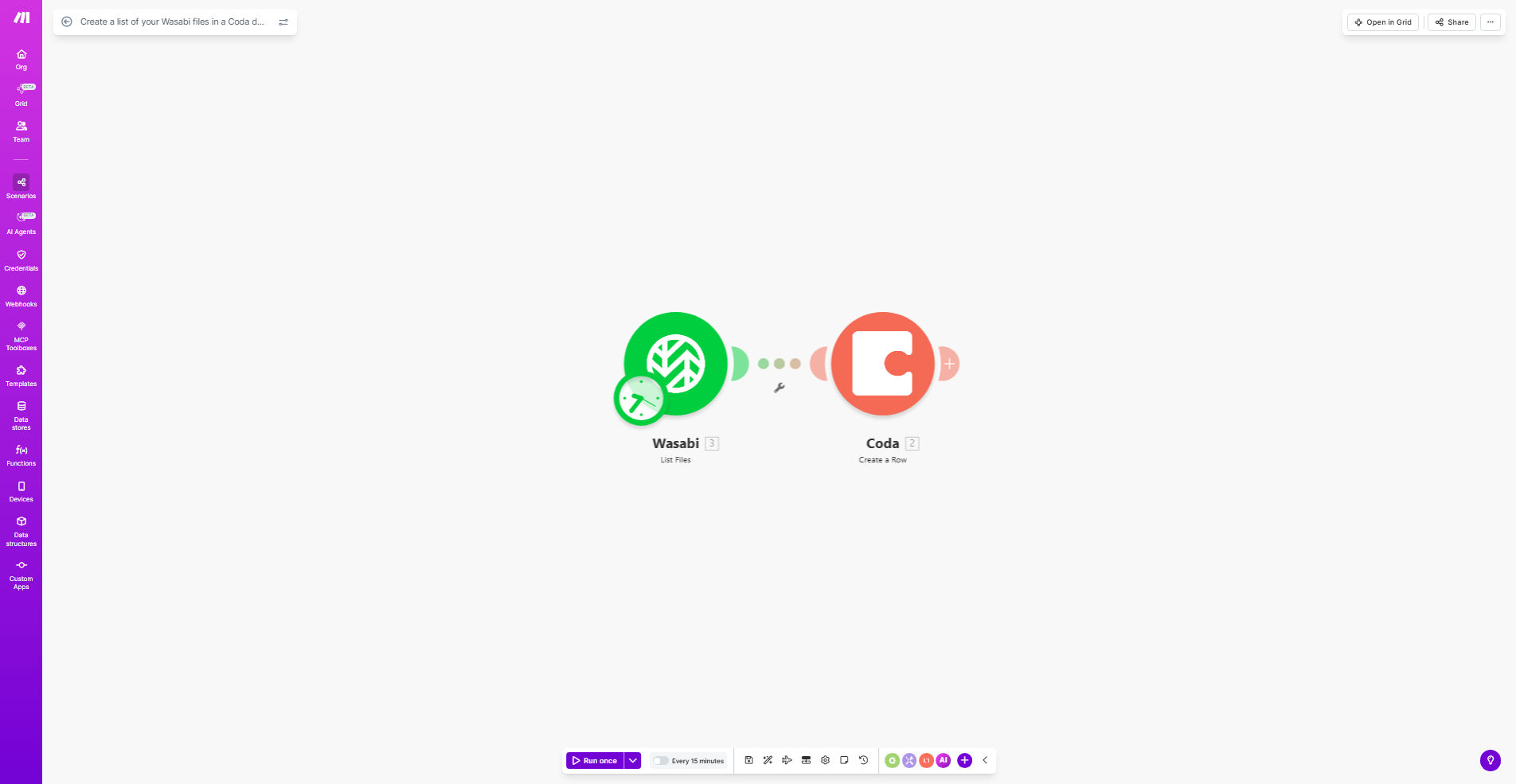
What This Workflow Does
This automation solves the common challenge of maintaining accurate documentation for files stored in Wasabi cloud storage. Instead of manually updating spreadsheets whenever files are added, moved, or deleted, this workflow automatically maintains a complete inventory in your Coda document.
The system creates a structured table in Coda containing all your Wasabi file metadata - names, paths, sizes, modification dates, and any custom properties. This becomes a living document that stays perfectly synchronized with your actual cloud storage, saving hours of manual tracking while providing powerful search and organization capabilities.
How It Works
1. Connect to your Wasabi account
The workflow authenticates with your Wasabi storage using secure API credentials, giving it read-only access to your file metadata without exposing actual file contents.
2. Scan your storage buckets
It recursively scans designated Wasabi buckets and folders, building a complete list of files including their metadata properties.
3. Structure the data for Coda
The raw file information gets transformed into a clean table format with consistent column types that work optimally in Coda.
4. Update your Coda document
The workflow either creates a new table or updates an existing one in your specified Coda doc, adding new files, updating changed ones, and removing deleted entries.
Who This Is For
This workflow benefits any team using Wasabi for cloud storage who needs better visibility into their files. It's particularly valuable for:
- Marketing teams managing large asset libraries
- Development teams tracking build artifacts
- Legal departments organizing contract repositories
- IT teams documenting system backups
- Creative agencies maintaining client deliverables
What You'll Need
- A Wasabi cloud storage account with files to track
- A Coda account and document where you want the file list
- Make.com account (free tier works)
- API credentials for both Wasabi and Coda
Quick Setup Guide
- Duplicate the template in your Make.com account
- Connect your Wasabi account using API keys
- Specify which buckets/folders to scan
- Connect your Coda account and select the target doc
- Configure the update schedule (hourly/daily/manual)
- Run a test sync and verify the Coda table
Key Benefits
Save 5+ hours monthly by eliminating manual file tracking spreadsheets that quickly become outdated.
Reduce errors by 90% with automatic synchronization that ensures your documentation always matches reality.
Enable powerful searches across all your cloud storage using Coda's filtering and query capabilities.
Improve team collaboration by making file inventories easily shareable without granting direct storage access.
Create audit trails by preserving historical file states in Coda's version history.