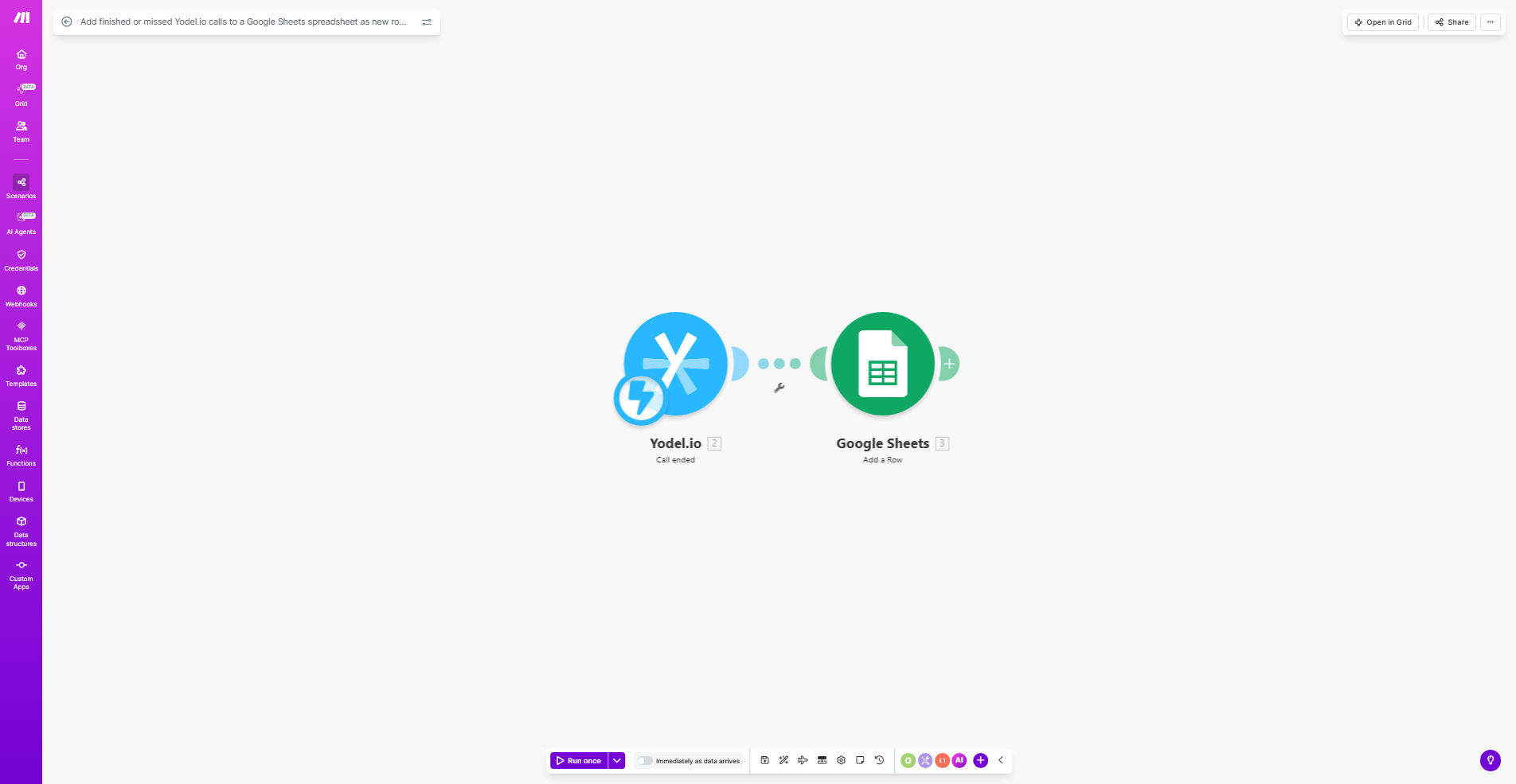
What This Workflow Does
This automation solves the common problem of lost or inaccurate call records by automatically logging every completed and missed call from Yodel.io directly to your Google Sheets spreadsheet. Manual call logging is time-consuming and prone to errors, especially for teams handling high call volumes.
The workflow triggers whenever a call ends in Yodel.io, capturing all relevant call details like timestamp, duration, caller information, and call status. It then formats this data and adds it as a new row in your designated Google Sheet, creating a complete historical record of all call activity.
How It Works
1. Yodel.io Trigger
The workflow monitors Yodel.io's API for call completion events. Whenever a call ends (whether completed or missed), it immediately captures the call data payload.
2. Data Processing
Make.com extracts key call details like call duration, start/end times, caller ID, and call direction. You can customize which fields to capture based on your reporting needs.
3. Google Sheets Update
The processed call data gets formatted into a spreadsheet row and appended to your designated Google Sheet. The template maintains consistent column structure while adding new records.
Pro tip: Add a timestamp column in Sheets to track when each record was added, helping you monitor the automation's performance.
Who This Is For
This workflow is ideal for:
- Customer support teams needing accurate call logs
- Sales teams tracking prospect interactions
- Managers monitoring team performance metrics
- Business owners analyzing call volume patterns
- Remote teams requiring centralized call reporting
What You'll Need
- A Yodel.io account with API access
- A Google Sheets spreadsheet with defined column headers
- A Make.com account (free plan works)
- Basic understanding of connecting APIs (template handles most setup)
Quick Setup Guide
- Copy the template to your Make.com account
- Connect your Yodel.io account in the first module
- Connect your Google Sheets account and select your target spreadsheet
- Map the Yodel.io call fields to your Sheets columns
- Test with sample calls and verify the Sheet updates
- Activate the workflow to begin automatic logging
Key Benefits
Eliminate manual data entry: Save 2-5 hours per week by automating call logging that would otherwise require copying details between systems.
100% call coverage: Never miss logging a call again, ensuring complete records for compliance and quality assurance.
Real-time reporting: Access up-to-the-minute call data in Sheets for immediate analysis without waiting for manual updates.
Customizable tracking: Easily modify which call details get logged to match your specific reporting requirements.
Scalable solution: Handles any call volume without additional work, growing with your business needs.