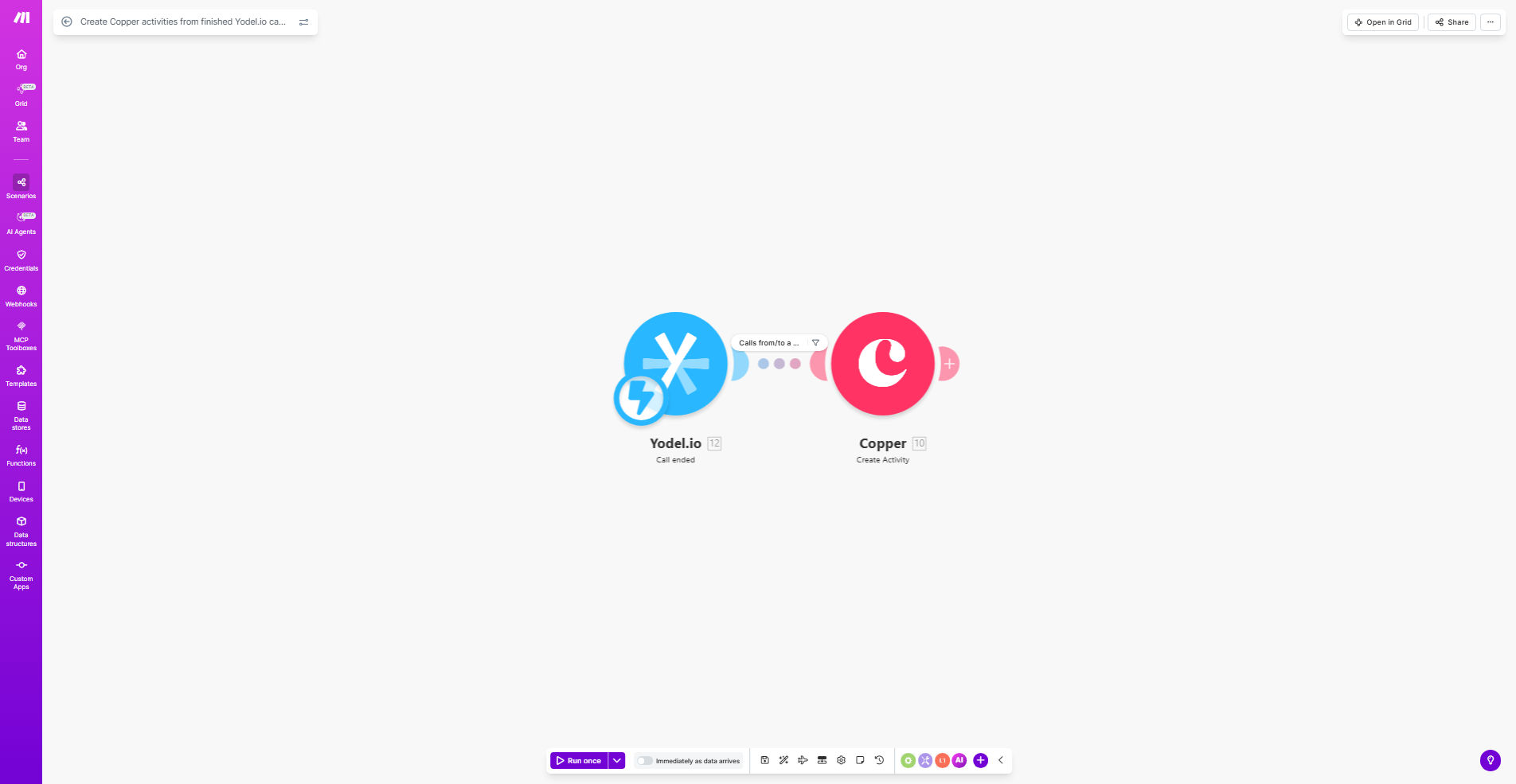
What This Workflow Does
This automation solves a critical gap in sales team productivity - manually logging every customer call in your CRM. When sales reps make or receive calls through Yodel.io, this workflow automatically creates corresponding activity records in Copper CRM with all relevant call details.
The system captures caller information, call duration, timestamps, and direction (inbound/outbound), then logs it as a completed activity against the correct contact in Copper. This eliminates hours of manual data entry while ensuring your CRM always reflects the most accurate customer interaction history.
How It Works
1. Call completion triggers the workflow
Whenever a call finishes in your Yodel.io account, the system sends a webhook notification to Make.com with all call details.
2. Data is processed and formatted
The workflow extracts key information like caller ID, duration, and timestamps, then structures it according to Copper's activity API requirements.
3. Activity is created in Copper
Make.com connects to your Copper account via API and creates a new activity record linked to the appropriate contact, with all call details included.
Pro tip: Configure custom activity types in Copper to distinguish between sales calls, support calls, and other conversation types for better reporting.
Who This Is For
This automation is ideal for:
- Sales teams using Yodel.io for business calls
- Copper CRM users who need accurate call logging
- Companies tracking call metrics for performance analysis
- Managers who want visibility into team call activity
What You'll Need
- Active Yodel.io account with API access
- Copper CRM account with admin permissions
- Make.com account (free plan works)
- Webhook URL configured in Yodel.io
Quick Setup Guide
- Clone the template from Make.com
- Connect your Yodel.io and Copper accounts
- Configure which call details to capture
- Test with a sample call
- Activate the workflow
Key Benefits
Save 2-3 hours per rep weekly by eliminating manual call logging while ensuring 100% of customer interactions are recorded.
Improve CRM data accuracy with automatic timestamping and standardized activity records for every call.
Gain better sales insights through complete call history tracking in Copper for performance analysis.
Reduce administrative errors by removing human data entry from the call logging process.