Make.com CRM Automation Yodel.io Knack Call Tracking

Create Knack records from finished Yodel.io calls

Automatically log completed and missed calls in your Knack CRM without manual data entry

Get This Workflow → Make.com · CRM · Free Template
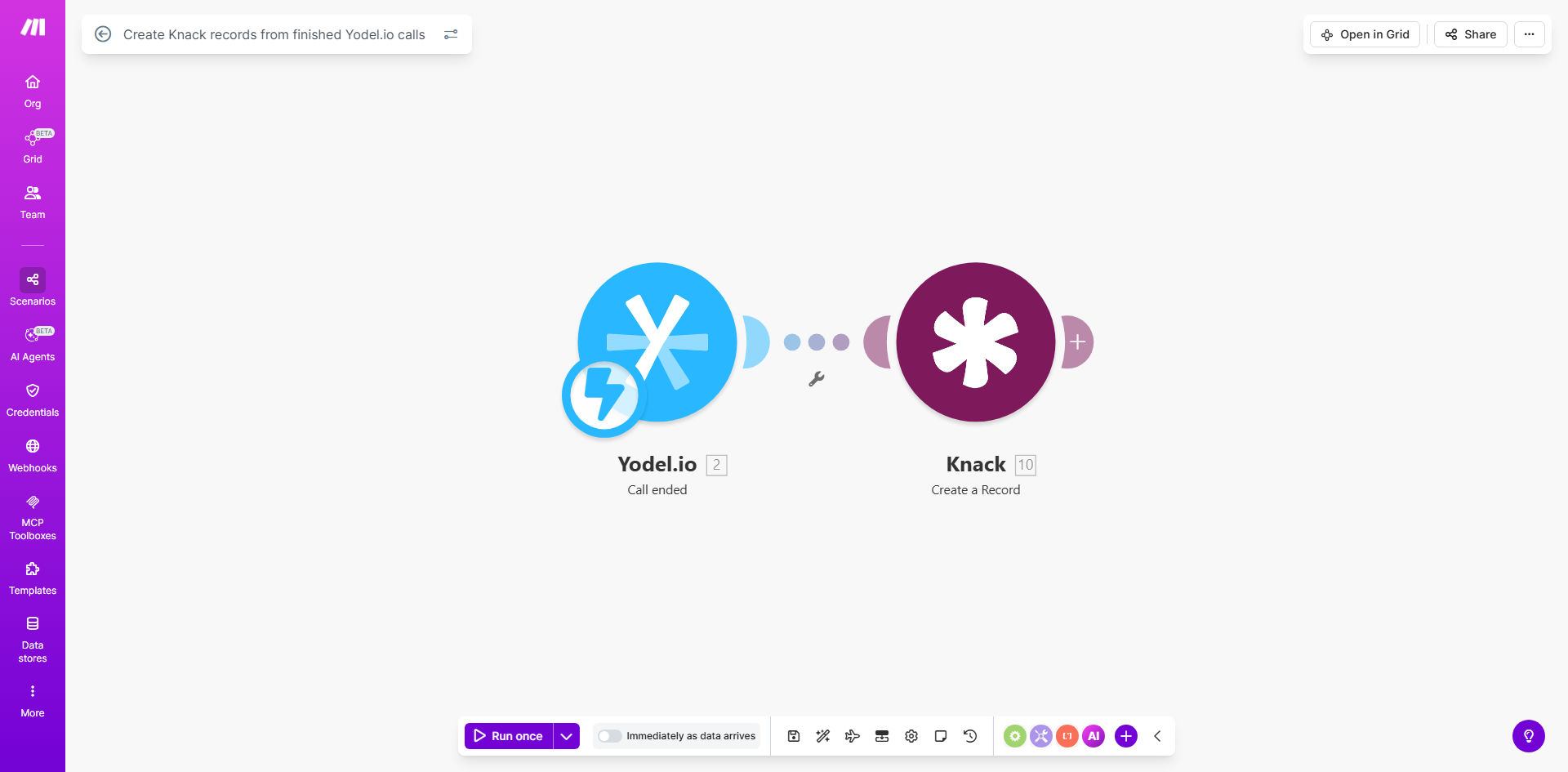
Make.com workflow diagram showing Yodel.io to Knack integration

What This Workflow Does

This automation solves the tedious manual process of logging call data from Yodel.io into your Knack CRM. Every time a call is completed or missed in Yodel.io, the workflow automatically creates a corresponding record in Knack with all relevant call details.

By eliminating manual data entry, you ensure no calls slip through the cracks while saving your team hours of repetitive work each week. The integration maintains data consistency between your call tracking system and CRM, giving your sales and support teams complete visibility into customer interactions.

How It Works

1. Yodel.io triggers the workflow

The workflow starts whenever a call is marked as finished or missed in Yodel.io. It captures all available call data including timestamps, duration, caller information, and any notes.

2. Data is processed and formatted

Make.com processes the raw Yodel.io data, transforming it into the correct format for Knack. This step can include filtering calls, calculating metrics, or enriching data with additional information.

3. Record is created in Knack

The workflow creates a new record in your specified Knack application, mapping all relevant call fields to your custom Knack object structure. Failed attempts automatically retry with error handling.

Pro tip: Add a validation step to exclude very short calls (under 30 seconds) which are often wrong numbers or accidental dials.

Who This Is For

This workflow is ideal for sales teams, customer support departments, and any business using Yodel.io for call tracking that wants to:

  • Eliminate manual CRM data entry for calls
  • Maintain complete call histories in Knack
  • Enable faster follow-ups based on call outcomes
  • Analyze call patterns and team performance

What You'll Need

  1. A Yodel.io account with API access
  2. A Knack application with appropriate object structure
  3. Make.com account (free plan works)
  4. API keys for both Yodel.io and Knack

Quick Setup Guide

  1. Clone the template in your Make.com account
  2. Connect your Yodel.io account in the first module
  3. Configure which call events should trigger the workflow
  4. Map Yodel.io fields to your Knack object structure
  5. Test with sample calls and verify Knack records
  6. Activate the scenario for live processing

Key Benefits

Save 5+ hours per week by eliminating manual call logging. Your team can focus on customer interactions instead of data entry.

100% call capture rate ensures no customer interactions are missed in your CRM, improving follow-up accuracy.

Real-time data sync means records appear in Knack immediately after calls end, enabling faster response times.

Customizable mapping lets you adapt the workflow to your specific Knack structure and business processes.

Frequently Asked Questions

Common questions about call tracking and CRM integration

Automating call data entry saves significant time by eliminating manual work. It ensures all call details are captured consistently in your CRM without human error. The automation also creates records immediately after calls end, giving your team real-time data for follow-ups.

For sales teams, this means being able to reference complete call histories during follow-ups without relying on memory or notes. Support teams benefit from having all customer interactions automatically documented for reference.

The workflow can transfer caller information, call duration, timestamps, call status (completed/missed), and any notes or tags from Yodel.io. You can customize which fields map to your Knack database structure to match your existing CRM workflow.

Advanced implementations can include call recordings (as links), sentiment analysis scores, or custom metadata your team adds during calls. The flexibility of Make.com allows mapping virtually any available Yodel.io data point.

By automatically logging calls in Knack, sales teams get complete customer interaction histories without manual entry. This enables faster follow-ups, better tracking of call outcomes, and more accurate sales reporting. Managers gain visibility into team call activity directly in their CRM.

The automation helps identify patterns like best calling times, common objections, or successful pitch approaches by correlating call data with deal progression in Knack. This data-driven approach leads to more effective sales strategies.

Yes, you can modify the workflow to only create records for specific call types, durations, or based on other Yodel.io parameters. Common filters include excluding short calls or only processing calls from certain phone numbers.

For example, you might configure the workflow to ignore calls under 30 seconds (likely wrong numbers) or only log calls to your sales line while excluding support inquiries. These filters keep your CRM focused on relevant interactions.

The workflow includes error handling to retry failed syncs or notify administrators. You can configure alerts for sync failures and set up fallback processes to ensure no call data is lost.

Common solutions include temporary storage of failed syncs for manual review, automatic retries with exponential backoff, or alternative logging methods like email notifications with call details until the Knack connection is restored.

You can modify the workflow to map Yodel.io data to any Knack object fields. Common customizations include adding custom fields, setting default values, or transforming data formats before they reach Knack.

The template provides a basic field mapping that you can expand to match your specific Knack setup. For example, you might add fields for call disposition, next steps, or link calls to existing contact records in Knack.

Yes, GrowwStacks specializes in building tailored call tracking and CRM integration solutions. We can create custom workflows that match your specific business processes, integrate additional systems, and include advanced features like sentiment analysis or call scoring.

Our team works with you to understand your unique requirements and build an automation system that fits seamlessly into your operations. We handle everything from initial consultation to deployment and ongoing optimization.

  • Custom field mapping for your CRM structure
  • Integration with additional data sources
  • Advanced analytics and reporting

Need a Custom Call Tracking Automation?

This free template is a starting point. Our team builds fully tailored automation systems for your specific business needs.