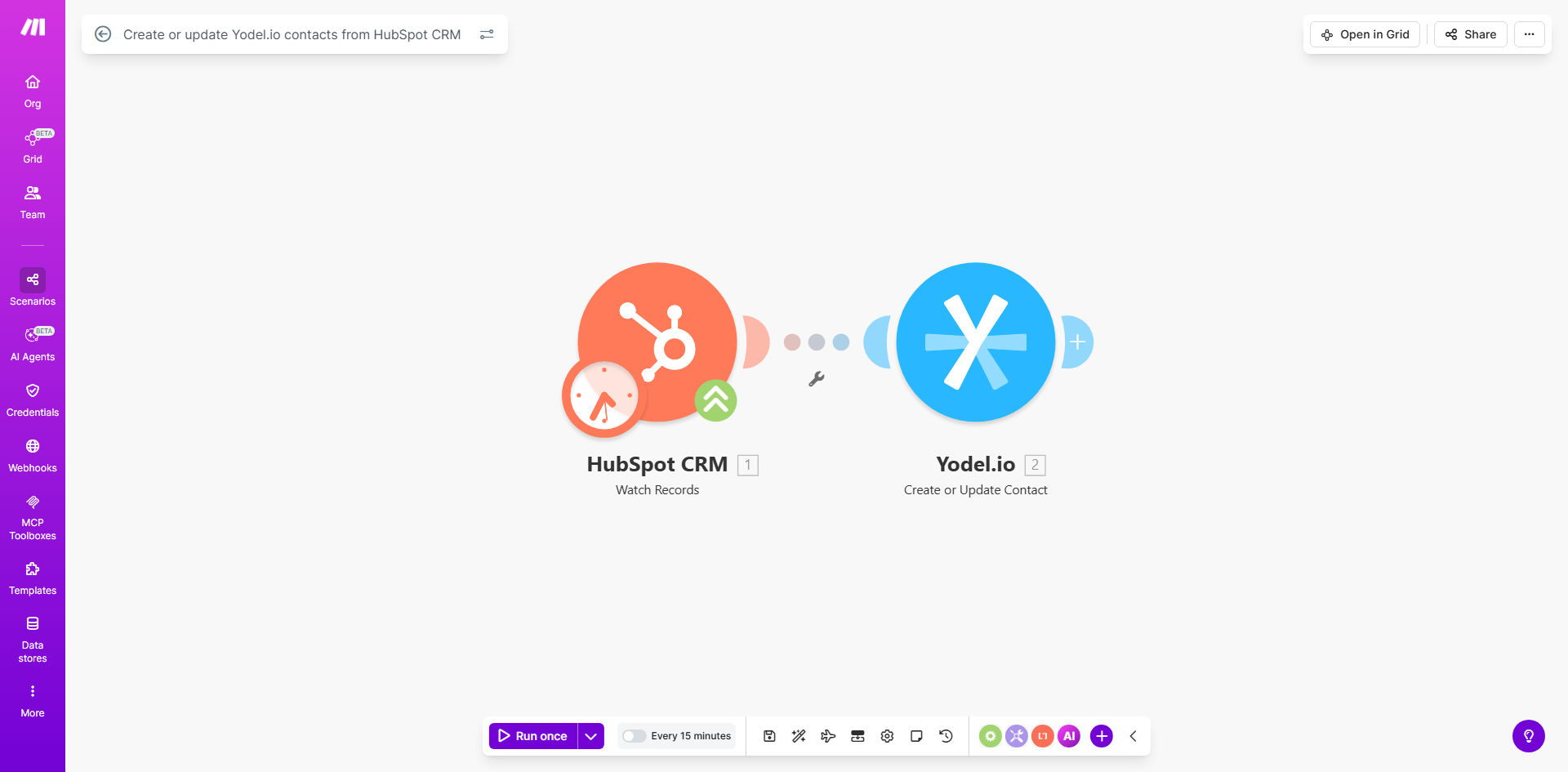
What This Workflow Does
This automation solves a critical challenge for sales teams using both HubSpot CRM and Yodel.io - maintaining consistent, up-to-date contact information across both platforms. Without automation, sales reps waste valuable time manually copying contact details between systems, leading to errors and outdated information.
The workflow automatically creates new contacts in Yodel.io whenever they're added to HubSpot CRM, and updates existing Yodel.io contacts when their HubSpot records change. This ensures your sales team always has access to the most current contact information whether they're working in HubSpot or communicating through Yodel.io.
How It Works
1. Trigger on new or updated HubSpot contacts
The workflow starts whenever a contact is created or modified in your HubSpot CRM account. Make.com monitors HubSpot's API for these changes in real-time.
2. Retrieve complete contact details
The workflow fetches all available contact information from HubSpot including standard fields like name, email, and phone number, plus any custom properties you've defined.
3. Check for existing Yodel.io contact
Before creating a new record, the automation searches Yodel.io to see if the contact already exists, typically using email address as the unique identifier.
4. Create or update Yodel.io contact
Depending on whether the contact exists in Yodel.io, the workflow either creates a new record or updates the existing one with the latest information from HubSpot.
5. Handle errors and notifications
If any step fails, the workflow logs the error and can notify your team via email so you can manually resolve the issue.
Who This Is For
This automation is ideal for:
- Sales teams using HubSpot CRM for lead management and Yodel.io for communication
- Businesses tired of manual data entry between their CRM and sales engagement tools
- Companies experiencing data inconsistencies between HubSpot and Yodel.io
- Organizations scaling their sales operations who need reliable contact synchronization
What You'll Need
- A HubSpot CRM account with administrator access
- A Yodel.io account with API access
- A Make.com account (formerly Integromat)
- Basic understanding of both platforms' contact fields
Quick Setup Guide
- Copy this template to your Make.com account
- Connect your HubSpot and Yodel.io accounts in Make.com
- Map the contact fields you want to sync between systems
- Test with a few sample contacts to verify the sync works
- Activate the workflow to begin automatic synchronization
Key Benefits
Eliminate manual data entry: Save 5-10 minutes per contact by automating the transfer of information between HubSpot and Yodel.io.
Ensure data consistency: Maintain identical contact records across both platforms, reducing errors from outdated information.
Improve sales team productivity: Give your reps immediate access to updated contacts without switching between systems.
Scalable solution: The automation handles thousands of contact syncs without additional work from your team.
Reliable error handling: Built-in notifications alert you to any sync issues for quick resolution.
Pro tip: Start by syncing only essential contact fields, then gradually add more fields once the basic workflow is running smoothly. This makes troubleshooting easier during initial setup.