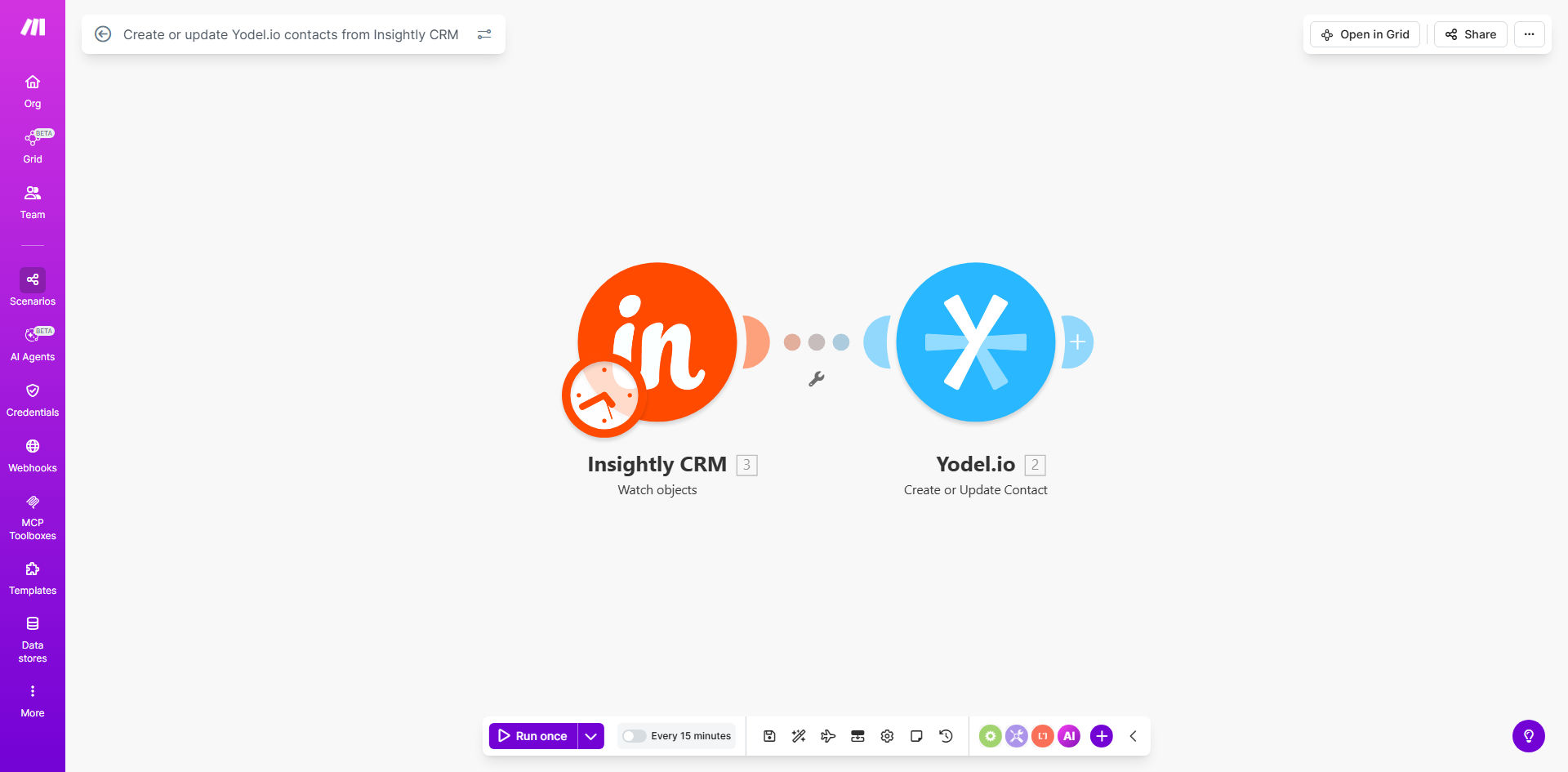
What This Workflow Does
This automation solves a critical challenge for sales teams using Insightly CRM alongside Yodel.io for phone communications. Without integration, reps waste time manually copying contact details between systems or risk calling with outdated information.
The workflow automatically creates or updates Yodel.io contacts whenever changes occur in Insightly CRM. This ensures your calling platform always has current prospect and customer data, eliminating manual data entry and reducing errors from duplicate or incomplete records.
How It Works
1. New contact trigger in Insightly
The workflow monitors Insightly CRM for new contact creations or updates. When a change occurs, it immediately captures the contact details including name, phone number, email, and any custom fields.
2. Check existing Yodel.io contacts
Before creating a new record, the workflow checks Yodel.io to see if this contact already exists. This prevents duplicate entries and ensures updates modify existing records.
3. Create or update Yodel.io contact
Based on the check, the workflow either creates a new Yodel.io contact or updates the existing one with the latest information from Insightly CRM. All relevant fields are synchronized between systems.
Pro tip: Add custom fields in both systems to track important sales metrics like lead source or deal stage. The workflow can sync these fields to give callers better context.
Who This Is For
This automation is ideal for:
- Sales teams using Insightly CRM with Yodel.io for outbound calling
- Businesses tired of manual data entry between systems
- Organizations needing accurate contact information for phone communications
- Companies wanting to improve sales team productivity
What You'll Need
- Active Insightly CRM account with API access
- Yodel.io account with admin permissions
- Make.com account (free plan works)
- Basic understanding of both platforms' contact fields
Quick Setup Guide
- Install the template from Make.com
- Connect your Insightly CRM account
- Connect your Yodel.io account
- Map the contact fields between systems
- Test with sample contacts
- Activate the workflow
Key Benefits
Eliminate manual data entry: Save 2-3 hours per week typically spent copying contacts between systems.
Improve call success rates: Ensure reps always have current contact details when making calls.
Reduce errors: Automated sync prevents duplicate contacts and outdated information.
Scale sales operations: New reps get productive faster with automatically populated calling lists.
Better reporting: Maintain consistent contact records across all sales tools.