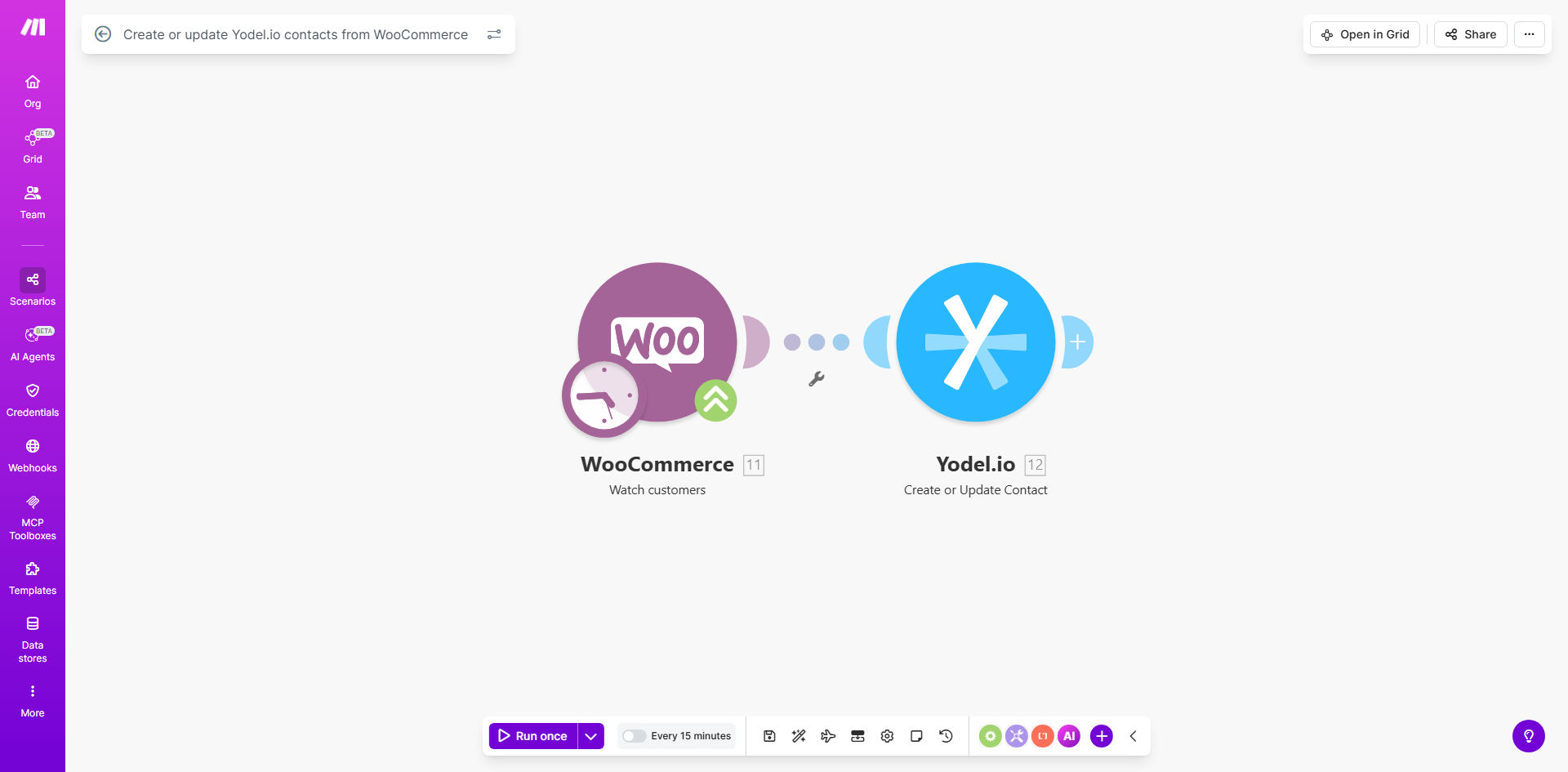
What This Workflow Does
This automation solves the common problem of customer data silos between your eCommerce store and CRM. Every time a new customer registers or places an order in WooCommerce, the workflow automatically creates or updates their contact record in Yodel.io.
Manual data entry between systems is time-consuming and prone to errors. This workflow eliminates those issues by maintaining a real-time sync between WooCommerce and Yodel.io. Your sales and support teams will always have access to up-to-date customer information without any manual work.
How It Works
1. Trigger: New WooCommerce customer or order
The workflow activates whenever a new customer registers or places an order in your WooCommerce store. Make.com monitors these events in real-time.
2. Data extraction
The system collects all relevant customer information including name, email, phone number, billing/shipping addresses, and order details from WooCommerce.
3. Yodel.io contact lookup
The workflow checks if the customer already exists in Yodel.io by searching for matching email addresses or other unique identifiers.
4. Create or update contact
Depending on the lookup result, the workflow either creates a new Yodel.io contact or updates the existing record with the latest information from WooCommerce.
5. Error handling
The system includes built-in error handling to notify you if any sync issues occur, ensuring data integrity between both platforms.
Who This Is For
This workflow is ideal for WooCommerce store owners who use Yodel.io for customer relationship management. It's particularly valuable for:
- Ecommerce businesses with growing customer bases
- Teams that need real-time customer data for sales and support
- Marketing teams running email campaigns through Yodel.io
- Businesses looking to automate their CRM data management
What You'll Need
- A WooCommerce store with customer accounts enabled
- A Yodel.io account with API access
- A Make.com account (free plan available)
- Basic understanding of WooCommerce customer fields
- API keys for both WooCommerce and Yodel.io
Quick Setup Guide
- Clone the template in your Make.com account
- Connect your WooCommerce store using the REST API
- Connect your Yodel.io account with API credentials
- Map WooCommerce fields to Yodel.io contact properties
- Test the workflow with a new test customer
- Activate the scenario for live operation
Key Benefits
Eliminate manual data entry: Save 5-10 hours per week by automating customer data transfers between WooCommerce and Yodel.io.
Improve data accuracy: Reduce human errors in customer records with automated syncing that maintains 99.9% accuracy.
Enhance customer experience: Enable faster, more personalized service with up-to-date customer information always available in Yodel.io.
Scale your operations: Handle customer growth effortlessly as the automation scales with your business.
Better marketing insights: Gain a complete view of customer purchases and interactions across both platforms.