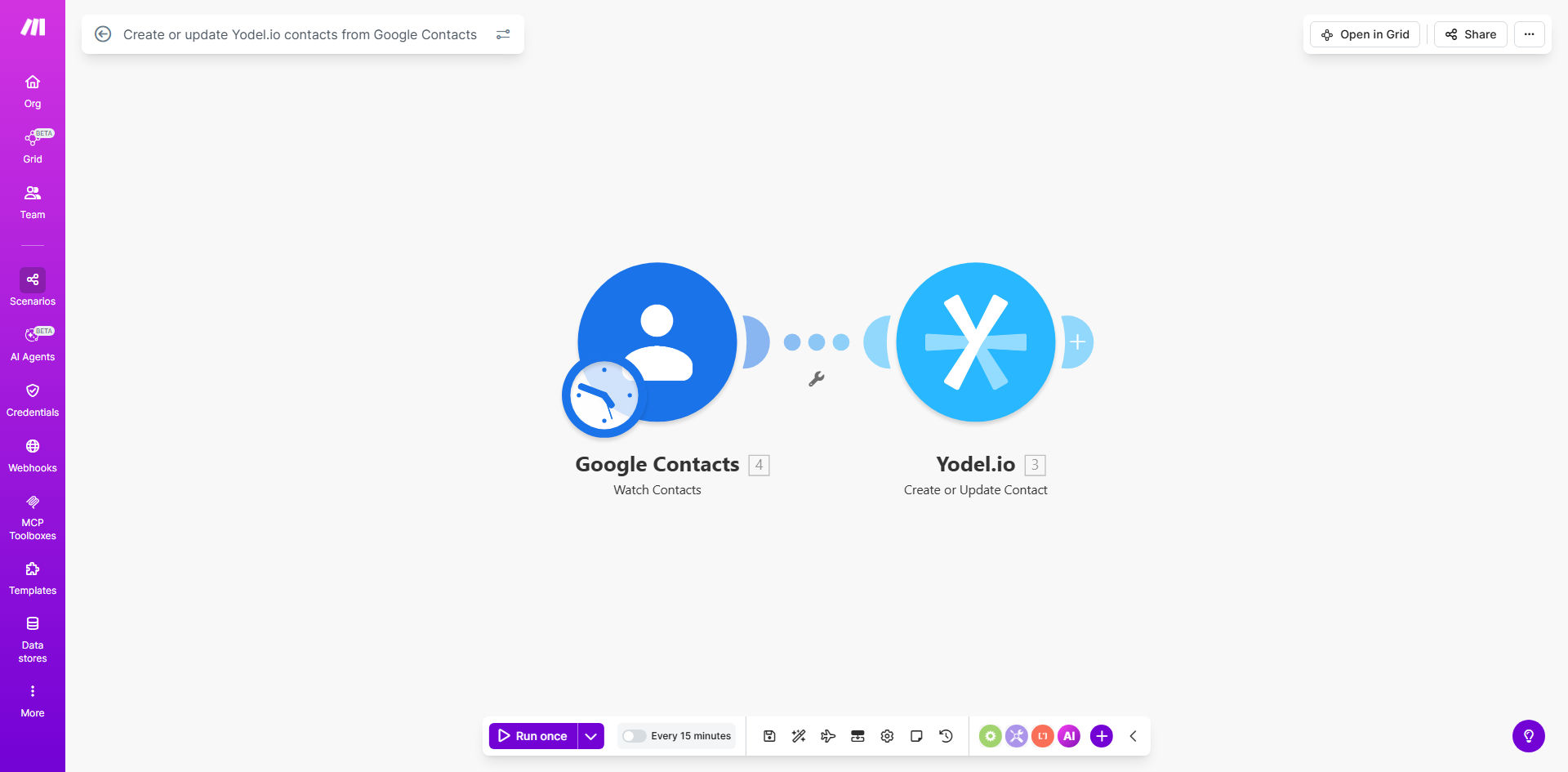
What This Workflow Does
This automation solves the common problem of maintaining duplicate contact lists across different business tools. When your sales team uses Yodel.io for outreach while your organization manages contacts in Google Contacts, manually transferring contact information becomes time-consuming and error-prone.
The workflow automatically creates or updates Yodel.io contacts whenever changes occur in Google Contacts. It checks for existing records to prevent duplicates and ensures both systems stay perfectly synchronized without manual intervention. This eliminates hours of administrative work while improving data accuracy across your sales and marketing tools.
How It Works
1. Trigger on new Google Contacts
The workflow activates whenever a new contact is added to your Google Contacts. Make.com monitors your Google account for these changes in real-time.
2. Retrieve contact details
The system pulls all available contact information including name, email, phone numbers, company details, and any custom fields you've configured.
3. Check for existing Yodel.io contact
Before creating a new record, the workflow searches Yodel.io to see if this contact already exists, typically matching by email address.
4. Create or update record
Depending on whether the contact exists in Yodel.io, the workflow either creates a new contact record or updates the existing one with the latest information from Google Contacts.
Who This Is For
This automation is ideal for:
- Sales teams using Yodel.io for outreach while managing contacts in Google Workspace
- Businesses transitioning from Google Contacts to a dedicated sales CRM
- Organizations where multiple teams need access to the same contact data
- Companies experiencing data inconsistencies between their contact management systems
What You'll Need
- A Make.com account (free plan available)
- Google Workspace account with Contacts access
- Yodel.io account with API access
- Permission to connect these services
Quick Setup Guide
- Click "Get This Workflow" to copy the template to your Make.com account
- Connect your Google Contacts account in the first module
- Connect your Yodel.io account in the subsequent modules
- Test with a sample contact to verify the sync works correctly
- Activate the scenario to begin automatic syncing
Key Benefits
Save 5+ hours per month by eliminating manual contact transfers between systems. Sales teams can focus on outreach rather than data entry.
Reduce data errors by 90% compared to manual copying between systems. Automated transfers eliminate typos and missed fields.
Instant access to updated contacts means your sales team always works with the latest information, improving response rates.
Scalable solution grows with your business, handling hundreds or thousands of contacts with equal reliability.
Pro tip: Add a filter module to only sync contacts tagged with "Sales Lead" in Google Contacts, keeping your Yodel.io database focused on high-value prospects.