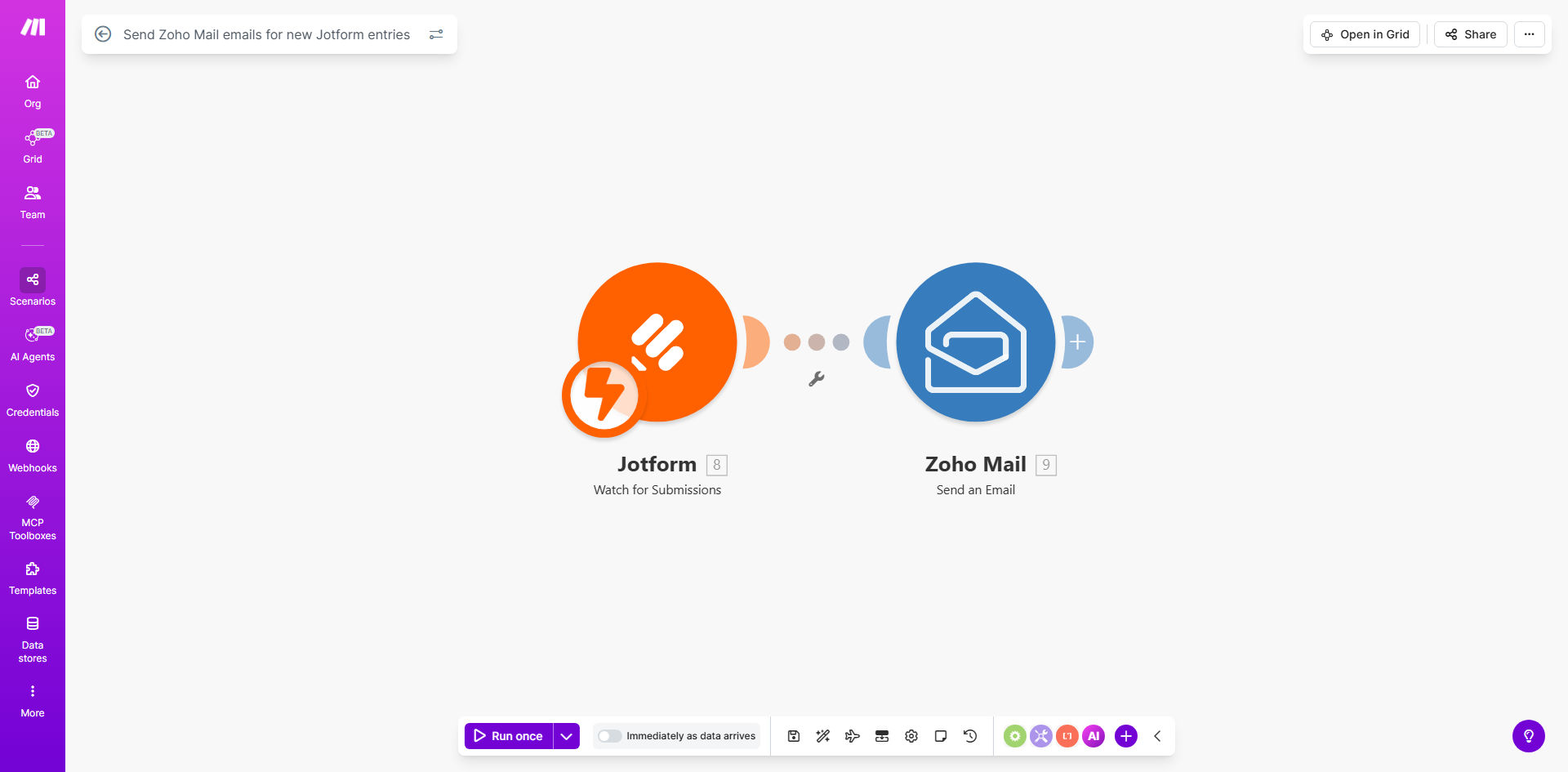
What This Workflow Does
This automation solves a common business challenge: manually sending email responses when form submissions come in. Every time someone fills out your Jotform, the workflow automatically sends a customized email through your Zoho Mail account.
The system eliminates repetitive administrative work while ensuring prompt, professional communication with your customers, leads, or event attendees. You can customize the email content to include specific form responses, attachments, or conditional messaging based on the submission data.
How It Works
1. New Jotform submission detected
The workflow constantly monitors your Jotform for new entries. When someone submits your form, Make.com instantly detects the new data.
2. Form data processed
The system extracts all relevant information from the form submission, including text responses, file uploads, and metadata like submission time.
3. Email composed in Zoho Mail
Using your predefined email template, the workflow dynamically inserts form responses into appropriate fields. You can personalize subject lines, body content, and attachments.
4. Automated email delivery
The completed email sends through your Zoho Mail account with full tracking and delivery confirmation. Failed attempts automatically retry according to your settings.
Pro tip: Use conditional logic to send different email templates based on specific form responses. For example, send a sales follow-up for product inquiries but a support response for technical questions.
Who This Is For
This workflow benefits any business or organization that collects information through online forms:
- Service businesses processing client inquiries
- Event organizers managing registrations
- Educators collecting student applications
- Nonprofits handling volunteer signups
- Ecommerce stores processing order forms
What You'll Need
- A Jotform account with at least one active form
- A Zoho Mail account with sending privileges
- A Make.com account (free plan available)
- Your email template content prepared
Quick Setup Guide
- Clone the template in your Make.com account
- Connect your Jotform account
- Connect your Zoho Mail account
- Customize the email template with merge fields
- Test with sample form submissions
- Activate the workflow
Key Benefits
Save 5-10 hours per month by eliminating manual form response processing. The automation handles email delivery instantly after each submission.
Improve response times from hours/days to seconds. Customers receive immediate acknowledgment of their submissions.
Reduce human errors in form processing. Automated systems don't forget to send emails or mix up recipient details.
Professionalize communications with consistent, branded email templates for all form responses.
Gain delivery tracking through Zoho Mail's reporting features, unlike basic form notification systems.