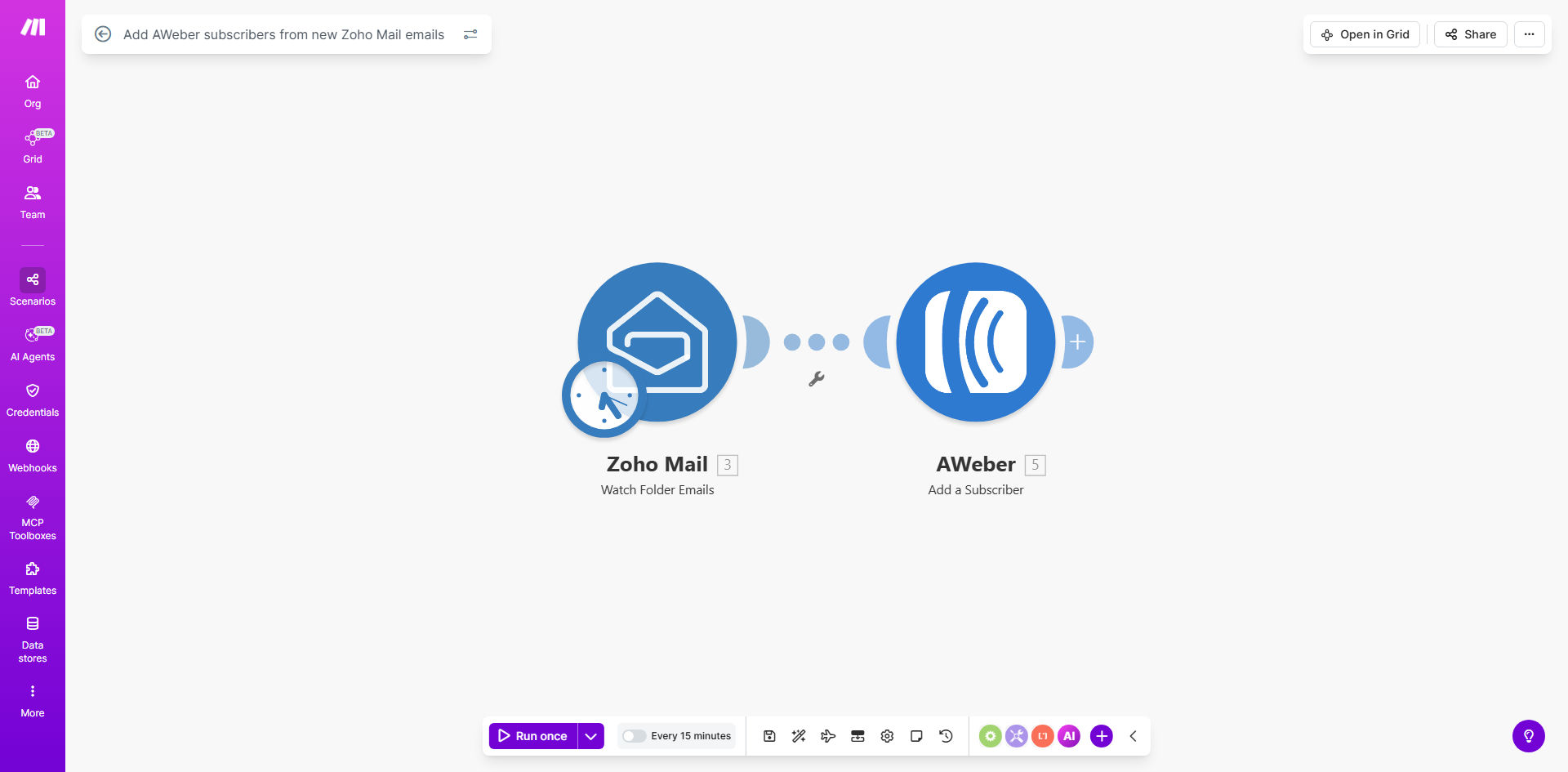
What This Workflow Does
This automation solves the common problem of manually transferring new email contacts from Zoho Mail to your AWeber email marketing platform. Every time a new email arrives in a specified Zoho Mail folder, the workflow automatically extracts the sender's contact information and adds them as a subscriber to your AWeber list.
For businesses receiving dozens or hundreds of inquiries daily, this eliminates hours of tedious data entry while ensuring no potential customer falls through the cracks. The integration maintains data accuracy by directly transferring contact details without manual transcription errors.
How It Works
1. New Email Detection
The workflow monitors your specified Zoho Mail folder for new incoming messages. You can choose to watch your inbox, a specific label, or a custom folder where you route certain types of emails.
2. Contact Extraction
When a new email arrives, the automation extracts the sender's name, email address, and any other relevant information from the email headers or body that you want to capture for your mailing list.
3. AWeber Subscriber Addition
The extracted contact information is then formatted according to AWeber's API requirements and added to your specified subscriber list. You can map Zoho Mail fields to corresponding AWeber fields for precise data transfer.
4. Optional Custom Fields
The workflow can be extended to include custom fields like tags, notes, or segmentation criteria based on the source email's content or metadata, helping you better organize your subscribers from the start.
Who This Is For
This automation is ideal for:
- Small businesses using Zoho Mail for customer communications
- Marketing teams managing AWeber email campaigns
- Sales teams wanting to automatically add leads to nurture sequences
- Any organization receiving inquiries that should become subscribers
What You'll Need
- Active Zoho Mail account with API access enabled
- AWeber account with API credentials
- Make.com account (free tier available)
- Basic understanding of your email folder structure in Zoho Mail
Quick Setup Guide
- Connect your Zoho Mail account in Make.com
- Connect your AWeber account in Make.com
- Specify which Zoho Mail folder to monitor
- Map the contact fields between Zoho Mail and AWeber
- Test with sample emails to verify the workflow
- Activate the automation
Key Benefits
Time Savings: Eliminates manual data entry between your email client and marketing platform, saving several hours per week for teams receiving frequent inquiries.
Improved Accuracy: Automated transfer removes human error in transcribing email addresses and contact details, reducing bounce rates.
Faster Lead Nurturing: New contacts enter your email marketing sequences immediately rather than waiting for manual processing.
Scalability: Handles increasing email volumes without additional staff time, supporting business growth.
Custom Segmentation: Can be configured to tag or categorize subscribers based on the source email characteristics.