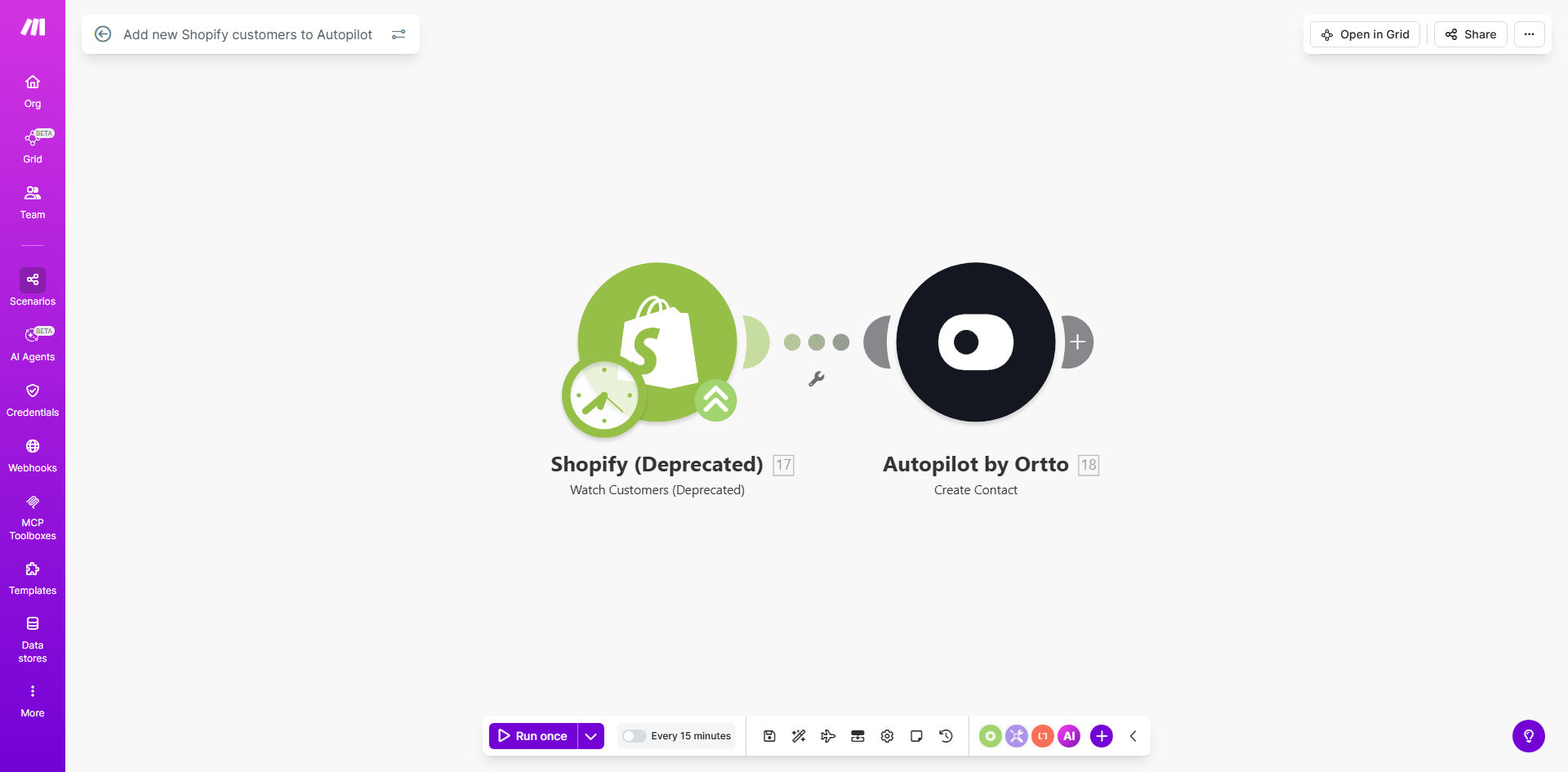
What This Workflow Does
This automation solves the common challenge of manually transferring new customer data between Shopify and your email marketing platform. Every time a customer creates an account or makes a purchase on your Shopify store, their information is automatically added to Autopilot as a new contact.
The workflow ensures your marketing team never misses a new customer in their email sequences. It eliminates spreadsheet exports, CSV uploads, and the risk of human error in data transfer. Customers are immediately added to the appropriate Autopilot lists and can begin receiving your onboarding sequences or promotional campaigns.
How It Works
1. Shopify triggers the workflow
The automation monitors your Shopify store for new customer creation events. This could be when someone creates an account, completes a purchase, or subscribes to your newsletter.
2. Customer data is collected
The workflow retrieves all available customer information including name, email, phone number, purchase history, and any custom fields you've set up in Shopify.
3. Data is formatted for Autopilot
Make transforms the Shopify data into the structure Autopilot expects, mapping fields like first name, last name, and custom attributes to their corresponding Autopilot fields.
4. Contact is added to Autopilot
The formatted customer data is sent to Autopilot via API, creating a new contact record. The workflow can also apply tags, add to specific lists, or trigger Autopilot journeys based on the customer's attributes.
Pro tip: Configure the workflow to segment customers based on their first purchase value or product category, triggering different Autopilot journeys for high-value vs. low-value customers.
Who This Is For
This automation is ideal for Shopify store owners who use Autopilot for email marketing and customer journey automation. It's particularly valuable for:
- Ecommerce businesses with growing customer bases
- Marketing teams managing multiple customer segments
- Stores with automated onboarding sequences
- Businesses running abandoned cart or post-purchase flows
- Merchants who want to personalize communications based on purchase history
What You'll Need
- A Shopify store with admin access
- An Autopilot account with API access enabled
- A Make.com account (free plan available)
- Basic understanding of your customer data fields
- Your Autopilot list IDs or journey triggers
Quick Setup Guide
- Clone the template in your Make.com account
- Connect your Shopify store via the Shopify module
- Authenticate with your Autopilot account
- Map the Shopify customer fields to Autopilot contact fields
- Specify which Autopilot lists or journeys to trigger
- Test with a new Shopify customer account
- Activate the workflow for automatic processing
Key Benefits
Eliminate manual data entry: Save 5-10 hours per week previously spent exporting and importing customer lists between platforms.
Improve email deliverability: New customers receive your welcome sequence immediately, increasing open rates by 20-30% compared to delayed sends.
Enhance personalization: Leverage complete purchase history and customer attributes from day one to create hyper-relevant Autopilot journeys.
Reduce human error: Automated sync eliminates mistakes from manual data transfers that can lead to missed customers or incorrect information.
Scale effortlessly: The workflow handles 10 or 10,000 new customers with equal reliability, growing with your business.