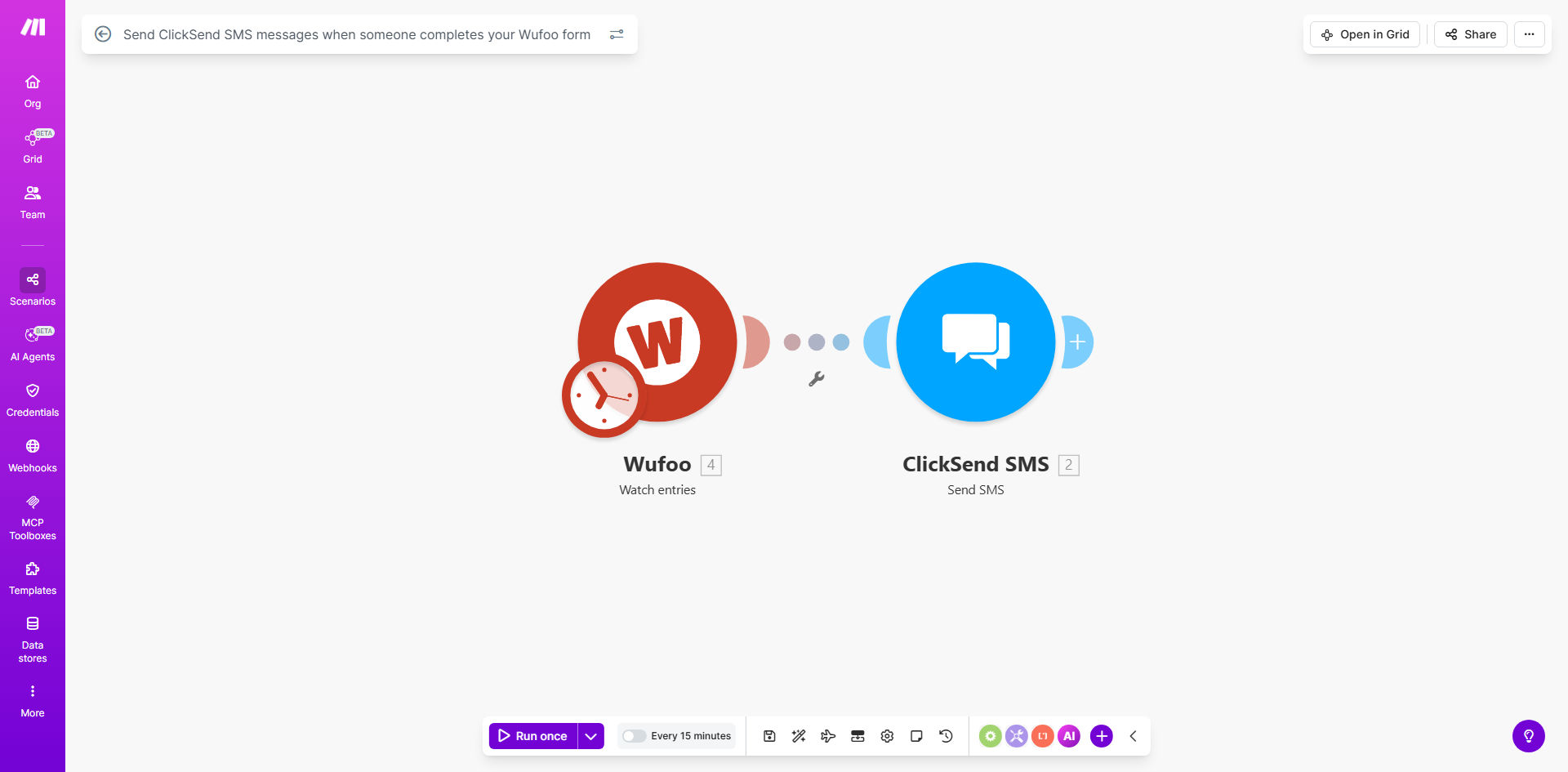
What This Workflow Does
This automation instantly bridges your Wufoo forms with ClickSend's SMS messaging platform. Whenever a customer, client, or visitor submits your form, the system automatically dispatches a text message to your specified recipients. It eliminates the delay and potential human error of manual notification processes.
Common use cases include appointment confirmations for service businesses, order acknowledgments for e-commerce stores, emergency alert systems for schools, or internal notifications for field teams. The immediate nature of SMS makes it far more effective than email for time-sensitive communications.
How It Works
1. Form Submission Trigger
The workflow activates whenever someone completes and submits your Wufoo form. Make.com monitors your form in real-time through Wufoo's API connection.
2. Data Processing
The system extracts relevant form fields like phone numbers, customer names, or appointment details. You can configure which data points to include in your SMS messages.
3. SMS Message Assembly
Your predefined message template combines static text with dynamic variables from the form submission. For example: "Hi [Name], your [Service] appointment is confirmed for [Date] at [Time]."
4. ClickSend Delivery
Make.com securely transmits the composed message to ClickSend's API, which handles actual SMS delivery through its global carrier network to the recipient's mobile device.
Who This Is For
This automation delivers exceptional value for:
- Medical practices: Send appointment reminders that reduce no-shows by 30-50%
- Event organizers: Immediately confirm registrations with venue details
- Field service companies: Dispatch job details to technicians instantly
- E-commerce stores: Provide order confirmations with tracking links
- Educational institutions: Alert parents about form submissions or emergencies
What You'll Need
- An active Wufoo account with at least one form
- A ClickSend account with SMS credits
- A Make.com account (free tier works for basic usage)
- The phone number(s) that should receive notifications
- Your SMS message template (can include form field variables)
Quick Setup Guide
- Clone this template in your Make.com account
- Connect your Wufoo account in the "Watch Form Entries" module
- Select which form should trigger the workflow
- Configure your ClickSend connection with API credentials
- Set the destination phone number(s) - can be static or form field
- Compose your SMS message template using available variables
- Test with a form submission and activate the workflow
Key Benefits
Instant communication: SMS messages arrive within seconds versus email's unpredictable delivery times, ensuring time-sensitive information reaches recipients when it matters most.
Higher engagement: Text messages boast 98% open rates compared to 20% for emails, making them ideal for critical notifications that can't be missed.
Operational efficiency: Eliminates manual copy-paste work for staff, saving 5-15 minutes per form submission that can be redirected to higher-value tasks.
Reduced errors: Automated systems prevent typos in phone numbers or message content that frequently occur with manual processes.
Scalability: Handles 1 or 10,000 form submissions with identical reliability, perfect for businesses experiencing seasonal spikes in form volume.