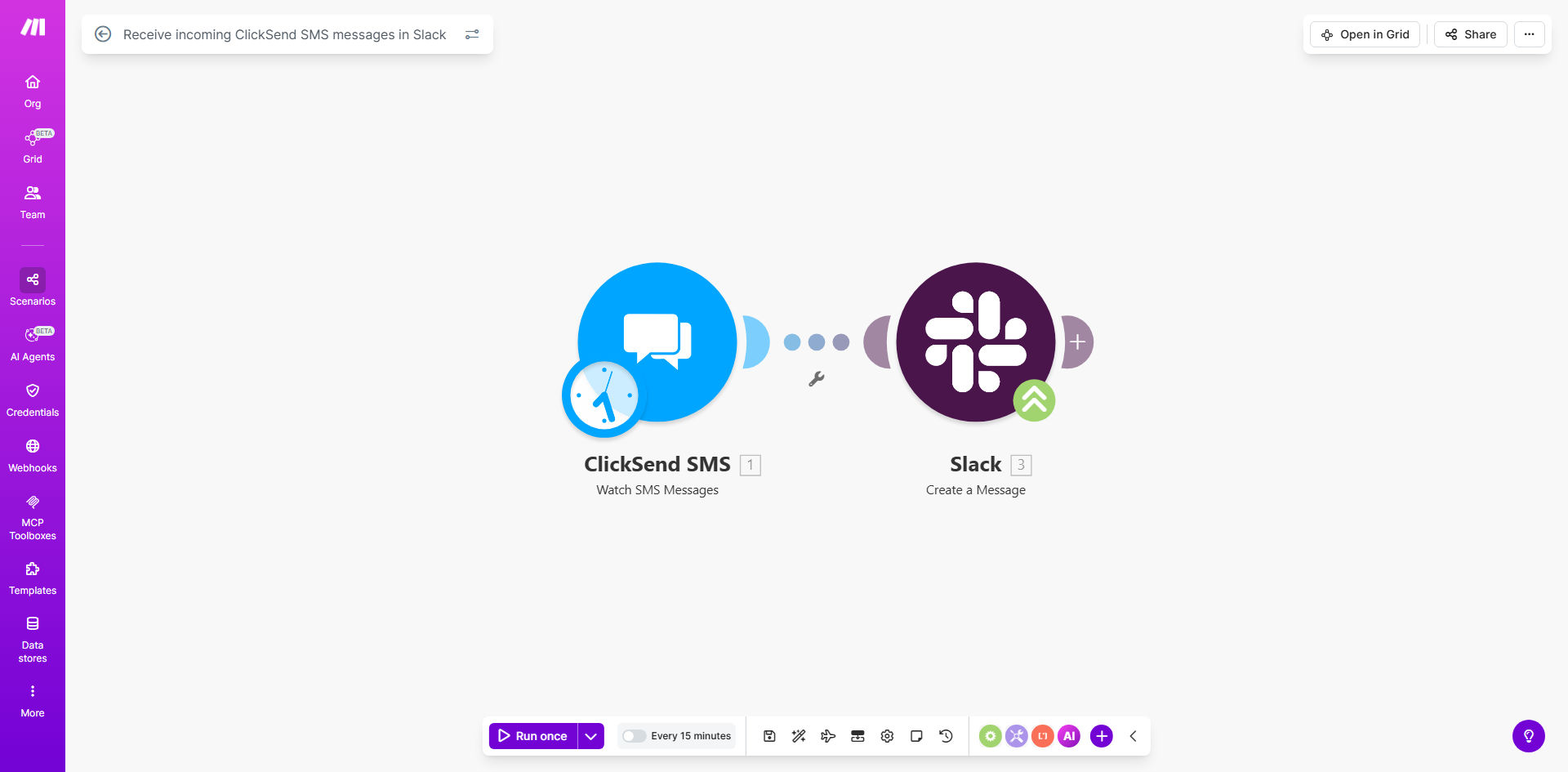
What This Workflow Does
This automation solves the common problem of SMS messages getting siloed in ClickSend, where only one team member can access them. When customers text your business number, the messages often need to be seen by multiple departments - support, sales, or operations. Manually forwarding these messages wastes time and creates version control issues.
The workflow automatically detects new incoming SMS messages in ClickSend and posts them to a designated Slack channel in real-time. This creates a centralized communication hub where your entire team can view, discuss, and respond to customer SMS messages without ever leaving Slack.
How It Works
1. ClickSend Triggers on New SMS
The workflow starts when ClickSend receives an incoming SMS message. Make.com monitors your ClickSend account for these events through its API connection.
2. Message Data is Processed
The workflow extracts key information from the SMS including the sender's number, message content, and timestamp. You can configure additional processing like phone number formatting or keyword detection.
3. Message is Posted to Slack
Make.com sends the formatted message to your specified Slack channel. The post includes the sender's number, message content, and a timestamp. You can customize the message format to include your branding or additional context.
Pro tip: Create a dedicated Slack channel like #customer-sms for these messages to keep them organized and set appropriate notification settings for your team.
Who This Is For
This workflow is ideal for customer-facing teams that receive important SMS messages but need those messages visible to multiple stakeholders. Common use cases include:
- Support teams handling SMS-based customer inquiries
- Sales teams receiving text messages from leads
- Field service businesses coordinating via SMS
- Any business using ClickSend for SMS marketing that needs internal visibility
What You'll Need
- A ClickSend account with incoming SMS capability
- A Slack workspace where you have permission to post messages
- A Make.com account (free tier works for basic setup)
- API credentials for both ClickSend and Slack
Quick Setup Guide
- Clone the template in your Make.com account
- Connect your ClickSend account using API credentials
- Connect your Slack workspace and select the target channel
- Test with a sample SMS message to verify the flow
- Activate the scenario to begin processing messages
Key Benefits
Eliminate manual forwarding: Save 5-10 minutes per SMS message that would otherwise require copying/pasting between systems.
Improve response times: Team members can respond to SMS messages immediately from Slack without waiting for forwarding.
Maintain message history: All SMS communications are preserved in Slack search for future reference.
Enable team collaboration: Multiple team members can discuss and coordinate responses to SMS messages in threaded Slack replies.
Reduce missed messages: With notifications in Slack, important SMS messages won't get overlooked when team members are away from their desks.