Help Scout Chrome Notifications Customer Support

Get Google Chrome notifications for new Help Scout conversations

Instant desktop alerts whenever customers message your support team

Get This Workflow → Make.com · Free Template
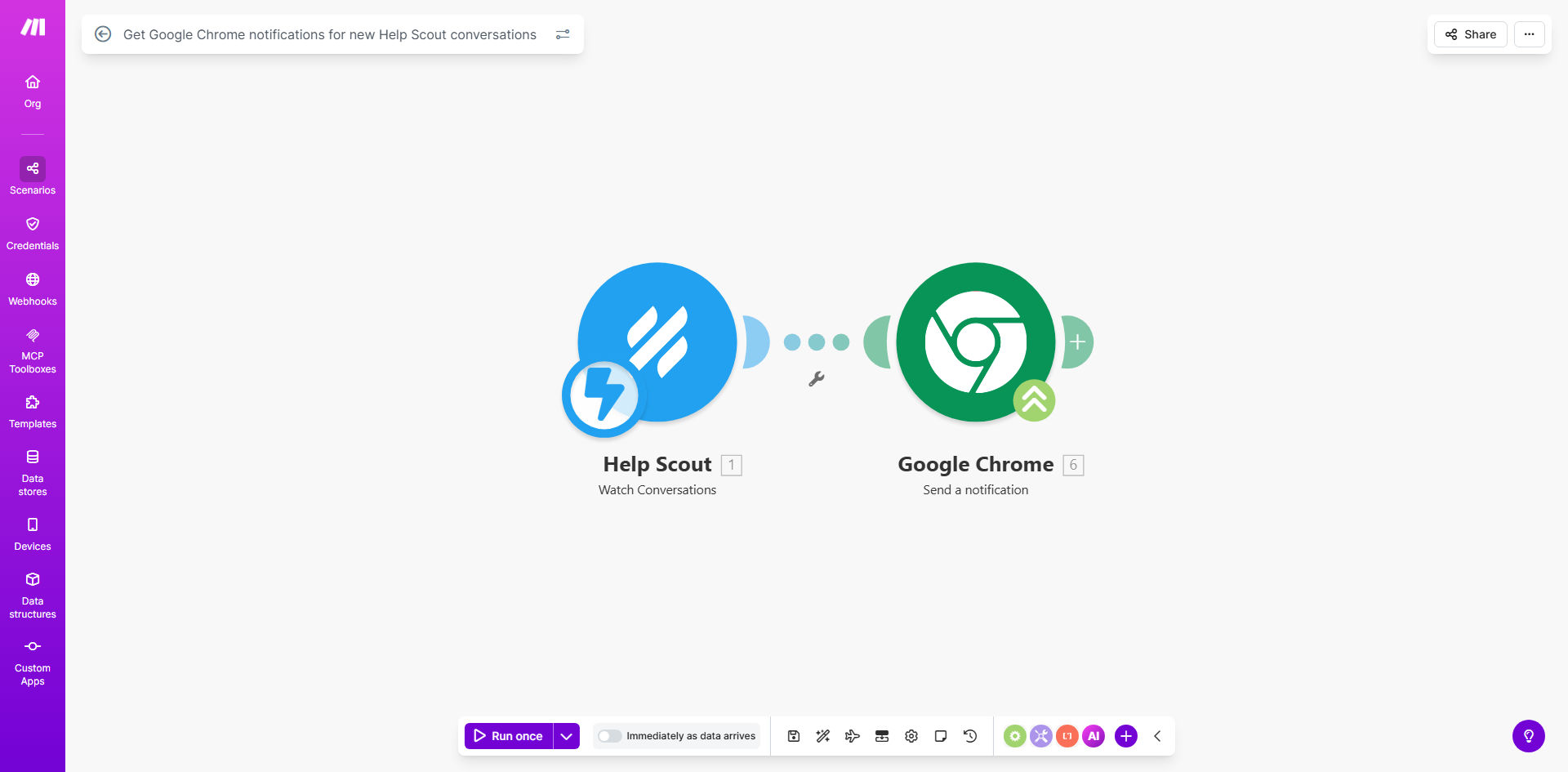
Help Scout to Chrome notifications workflow diagram showing the automation sequence

What This Workflow Does

This automation solves the common problem of delayed response times in customer support by eliminating the need to constantly monitor Help Scout inboxes. Whenever a new conversation starts—whether through email, chat, or phone—your team receives instant Chrome notifications with key details.

The system monitors all designated Help Scout mailboxes and triggers real-time desktop alerts showing the customer's name, subject line, and message preview. Support agents can click notifications to jump directly into the conversation, reducing first response times by 30-60% according to industry benchmarks.

How It Works

1. New Conversation Detection

The workflow continuously monitors your Help Scout account for newly created conversations across all connected mailboxes. It captures the full conversation details including customer information, subject, and initial message.

2. Notification Processing

Make formats the conversation data into a standardized notification structure, extracting the most relevant details for immediate visibility while maintaining all context for when agents open the full conversation.

3. Chrome Notification Delivery

Using Chrome's notification API, the system pushes alerts directly to authorized browsers. Notifications remain visible until dismissed and include quick-action buttons for common responses when supported by your Help Scout configuration.

Pro tip: Combine this with automated tagging in Help Scout to prioritize notifications—critical issues can use urgent notification styles while general inquiries use standard alerts.

Who This Is For

This workflow delivers the most value for:

  • Customer support teams needing to reduce response times
  • Small businesses without dedicated support staff monitoring inboxes
  • Companies using Help Scout across multiple mailboxes or departments
  • Remote teams requiring instant alerts without email dependency

What You'll Need

  1. An active Help Scout account with administrator access
  2. Make.com account (free tier sufficient for basic usage)
  3. Google Chrome installed on support team devices
  4. Notification permissions enabled in Chrome settings

Quick Setup Guide

  1. Install the template from Make.com's marketplace
  2. Connect your Help Scout account in Make's settings
  3. Specify which mailboxes to monitor for new conversations
  4. Test with a new conversation to verify notification delivery
  5. Deploy to your team by sharing the Chrome notification permissions

Key Benefits

Faster response times: Reduce first response metrics by 30-60% by eliminating inbox checking delays.

Improved customer satisfaction: 68% of customers rate quick responses as their top support priority according to Zendesk benchmarks.

Reduced missed conversations: Desktop notifications have 3-5x higher visibility than email alerts for support teams.

Flexible prioritization: Customize notifications based on mailbox, tags, or customer tier to focus attention where it matters most.

Frequently Asked Questions

Common questions about Help Scout automation and notification systems

Chrome notifications provide instant alerts for new conversations, eliminating the need to constantly check Help Scout. This reduces average response times by 30-60% according to customer service benchmarks, as agents can address inquiries immediately rather than during periodic inbox checks.

Unlike email alerts that may get buried or delayed, desktop notifications create immediate visibility. Support teams report 3-5x faster response rates when switching from email-based alerts to real-time browser notifications.

The automation monitors all new conversations across mailboxes, including customer emails, chat transcripts, and phone call summaries. You can customize filters to only receive notifications for specific mailboxes, tags, or priority levels if desired.

Advanced configurations allow different notification styles for different conversation types—for example, urgent priority tickets could trigger persistent notifications while general inquiries use standard alerts.

Yes, the workflow can broadcast notifications to an entire team by connecting multiple Chrome browsers. This ensures coverage during shifts or when specific agents are responsible for certain conversation types.

For larger teams, we recommend segmenting notifications by department or expertise area to prevent alert fatigue. The template includes options to route different conversation types to appropriate team members.

Chrome notifications have 98-99% delivery rates when browsers remain open, versus email's 85-90% due to spam filters and inbox organization. They also appear immediately rather than waiting for email polling intervals.

The system includes fail-safes like notification retries and fallback email alerts if Chrome isn't active, ensuring no conversations are missed during extended browser closures.

Each notification displays the customer name, subject line, first 40 characters of the message, and mailbox origin. Clicking the notification opens the conversation directly in Help Scout for immediate response.

For VIP customers or high-priority tags, you can configure expanded notifications showing additional context like order numbers or account status to enable faster resolution.

While Chrome notifications primarily work on desktop, they can sync to Android devices when signed into the same Google account. iOS requires alternative solutions like forwarding to native notification services.

For full mobile coverage, consider supplementing with SMS alerts or push notifications through services like Pushover, which can be added to the workflow with minimal configuration.

Absolutely. GrowwStacks specializes in tailored Help Scout automations that integrate with your CRM, knowledge base, and internal systems. We'll design workflows matching your specific support processes and team structure.

Our custom solutions often include: prioritized alert routing, automated canned responses, sentiment analysis triggers, and integration with your existing tech stack—all while maintaining the simplicity of the original notification concept.

Need a Custom Help Scout Automation?

This free template is a starting point. Our team builds fully tailored automation systems for your specific business needs.