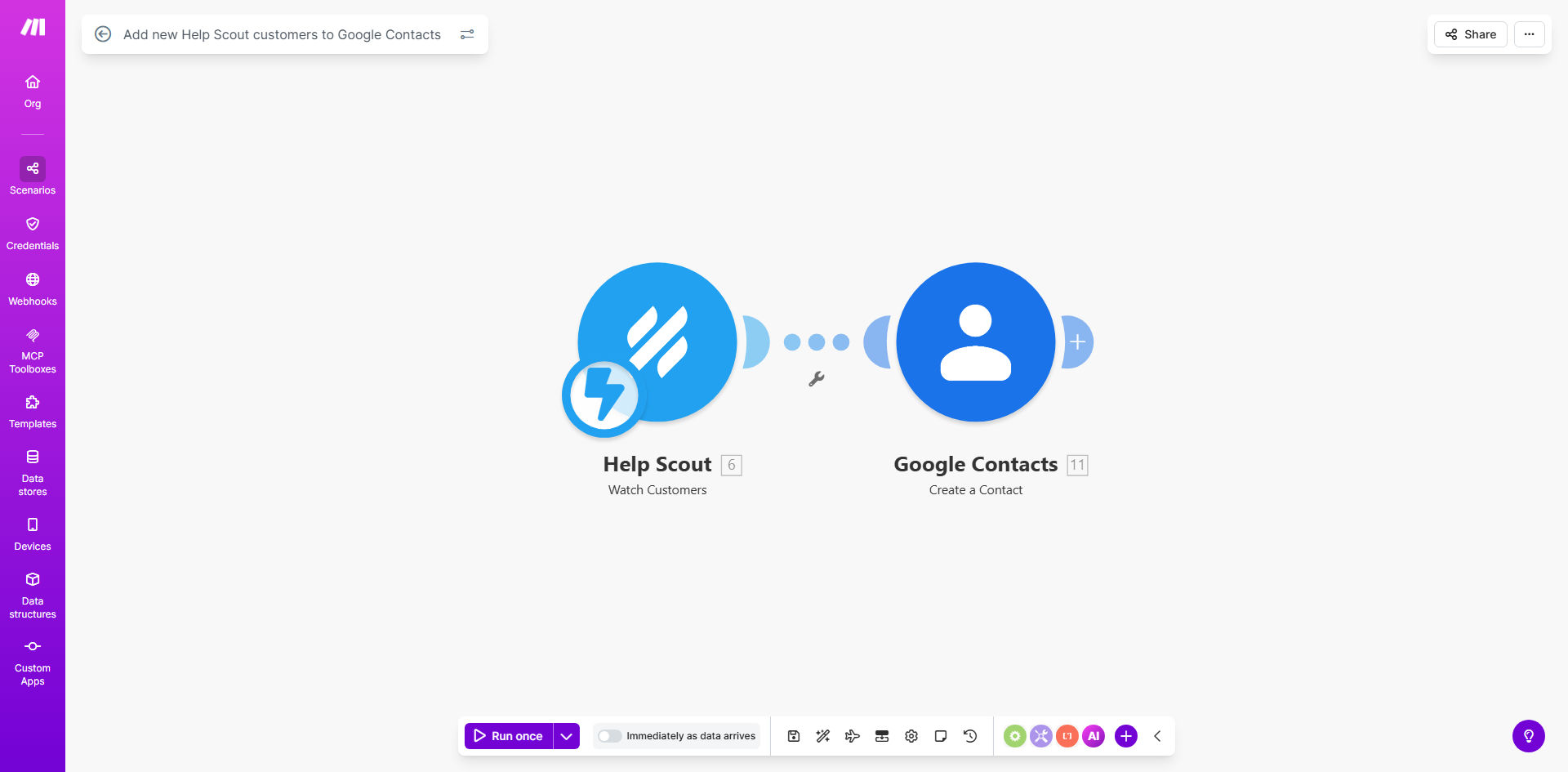
What This Workflow Does
This automation solves a common problem for customer-facing teams: manually transferring customer information from your help desk to your contact management system. Every time a new customer is created in Help Scout, this workflow automatically creates a corresponding contact in Google Contacts with all relevant details.
The integration ensures your sales, marketing, and support teams always have access to the same updated customer information. No more copying and pasting emails or missing important customer details because they weren't properly recorded in your CRM.
How It Works
1. Trigger: New customer in Help Scout
The workflow activates whenever a new customer profile is created in your Help Scout account. This could be from a new support ticket, chat conversation, or manual entry by your team.
2. Data extraction
Make retrieves all available customer information from Help Scout, including name, email address, phone number, and any custom fields you've configured in Help Scout.
3. Contact creation in Google
The system maps the Help Scout data to corresponding fields in Google Contacts and creates a new contact record. You can customize which fields transfer and how they're formatted.
4. Error handling
If a contact already exists with the same email address, the workflow can either skip creation or update the existing record based on your configuration.
Who This Is For
This workflow is ideal for:
- Support teams using Help Scout who want to automatically populate their CRM
- Sales teams needing real-time access to new customer information
- Marketing teams wanting to build segmented contact lists from support interactions
- Small businesses looking to connect their help desk with their contact management system
What You'll Need
- An active Help Scout account with admin access
- A Google Workspace account with Contacts access
- A Make.com account (free tier available)
- Basic understanding of how to connect apps in Make
Quick Setup Guide
- Click "Get This Workflow" to open the template in Make
- Connect your Help Scout account by following the OAuth prompts
- Connect your Google Contacts account using your Google Workspace credentials
- Review the default field mappings and adjust as needed
- Turn on the scenario and test with a new Help Scout customer
Key Benefits
Eliminate manual data entry: Save 2-5 minutes per customer by automating contact creation, allowing your team to focus on higher-value work.
Improve data accuracy: Reduce human errors from copying information between systems, ensuring your CRM always has correct customer details.
Enable faster follow-ups: Sales teams can reach out to new customers immediately since their information appears in Google Contacts automatically.
Create a unified customer view: Combine support history from Help Scout with other contact details in Google for better context in all interactions.
Scale your operations: As your customer base grows, this automation ensures your contact management scales effortlessly.