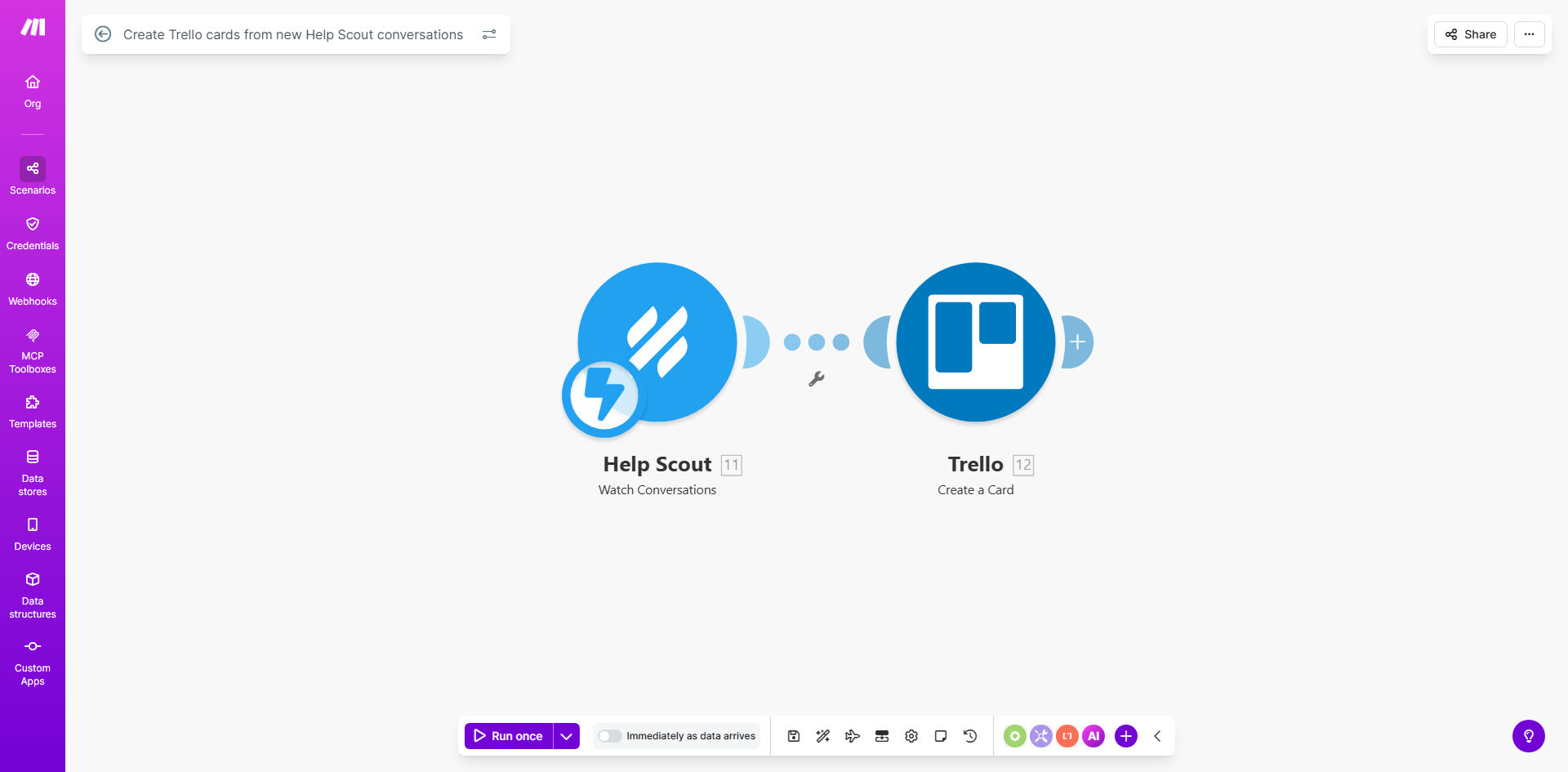
What This Workflow Does
This automation solves a critical challenge for customer support teams: ensuring every customer conversation gets proper follow-up. When support requests come through Help Scout, they often need to be converted into actionable tasks for your team. Manually creating Trello cards for each conversation is time-consuming and prone to human error.
The workflow automatically monitors your Help Scout mailbox for new conversations and creates corresponding Trello cards in your specified board. Each card contains relevant conversation details, allowing your team to immediately see what needs attention without switching between apps. This creates a seamless bridge between customer communication and task management.
How It Works
1. New conversation detection
The workflow constantly monitors your Help Scout mailbox through Make.com's instant triggers. As soon as a new conversation is created (whether through email, chat, or form submission), the automation kicks in.
2. Data extraction
Key information is pulled from the Help Scout conversation including customer details, subject line, message content, and any tags or custom fields. This data is structured for transfer to Trello.
3. Card creation
The workflow creates a new card in your specified Trello board, placing it in the appropriate list (like "To Do" or "In Progress"). The card includes all relevant conversation details as well as a direct link back to the Help Scout thread.
Pro tip: Configure the workflow to add labels in Trello based on Help Scout tags or mailbox. This makes it easy to categorize and prioritize support requests at a glance.
Who This Is For
This automation is ideal for:
- Customer support teams using Help Scout who need better task tracking
- Startups managing support requests across multiple departments
- Companies using Trello for project management alongside Help Scout
- Teams wanting to reduce manual data entry between systems
- Businesses aiming to improve response times and accountability
What You'll Need
- A Make.com account (free plan available)
- Help Scout account with admin or API access
- Trello account with a board ready for support tasks
- Basic understanding of connecting apps in Make.com
Quick Setup Guide
- Click "Get This Workflow" to copy the template to your Make.com account
- Connect your Help Scout account in Make.com (OAuth or API key)
- Connect your Trello account and select the target board
- Specify which Help Scout mailbox(es) to monitor
- Customize the card content and layout to match your workflow
- Test with a new Help Scout conversation to verify card creation
- Activate the scenario to begin automatic processing
Key Benefits
Eliminate manual data entry - Save 5-10 minutes per support request by automatically creating Trello cards instead of copying information manually.
Never miss a customer request - Every Help Scout conversation is guaranteed to become a tracked task in Trello, reducing dropped conversations by 100%.
Faster response times - Support teams can begin working on issues immediately since cards appear in Trello as soon as conversations start.
Better accountability - Clear task ownership and visibility into support request status through Trello's tracking features.
Customizable workflow - Adapt the automation to match your existing processes with custom fields, labels, and assignment rules.