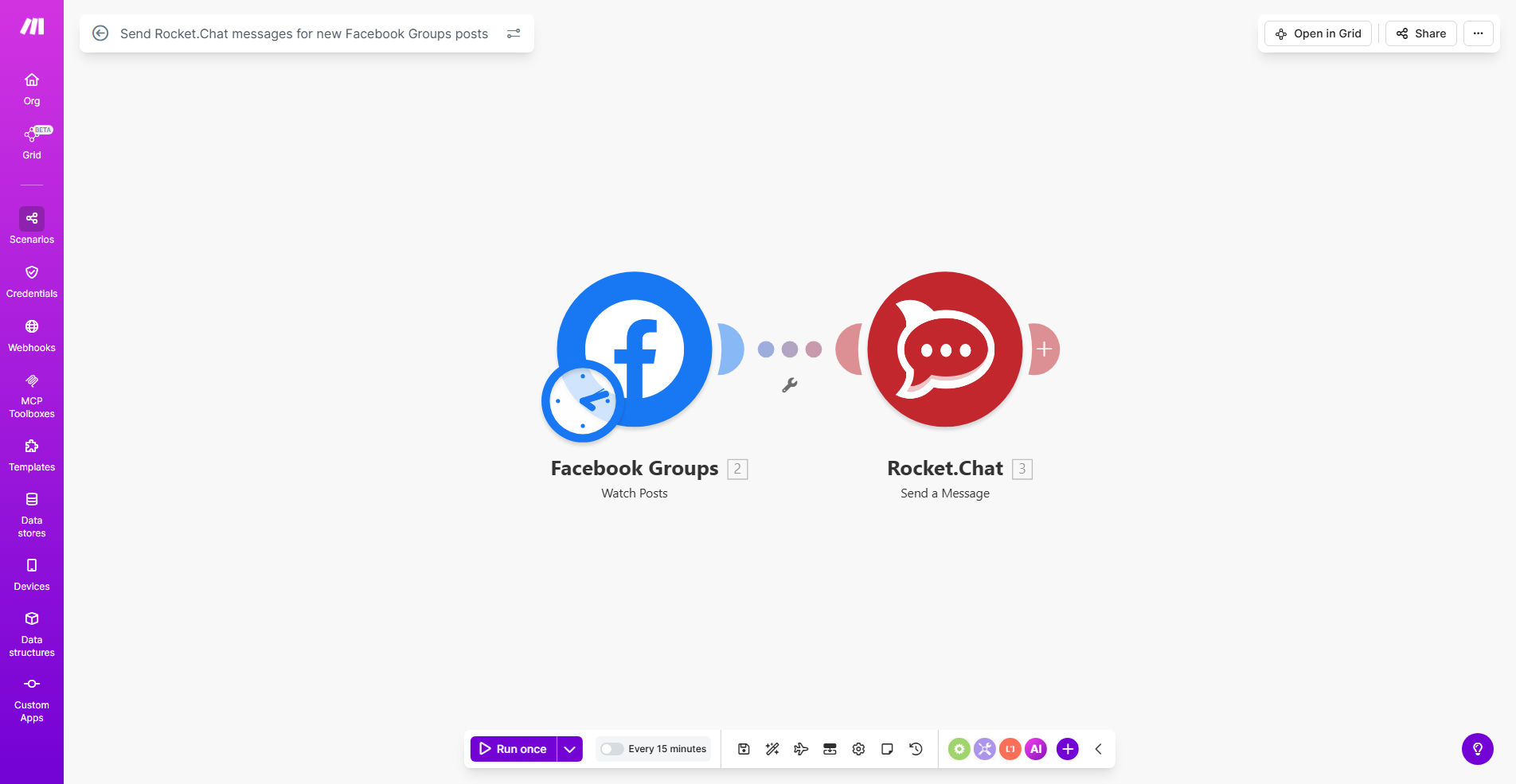
What This Workflow Does
This automation bridges the gap between your Facebook community and team collaboration by instantly delivering new Group posts directly to your Rocket.Chat channels. It solves the problem of fragmented communication where community managers must constantly switch between platforms to monitor discussions and respond to members.
By automating post notifications, your team can maintain real-time awareness of community activity without being logged into Facebook. The workflow captures all new posts including text, images, and links, then formats them into clean Rocket.Chat messages with direct links back to the original discussion.
How It Works
1. Facebook Group Monitoring
The workflow continuously checks your specified Facebook Group for new posts using Make.com's Facebook connector. It can monitor both public and private groups where you have admin or moderator access.
2. Content Processing
Each new post is analyzed to extract key elements like the author name, post text, media attachments, and engagement metrics. You can configure filters to only notify about posts containing specific keywords or meeting certain criteria.
3. Rocket.Chat Delivery
The processed post information is formatted into a structured Rocket.Chat message and delivered to your specified channel or direct messages. The notification includes actionable links that let your team jump straight into the Facebook conversation.
Who This Is For
This automation is ideal for:
- Community managers overseeing active Facebook Groups
- Marketing teams running branded communities
- Support teams that use Facebook Groups for customer discussions
- Any organization using Rocket.Chat for internal collaboration
What You'll Need
- Admin or moderator access to a Facebook Group
- A Rocket.Chat workspace with message posting permissions
- A Make.com account (free plan available)
- 5 minutes to configure the template
Quick Setup Guide
- Click "Get This Workflow" to copy the template to your Make.com account
- Connect your Facebook account and select the Group to monitor
- Connect your Rocket.Chat account and specify the destination channel
- Adjust any filters or message formatting preferences
- Activate the scenario and test with a new Group post
Key Benefits
Faster response times: Your team can address member questions and discussions immediately through Rocket.Chat without checking Facebook constantly.
Improved visibility: All relevant team members see community activity in their primary collaboration tool, preventing information silos.
Customizable alerts: Filter notifications to only surface the most important posts based on keywords, post types, or authors.
Centralized tracking: Maintain a searchable record of Group activity within Rocket.Chat for reference and reporting.