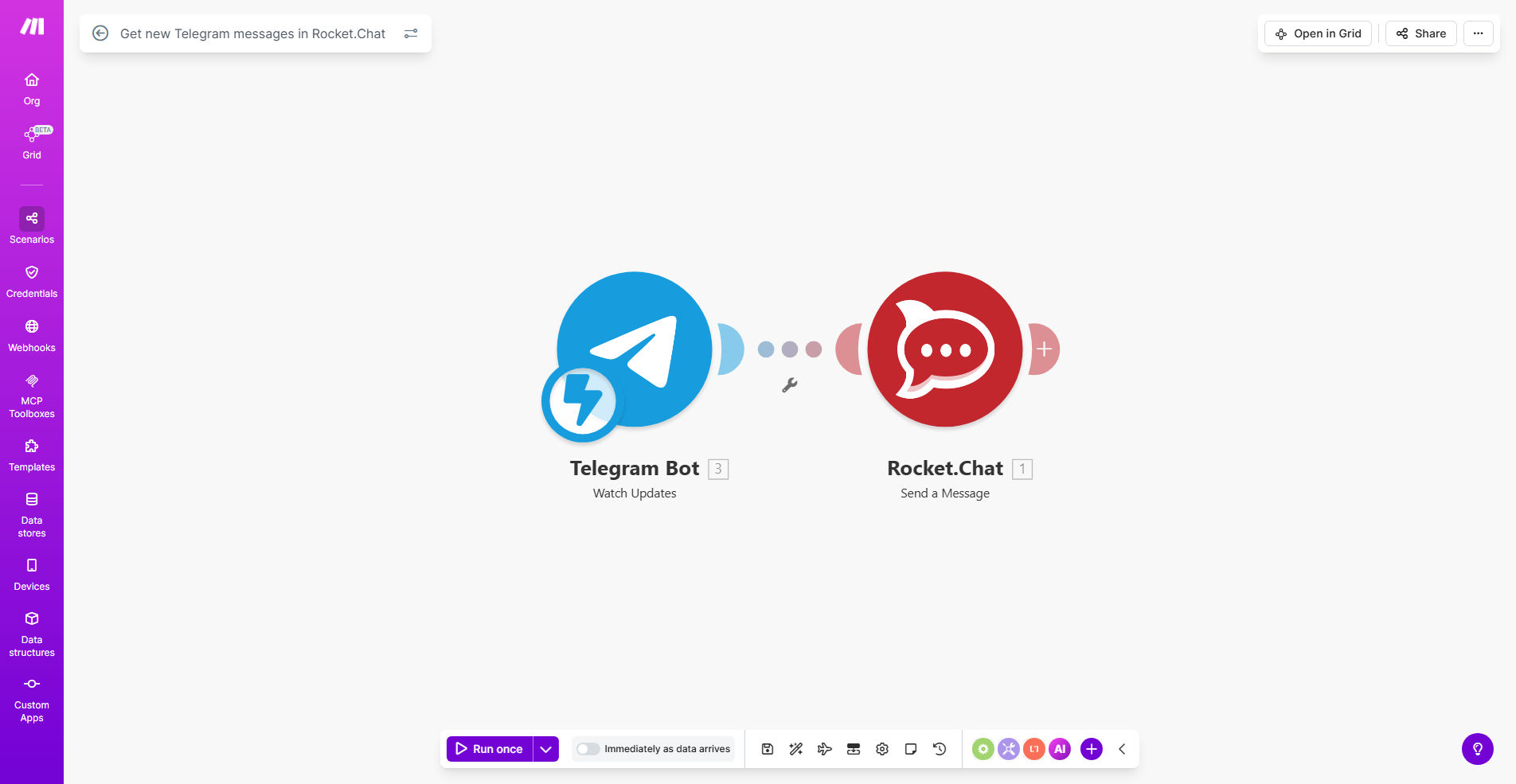
What This Workflow Does
This automation solves the common problem of team members missing important messages that arrive on external platforms like Telegram while they're working in internal collaboration tools like Rocket.Chat. It eliminates the need for manual message forwarding, ensuring seamless communication flow between platforms.
The workflow monitors specified Telegram channels or groups for new messages and automatically posts them to designated Rocket.Chat channels. This keeps all team communications centralized while still allowing you to engage with external contacts on their preferred platform.
How It Works
1. Telegram Trigger Setup
The workflow starts by connecting to your Telegram account via Make.com's Telegram bot. You specify which groups or channels to monitor for new messages.
2. Message Processing
Each new Telegram message triggers the workflow. The system extracts the message content, sender information, and any attachments.
3. Rocket.Chat Integration
Make.com authenticates with your Rocket.Chat instance using API credentials, then posts the formatted message to your specified channel with appropriate metadata.
4. Error Handling
The template includes basic error handling to retry failed deliveries and notify administrators if messages can't be forwarded after multiple attempts.
Who This Is For
This workflow benefits:
- Support teams handling customer inquiries on Telegram
- Remote teams using Rocket.Chat as their primary collaboration hub
- Community managers bridging public Telegram groups with internal discussions
- Project teams receiving stakeholder updates via Telegram
What You'll Need
- A Make.com account (free tier available)
- Admin access to a Rocket.Chat workspace
- A Telegram account with access to the groups/channels you want to monitor
- The Telegram bot token for authentication
- Rocket.Chat API credentials with message posting permissions
Quick Setup Guide
- Click "Get This Workflow" to copy the template to your Make.com account
- Connect your Telegram account using the bot token
- Specify which Telegram groups/channels to monitor
- Enter your Rocket.Chat API credentials
- Select the destination Rocket.Chat channel
- Test with sample messages and deploy
Key Benefits
Eliminate context switching - Team members no longer need to monitor multiple platforms, reducing cognitive load and improving focus.
Ensure message visibility - Critical communications from Telegram automatically appear where your team collaborates daily.
Save 5-10 minutes per conversation - No more manual copying of messages between platforms.
Maintain communication history - All forwarded messages remain searchable in Rocket.Chat's persistent chat history.
Extendable architecture - Easily add filters, formatting rules, or additional processing steps as your needs evolve.