Make.com Todoist Google Calendar Productivity Task Tracking

Add completed Todoist tasks as new Google Calendar events

Automatically log completed tasks in your calendar to track productivity and work history

Get This Workflow → Make.com · Todoist · Free Template
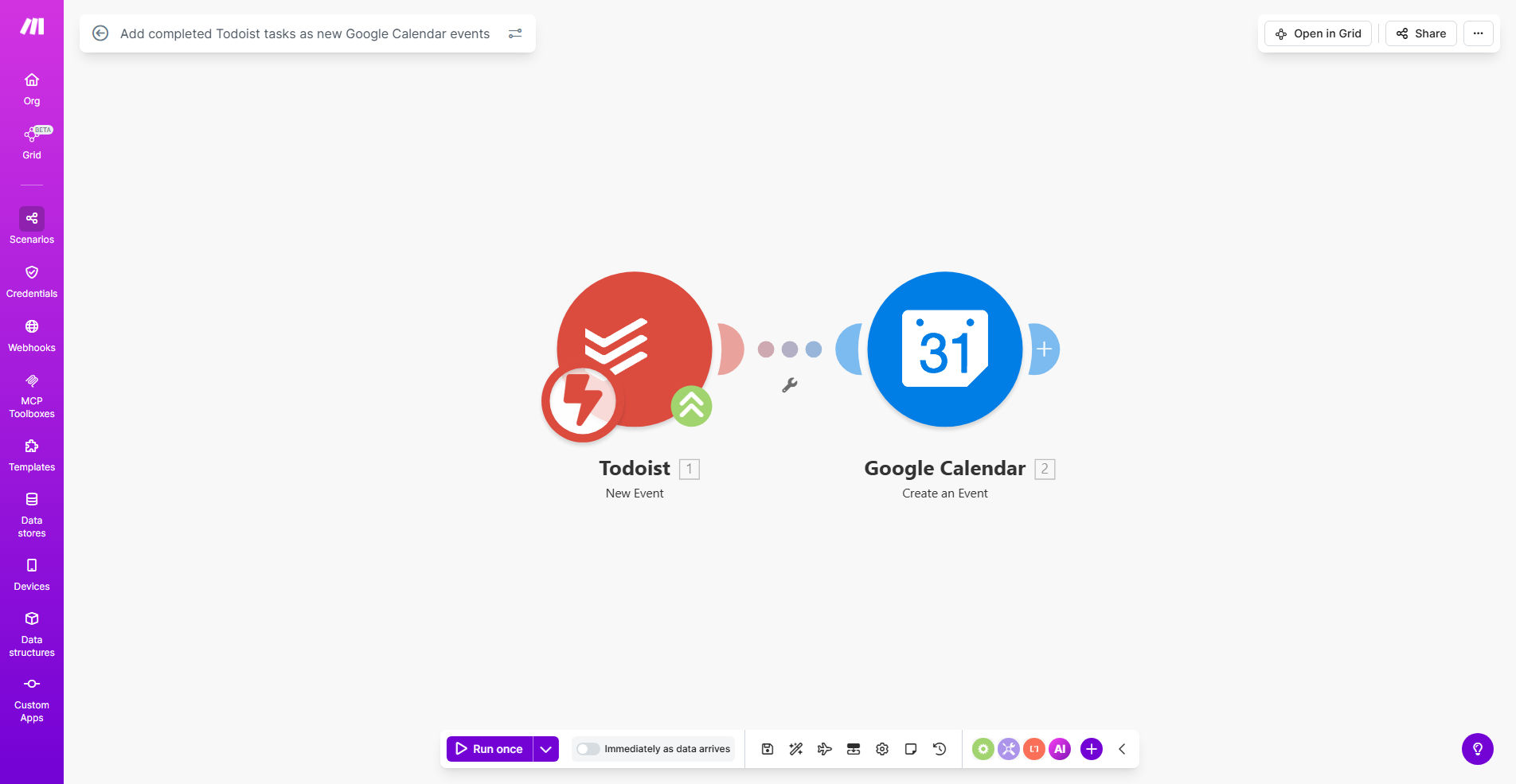
Make.com workflow interface showing Todoist and Google Calendar integration

What This Workflow Does

This automation solves the common productivity challenge of losing visibility into completed work. While Todoist excels at task management, it doesn't provide a historical timeline of when work was actually done. By automatically creating Google Calendar events for completed tasks, you gain:

A visual productivity log that shows your actual work patterns alongside scheduled events. This helps with time audits, client billing, and personal improvement tracking. The system captures task completion times (not just due dates) to reveal your real working rhythms and scheduling accuracy.

How It Works

1. Monitoring completed Todoist tasks

The workflow continuously checks your Todoist account for newly completed tasks, either on a schedule or in real-time depending on your plan. It captures the task name, completion timestamp, project, and any relevant labels.

2. Processing task details

Each completed task is processed to extract relevant information. You can configure filters to only log certain types of tasks (like those from specific projects or meeting duration thresholds) to prevent calendar clutter.

3. Creating calendar events

The system creates a new Google Calendar event for each completed task, using the completion time as the event start time. Event duration can be set as fixed (like 30 minutes) or calculated based on task estimates.

Pro tip: Add task labels as Google Calendar event tags to enable powerful filtering and reporting across both platforms.

Who This Is For

This workflow benefits anyone who wants better visibility into their actual work patterns:

  • Freelancers tracking billable hours across multiple clients
  • Managers auditing team productivity and work distribution
  • Individuals optimizing personal time management
  • Consultants maintaining activity logs for client reporting

What You'll Need

  1. A Todoist account with completed tasks to track
  2. A Google Calendar account to receive the events
  3. A Make.com account (free plan sufficient for basic usage)
  4. API connections between Make.com and both services

Quick Setup Guide

  1. Connect your Todoist account in Make.com using API credentials
  2. Connect your Google Calendar account similarly
  3. Set your preferred polling interval for checking completed tasks
  4. Configure any filters for which tasks should create calendar events
  5. Map Todoist fields to Google Calendar event properties
  6. Test with sample tasks before activating full automation

Key Benefits

Improved time awareness: See actual vs planned work patterns to refine scheduling accuracy.

Enhanced productivity tracking: Maintain searchable records of completed work for reference or reporting.

Visual work history: Calendar view provides intuitive timeline of accomplishments.

Customizable detail level: Choose which task information to include in calendar events.

Automated documentation: Eliminates manual logging of completed work.

Frequently Asked Questions

Common questions about Todoist and Google Calendar integration

Tracking completed tasks in Google Calendar creates a visual productivity log that helps with time audits, client billing, and personal improvement. It transforms task completion data into actionable insights by showing your actual work patterns alongside scheduled events.

For example, a freelance designer could review their weekly calendar to see how much time was actually spent on client projects versus administrative tasks, helping them adjust rates or workflows accordingly.

The integration creates a closed-loop system where task completion triggers calendar events. This provides historical context for your work patterns, helps identify productive time blocks, and maintains a searchable record of completed work for reference or reporting.

Unlike standalone task managers, this approach preserves the "when" of completed work, not just the "what." You can correlate productivity with external factors like meetings or energy levels throughout the day.

The workflow transfers task name, completion time, project/category labels, and any notes or descriptions. You can customize which fields to include based on your tracking needs, creating either simple calendar entries or detailed activity logs.

Common configurations include showing project names as event titles, adding priority labels as event tags, and including task descriptions in the event notes for future reference.

Yes, the automation can be configured to only log tasks from specific projects, with certain labels, or meeting duration thresholds. This prevents calendar clutter while maintaining visibility on important completed work.

For instance, you might choose to only track client-related tasks while excluding personal chores, or only log tasks that took more than 15 minutes to complete to focus on substantive work items.

By visualizing completed work alongside scheduled events, you can identify discrepancies between planned vs actual time usage. This data helps refine future scheduling, recognize productive patterns, and improve time estimation accuracy.

You might discover that certain types of tasks consistently take longer than anticipated, or that you're most productive during specific hours of the day - insights that can transform how you plan your work.

Due dates represent planned timelines while completion dates show actual work patterns. Tracking both reveals scheduling accuracy and helps identify tasks that consistently take longer than expected to complete.

This distinction is particularly valuable for project planning. Seeing that certain types of tasks are routinely completed earlier or later than their due dates allows for more realistic scheduling in future projects.

Yes, GrowwStacks specializes in custom productivity automations. We can build tailored solutions that match your specific workflow patterns, include additional data points, or integrate with other tools in your stack.

Our implementations often add features like automatic time categorization, integration with billing systems, or advanced reporting dashboards. We'll design a system that fits seamlessly with how you actually work.

  • Custom field mapping
  • Multi-calendar support
  • Team productivity analytics

Need a Custom Productivity Automation?

This free template is a starting point. Our team builds fully tailored automation systems for your specific business needs.