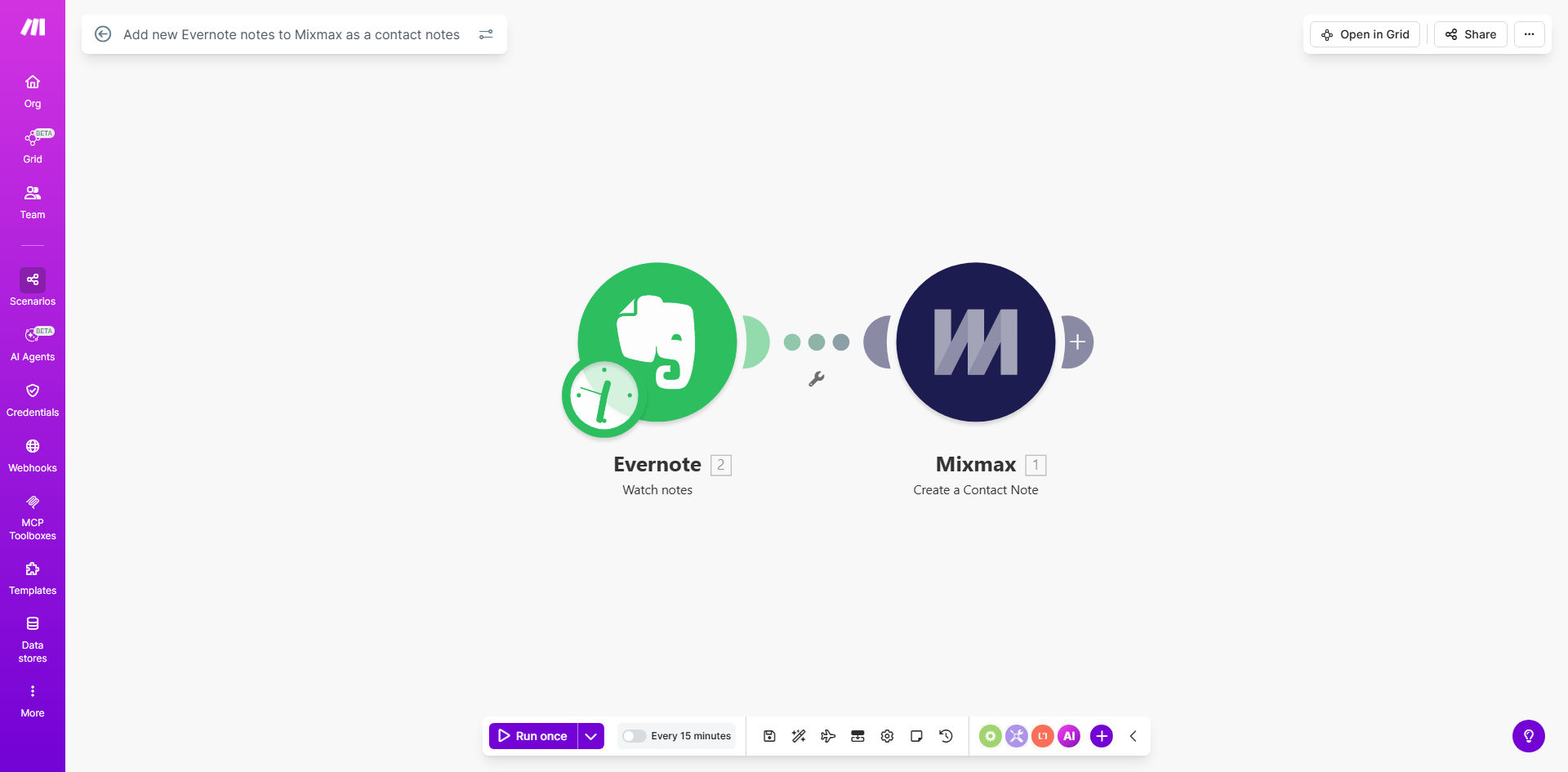
What This Workflow Does
This automation bridges the gap between your note-taking system (Evernote) and your sales communication platform (Mixmax). Every time you create a new note in a designated Evernote notebook, the workflow automatically adds it as a contact note in Mixmax.
Sales teams often waste valuable time manually copying notes between systems. This workflow eliminates that friction, ensuring customer insights captured in Evernote are immediately available during sales conversations in Mixmax. The automation maintains context by matching notes to the correct contact records based on email addresses or other identifiers.
How It Works
1. New Note Detection
The workflow continuously monitors specified Evernote notebooks for new notes. When a note is added or updated, Make.com detects the change instantly.
2. Note Processing
The system extracts key details from the Evernote note including title, content, creation date, and any relevant tags. It can also parse structured data if your notes follow a consistent format.
3. Contact Matching
Using email addresses or other identifiers present in the note, the workflow locates the corresponding contact in Mixmax. Advanced matching logic ensures notes are attached to the correct records.
4. Note Creation in Mixmax
The system creates a new contact note in Mixmax containing the Evernote content. The note is timestamped and formatted for optimal readability within Mixmax's interface.
Pro tip: Create dedicated Evernote notebooks for different sales stages (e.g., "Discovery Calls", "Product Demos") to maintain organized contact notes in Mixmax.
Who This Is For
This workflow is ideal for:
- Sales teams using Evernote for meeting notes and Mixmax for email communication
- Account managers who need customer insights to be instantly available during calls
- Business development reps who capture lead details in Evernote and follow up via Mixmax
- Customer success teams tracking client interactions across multiple systems
What You'll Need
- Active accounts in both Evernote and Mixmax
- API access enabled for both services
- A Make.com account (free tier available)
- Designated Evernote notebooks for contact-related notes
- Consistent contact identifiers (email addresses work best)
Quick Setup Guide
- Connect your Evernote account in Make.com
- Authorize access to your Mixmax account
- Specify which Evernote notebooks to monitor
- Configure the contact matching logic (email field mapping)
- Test with sample notes to verify proper sync
- Activate the workflow for continuous automation
Key Benefits
Save 5+ hours per week by eliminating manual note transfers between systems. Sales teams report spending 10-15 minutes daily copying notes - this workflow reclaims that time.
Improve contact context with automatically synced notes available during every Mixmax interaction. No more scrambling to find relevant customer details before calls.
Reduce data entry errors that occur when manually copying notes between systems. The automated transfer ensures 100% accuracy in note content.
Enhance team collaboration by making customer notes instantly available to all team members through Mixmax's shared contact records.
Maintain complete histories with properly timestamped notes that create an audit trail of customer interactions across both platforms.