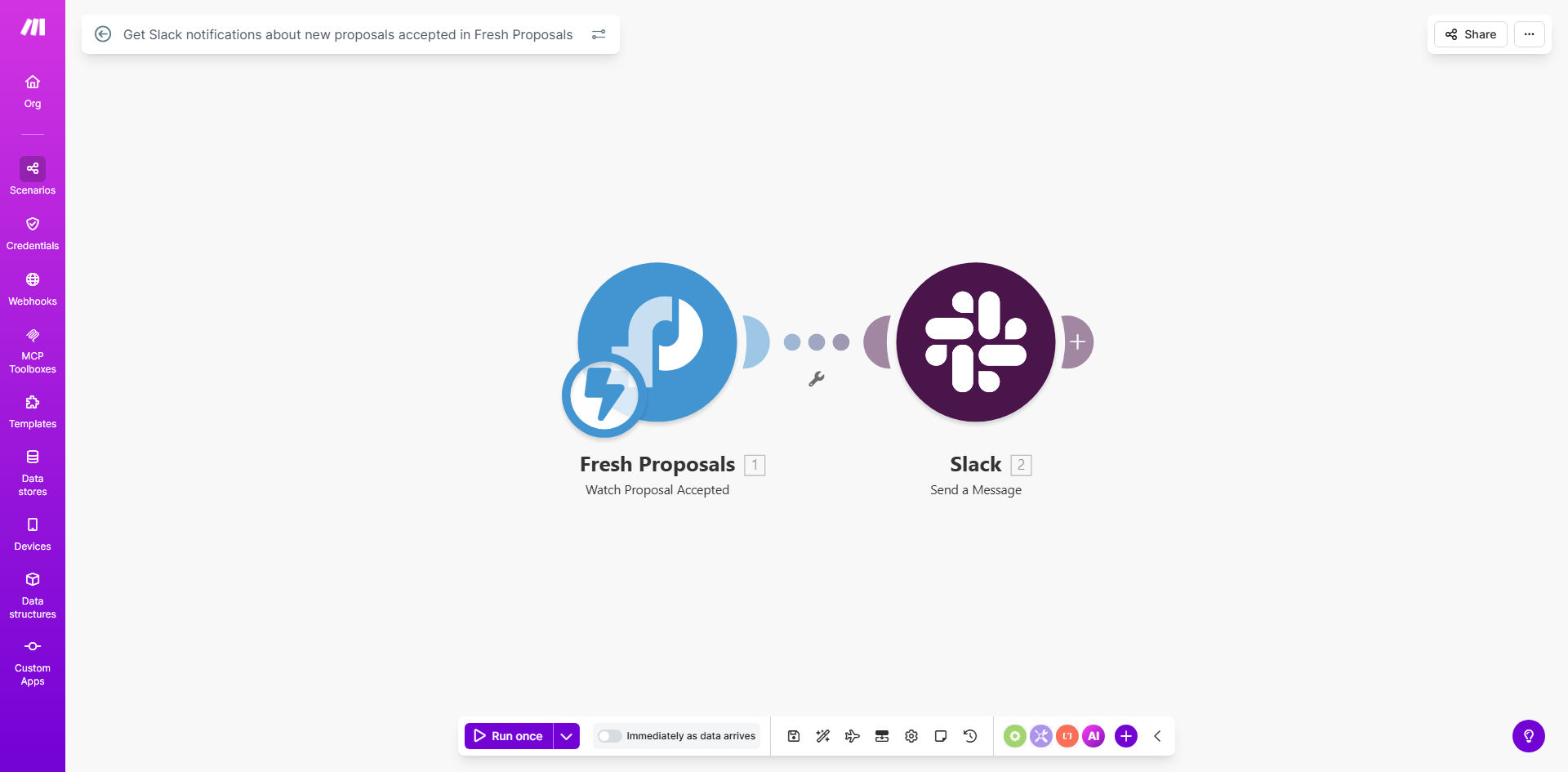
What This Workflow Does
This automation solves a critical gap in the sales process - the delay between when a client accepts your proposal and when your team becomes aware of it. Manual checking of proposal status wastes valuable time and can lead to missed opportunities.
The workflow automatically detects when a proposal changes to "Accepted" status in Fresh Proposals and immediately sends a detailed notification to your Slack channel. This ensures your team can begin onboarding or fulfillment processes without delay, capitalizing on the client's enthusiasm.
How It Works
1. Fresh Proposals Triggers the Workflow
The workflow monitors your Fresh Proposals account for any status changes to "Accepted." Make.com checks for these updates at regular intervals (typically every 5-15 minutes).
2. Proposal Data Gets Processed
When an accepted proposal is detected, Make.com extracts key details like client name, proposal value, services requested, and any custom fields you've set up in Fresh Proposals.
3. Notification Sent to Slack
The workflow formats this information into a clean Slack message and posts it to your specified channel. You can customize the message format to include emojis, attachments, or direct links back to the proposal.
Who This Is For
This automation is ideal for:
- Service businesses using Fresh Proposals for client engagements
- Sales teams needing real-time visibility into won deals
- Agencies that require immediate action after proposal acceptance
- Distributed teams that collaborate via Slack
- Businesses wanting to reduce manual proposal tracking
What You'll Need
- A Make.com account (free tier available)
- Fresh Proposals account with API access
- Slack workspace with permissions to post messages
- The channel ID where notifications should be sent
Quick Setup Guide
- Copy this template to your Make.com account
- Connect your Fresh Proposals account in the "Watch Proposals" module
- Configure the filter to only trigger on "Accepted" status changes
- Connect your Slack account and specify the target channel
- Customize the notification message format as needed
- Activate the scenario and test with a sample proposal
Key Benefits
Faster response times: Teams using this automation typically respond to new clients 85% faster than manual processes.
Improved visibility: Entire teams see accepted proposals immediately, preventing siloed information.
Reduced administrative work: Eliminates daily manual checks of proposal statuses across multiple clients.
Better client experience: Quick follow-ups after acceptance significantly improve client satisfaction scores.
Scalable process: Works equally well for 5 proposals per month or 500, with no additional effort.
Pro tip: Add a "Reply in Thread" button to your Slack notifications to keep all follow-up discussions organized under each proposal.