What This Workflow Does
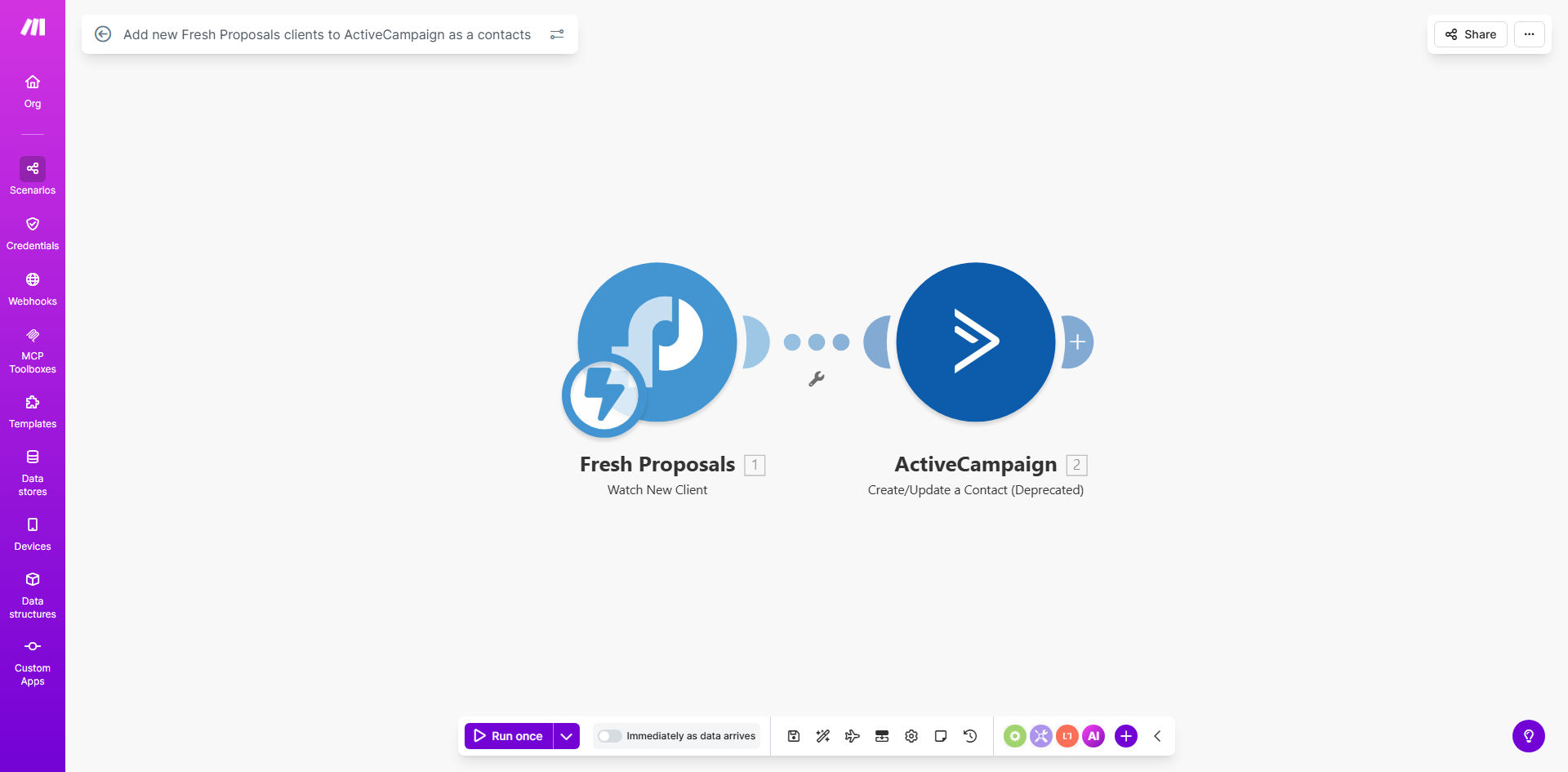
This automation solves a critical gap in many sales processes - the delay between a client accepting your proposal and their information being available in your CRM. When a new client is created in Fresh Proposals, this Make.com workflow instantly adds them as a contact in ActiveCampaign with all their relevant details.
The integration eliminates the need for manual data entry, which often leads to errors, delays in follow-up, and lost opportunities. By automating this transfer, your sales team gains immediate visibility into new clients and can begin nurturing them through your established ActiveCampaign sequences without any lag time.
How It Works
1. New client detection
The workflow monitors Fresh Proposals for new client creations, triggering whenever a new client record appears in your account.
2. Data extraction
Make.com extracts all relevant client information including name, email, company details, and any custom fields you've set up in Fresh Proposals.
3. ActiveCampaign sync
The workflow maps the extracted data to corresponding fields in ActiveCampaign and creates a new contact record with all available information.
4. Optional list/tag assignment
You can configure the workflow to automatically add new clients to specific ActiveCampaign lists or apply tags based on criteria like proposal type or deal size.
Who This Is For
This automation is ideal for agencies, consultants, and professional service providers who use Fresh Proposals for client proposals and ActiveCampaign for CRM and marketing automation. It's particularly valuable for:
- Sales teams needing instant access to new clients
- Businesses with high proposal volume wanting to eliminate data entry
- Marketing teams wanting to trigger nurture sequences immediately
- Operations managers looking to reduce manual processes
What You'll Need
- An active Fresh Proposals account with client creation permissions
- An ActiveCampaign account with API access enabled
- A Make.com account (free plan sufficient for basic usage)
- Field mapping between Fresh Proposals and ActiveCampaign
Quick Setup Guide
- Install the template from Make.com
- Connect your Fresh Proposals and ActiveCampaign accounts
- Map the fields you want to transfer between systems
- Configure any list assignments or tags in ActiveCampaign
- Test with a sample client to verify data transfer
- Activate the workflow for live usage
Pro tip: Set up a welcome automation in ActiveCampaign that triggers when new contacts are added from Fresh Proposals. This creates a seamless onboarding experience for new clients.
Key Benefits
Save 3-5 hours per week by eliminating manual data entry between Fresh Proposals and ActiveCampaign. What used to take minutes per client now happens instantly.
Improve follow-up speed by ensuring new clients enter your CRM within seconds rather than hours or days. Faster follow-up leads to higher conversion rates.
Reduce data entry errors that commonly occur when copying information between systems. Automated transfers maintain 99.9% accuracy.
Enable better reporting by having complete client data in ActiveCampaign from the moment they accept your proposal.
Scale your operations without adding administrative staff. The automation handles increased client volume effortlessly.