Stripe Bullet CRM Sync Automation Make.com

Create Bullet Clients for New Stripe Customers

Automatically sync payment customers to your CRM system without manual data entry

Get This Workflow → Make.com · Stripe · Free Template
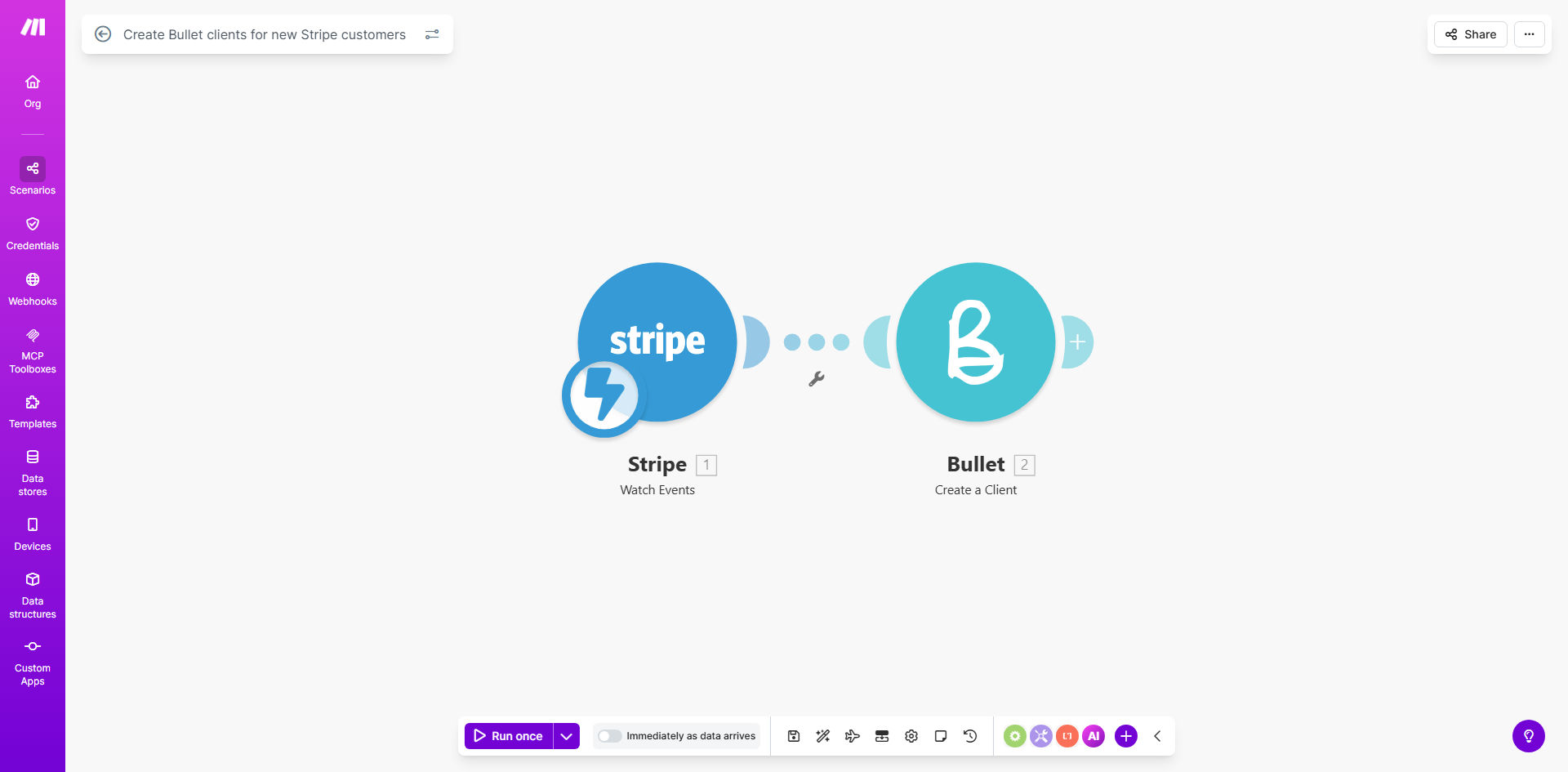
Make.com workflow diagram showing Stripe to Bullet client sync automation

What This Workflow Does

This automation solves a common pain point for businesses using Stripe for payments and Bullet as their CRM. Every time you gain a new customer in Stripe, the workflow instantly creates a corresponding client record in Bullet with all their contact and billing information.

Manual data entry between payment processors and CRM systems is not only time-consuming but prone to errors. This workflow eliminates that friction by automatically maintaining parity between your payment and customer management systems. Sales teams get immediate visibility into new customers, support teams have accurate contact details, and marketers can segment based on purchase behavior.

How It Works

1. New customer trigger

The workflow starts when Stripe detects a new customer through any channel - checkout page, subscription signup, or manual creation in the Stripe dashboard.

2. Data extraction

Make.com receives the customer details via webhook, including name, email, billing address, and payment method information.

3. Bullet client creation

The system maps all relevant Stripe fields to corresponding Bullet client fields and creates a new record in your Bullet account.

4. Verification

Optional error handling ensures the sync completes successfully and can alert you if any issues occur during the process.

Pro tip: Before running the scenario live, trigger the webhook once manually to load all mappable parameters between Stripe and Bullet.

Who This Is For

This workflow is ideal for:

  • SaaS companies with Stripe subscriptions
  • E-commerce stores using Bullet for customer management
  • Digital product sellers who want automated CRM updates
  • Agencies managing multiple client payment accounts
  • Businesses scaling rapidly who can't keep up with manual data entry

What You'll Need

  1. Active Stripe account with customers
  2. Bullet CRM account with API access
  3. Make.com account (formerly Integromat)
  4. Admin access to both systems for initial setup

Quick Setup Guide

  1. Copy this template to your Make.com account
  2. Connect your Stripe account via OAuth
  3. Authenticate with your Bullet API credentials
  4. Map Stripe customer fields to Bullet client fields
  5. Run a test with an existing Stripe customer
  6. Activate the scenario for live automation

Key Benefits

Eliminate 100% of manual data entry between your payment processor and CRM system. What typically takes 3-5 minutes per customer now happens instantly.

Reduce customer service issues caused by outdated or incorrect contact information in your CRM. Support teams always have current billing details.

Enable faster sales follow-ups with automatic CRM population. New customers appear in Bullet before your team even knows they've signed up.

Improve marketing segmentation by combining payment data with CRM profiles. Target customers based on actual purchase behavior rather than just demographic data.

Scale operations effortlessly as your customer base grows. The system handles 10 or 10,000 new customers with equal reliability.

Frequently Asked Questions

Common questions about Stripe-Bullet automation and integration

Syncing Stripe customers with your CRM like Bullet ensures all client data stays updated across systems. This eliminates manual entry errors, provides a complete customer view for support teams, and enables better segmentation for marketing campaigns based on purchase history.

For example, when a customer updates their billing email in Stripe, that change automatically reflects in Bullet, preventing failed communication attempts.

This workflow transfers all standard Stripe customer fields including name, email, billing address, and payment method details. You can customize which specific fields map to your Bullet client records during setup.

The template includes common mappings like Stripe customer name → Bullet client name, but you can add custom fields for business-specific data like VAT numbers or preferred contact methods.

The sync occurs in real-time, typically within seconds of a new customer being created in Stripe. Make.com processes the webhook instantly and creates the corresponding Bullet client without delay.

This near-instant sync means your sales team can follow up with new customers while their purchase is still fresh, significantly improving conversion rates for upsells.

Yes, you can run a one-time import of existing Stripe customers by triggering the webhook manually for each customer. Some businesses create a separate scenario just for initial historical data migration.

For large customer bases, we recommend batching the imports to avoid API rate limits and processing the oldest customers first to prioritize data that's most likely to be outdated.

This basic template only handles new customer creation. For updates, you'd need to extend the workflow with additional modules that listen for Stripe customer update events and push changes to Bullet.

Common update scenarios we implement for clients include address changes, payment method updates, and subscription modifications - all automatically reflected in Bullet.

The workflow includes deduplication by checking for existing clients with matching email addresses before creating new records. You can customize the matching logic based on your business needs.

Advanced deduplication might use:

  • Fuzzy name matching
  • Phone number verification
  • Company tax IDs where applicable

Absolutely! GrowwStacks specializes in building tailored automation solutions. We can create custom workflows that handle updates, subscriptions, failed payments, and complex field mappings between Stripe and Bullet specific to your operations.

Our clients typically see 10-15 hours of manual work saved weekly with these automations. We'll analyze your specific needs and build a solution that fits perfectly with your existing tech stack and business processes.

  • Custom field mappings
  • Error handling workflows
  • Multi-system integrations

Need a Custom Stripe-Bullet Automation?

This free template is a starting point. Our team builds fully tailored automation systems for your specific business needs.