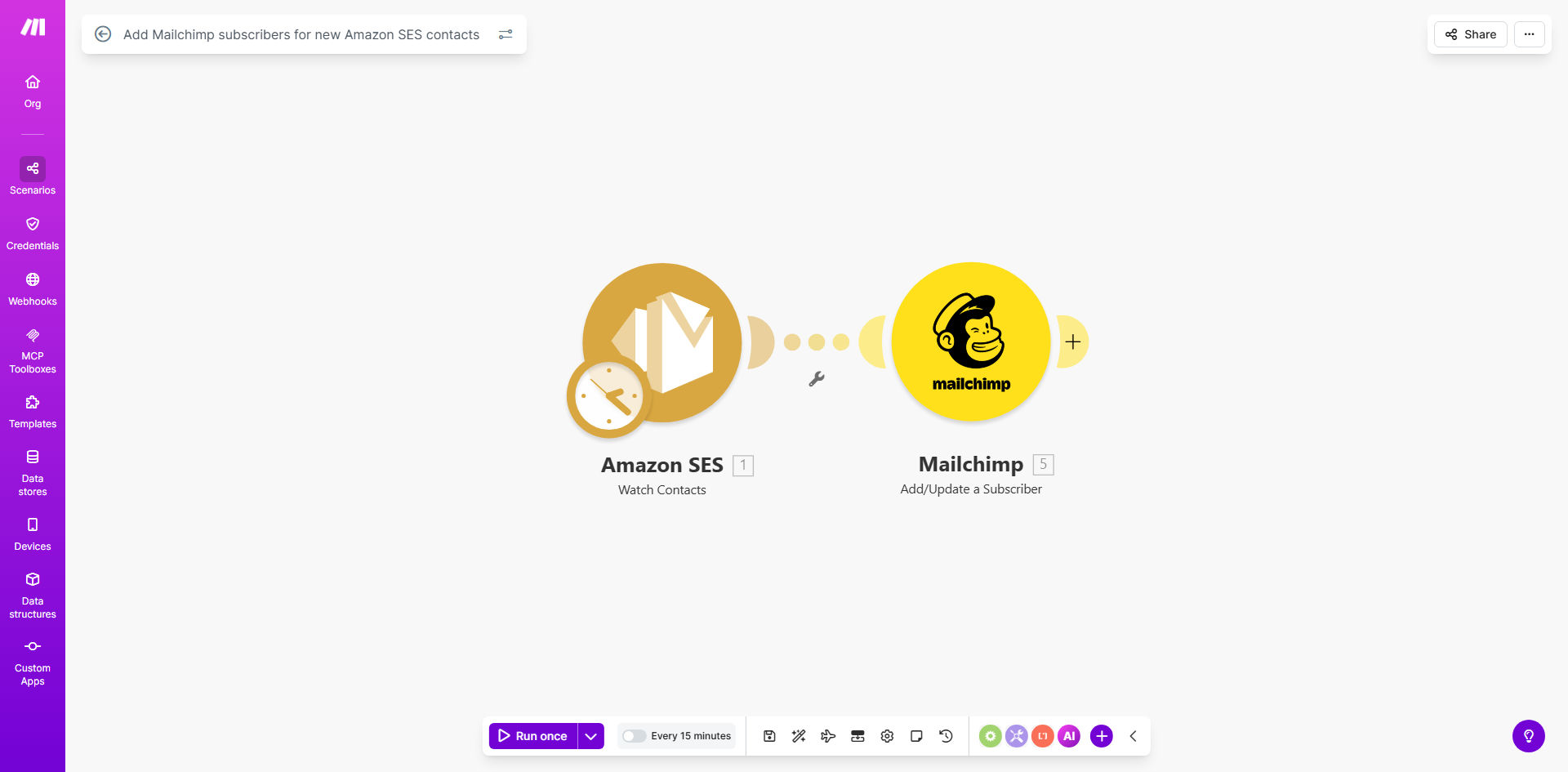
What This Workflow Does
This automation solves a common problem for businesses using Amazon SES for transactional emails while managing marketing campaigns in Mailchimp. When customers interact with your transactional emails (like order confirmations or password resets), their contact information stays siloed in Amazon SES unless manually added to Mailchimp.
The workflow automatically detects new contacts in Amazon SES and adds them as subscribers to your Mailchimp list. This ensures your marketing team can nurture these contacts with targeted campaigns, while eliminating hours of manual data entry and reducing the risk of human error.
How It Works
1. Monitors Amazon SES for new contacts
The workflow continuously checks your Amazon SES account for new email addresses that have interacted with your transactional emails. This could include customers who made purchases, signed up for accounts, or contacted support.
2. Processes contact information
Each new contact is processed to extract relevant details like email address, name (if available), and any metadata from the SES record. The workflow can be customized to handle different types of transactional emails differently.
3. Adds to Mailchimp with proper segmentation
The contact is then added to your specified Mailchimp list with appropriate tags based on their origin. For example, purchase confirmations might be tagged as "Customers" while support tickets might be tagged as "Help Request".
Pro tip: Configure the workflow to add custom merge fields in Mailchimp based on data from Amazon SES. This allows for more personalized email marketing campaigns.
Who This Is For
This automation is ideal for ecommerce stores, SaaS companies, and any business that:
- Uses Amazon SES for transactional emails
- Runs email marketing campaigns through Mailchimp
- Wants to convert transactional contacts into marketing leads
- Needs to reduce manual work between sales and marketing teams
What You'll Need
- An active Make.com account
- Amazon SES API credentials
- Mailchimp account with API access
- Existing Mailchimp audience/list to add subscribers to
Quick Setup Guide
- Click "Get This Workflow" to copy the template to your Make.com account
- Connect your Amazon SES account in the first module
- Connect your Mailchimp account in the second module
- Specify which Mailchimp list should receive new subscribers
- Optionally configure tags and custom fields mapping
- Turn on the scenario and test with a new Amazon SES contact
Key Benefits
Save 5+ hours per month by eliminating manual contact transfers between systems. The automation handles everything in the background.
Grow your email list faster by capturing every customer interaction. No more missed opportunities to nurture leads.
Improve email deliverability by maintaining consistent contact records across both systems.
Create more targeted campaigns by leveraging transactional data in your marketing automation.
Reduce human error with automatic data transfer that's more accurate than manual entry.