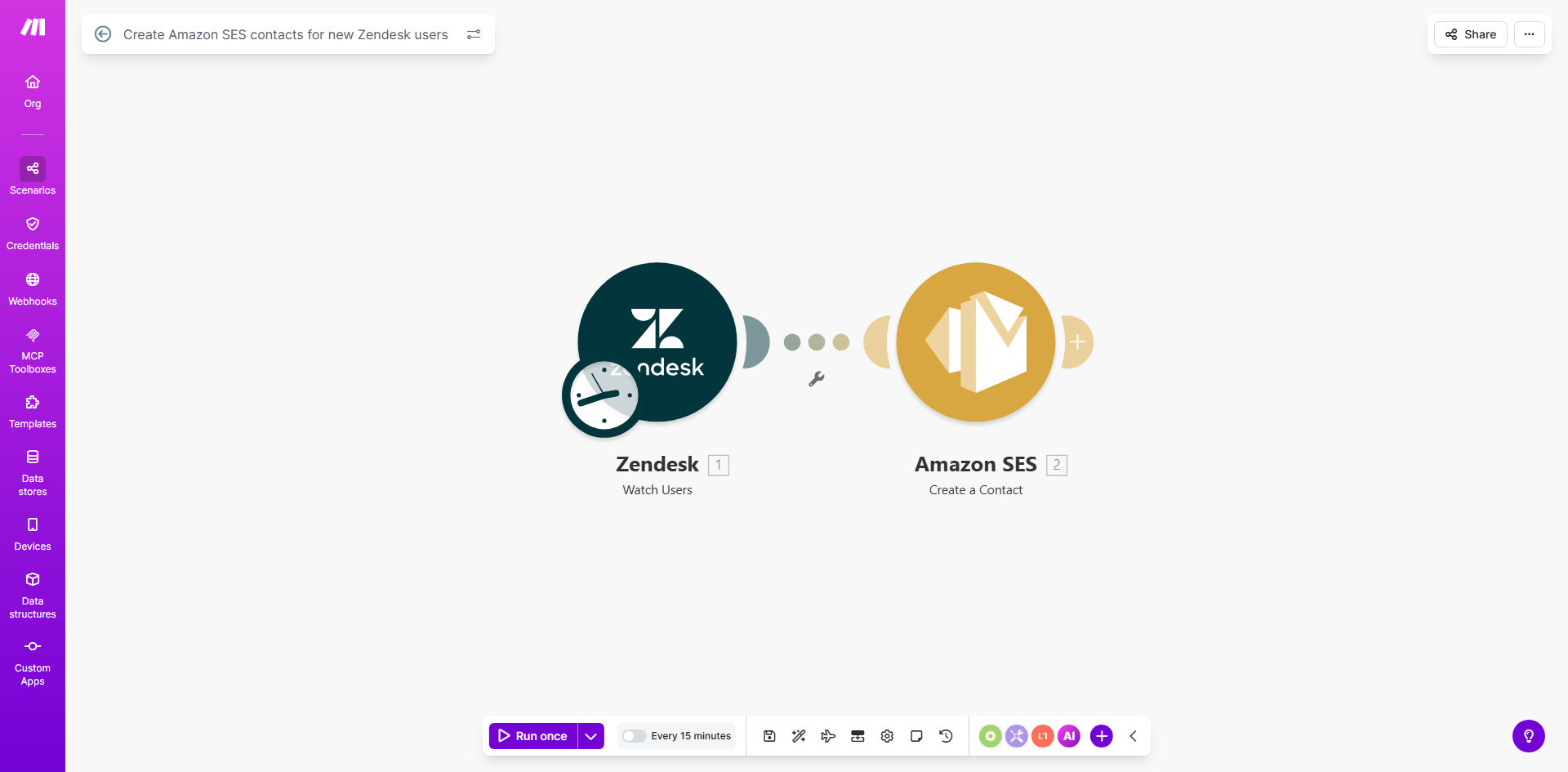
What This Workflow Does
This automation solves the common challenge of maintaining accurate email contact lists when new users sign up for your Zendesk support system. Instead of manually exporting and importing contacts between systems, the workflow automatically adds new Zendesk users to your Amazon SES contact list.
Customer support teams waste hours each week on repetitive data entry tasks. This workflow eliminates that manual work while ensuring your email communications have higher deliverability rates by maintaining clean, up-to-date contact lists in Amazon SES. The integration runs in the background at scheduled intervals, requiring zero ongoing maintenance once configured.
How It Works
1. Monitor new Zendesk users
The workflow checks your Zendesk account at regular intervals (configurable from 5 minutes to daily) for newly created user accounts. It captures essential contact information including email addresses, names, and any custom fields you specify.
2. Format data for Amazon SES
Each new user's information gets transformed into the proper format required by Amazon SES's contact API. The workflow handles all necessary data mapping and field conversions automatically.
3. Create SES contacts
The processed contact data gets sent to your Amazon SES account through its API, creating new contacts in your designated contact lists. The workflow includes error handling to manage rate limits or temporary API issues.
Pro tip: Configure the workflow to add contacts to specific SES contact lists based on Zendesk user tags or organizations for better segmentation.
Who This Is For
This workflow benefits any business using both Zendesk for customer support and Amazon SES for email communications. It's particularly valuable for:
- SaaS companies with growing user bases
- E-commerce stores with frequent new customer signups
- Support teams managing high volumes of support tickets
- Marketing teams needing accurate contact lists for campaigns
What You'll Need
- A Make.com account (free plan works)
- Zendesk administrator access (for API credentials)
- Amazon SES API credentials with proper permissions
- Basic understanding of Zendesk user fields
Quick Setup Guide
- Clone the template in your Make.com account
- Connect your Zendesk account using OAuth or API token
- Add your Amazon SES API credentials
- Map Zendesk user fields to SES contact attributes
- Set your preferred sync frequency (start with hourly)
- Test with a new Zendesk test user
- Activate the scenario
Key Benefits
Save 5+ hours weekly by eliminating manual contact list maintenance between Zendesk and Amazon SES.
Improve email deliverability by ensuring your SES contacts always match your active Zendesk users.
Reduce human error with automated data transfer that's more accurate than manual processes.
Scale effortlessly as your user base grows - the workflow handles 10 or 10,000 new users the same way.
Enhance segmentation by automatically tagging contacts based on Zendesk user properties.