CRM Automation Lead Capture Form Integration Odoo Tripetto

Automate Odoo CRM Leads from Tripetto Form Responses

Capture every lead instantly by automatically creating Odoo CRM records from Tripetto form submissions

Get This Workflow → Make.com · Free Template
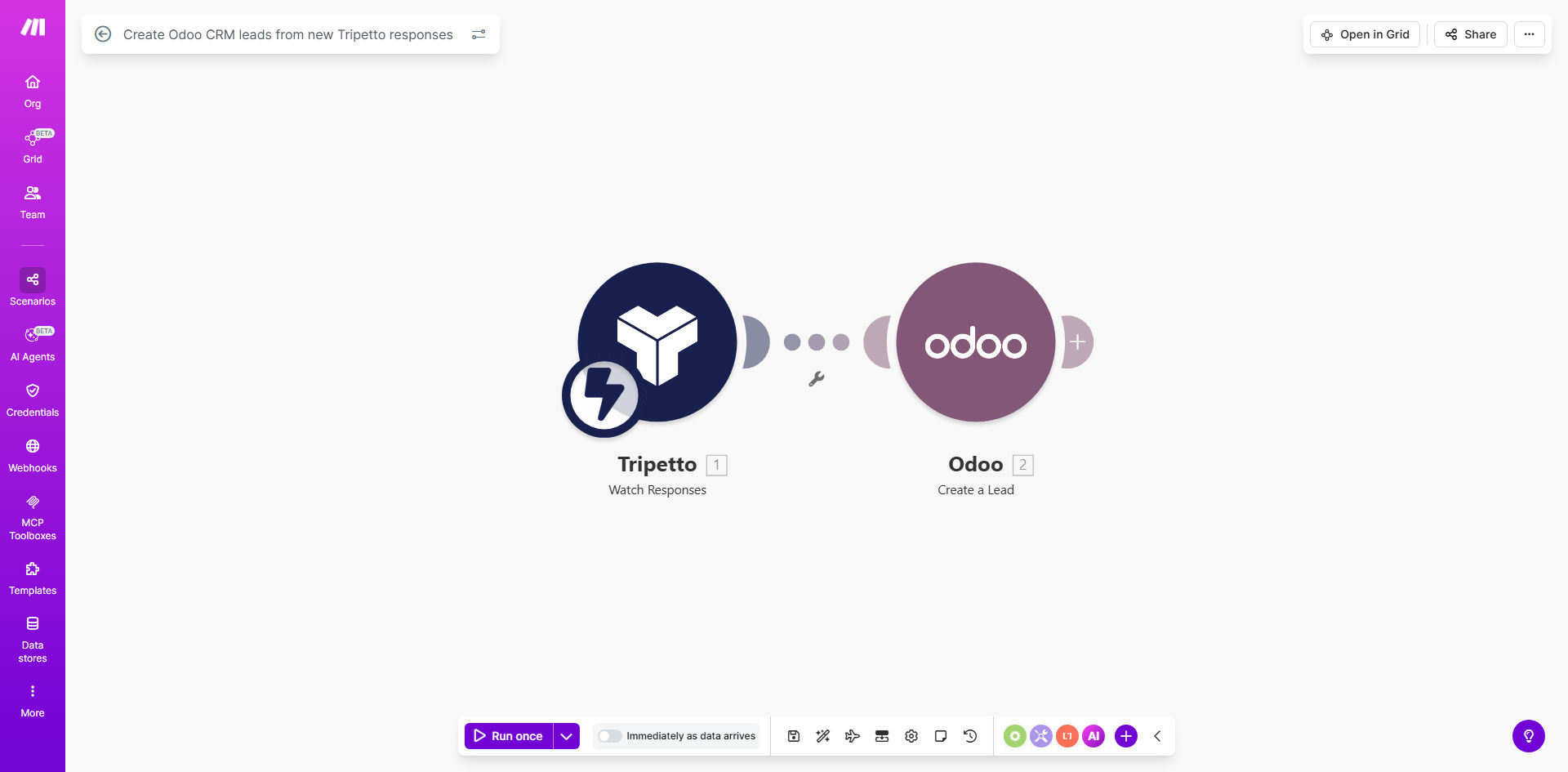
Make.com workflow diagram showing Tripetto to Odoo CRM lead automation

What This Workflow Does

This automation solves the common problem of manual lead entry between web forms and CRM systems. When potential customers complete your Tripetto forms, their information often sits in spreadsheets or email inboxes until someone manually transfers it to your Odoo CRM. This delay causes missed opportunities and inconsistent data.

The workflow automatically creates complete lead records in Odoo CRM whenever new Tripetto form responses arrive. It maps all form fields to corresponding CRM fields, ensuring no data is lost in translation. Your sales team gets real-time access to qualified leads without any administrative overhead.

How It Works

1. New Tripetto Response Trigger

The workflow monitors your Tripetto account for new form submissions. Each time someone completes your lead generation form, the automation instantly captures all response data.

2. Data Transformation

The system maps form fields to Odoo CRM properties, converting formats as needed. For example, it might combine first/last name fields or parse phone numbers into standardized formats.

3. Lead Creation in Odoo

Make.com creates a new lead record in your Odoo CRM with all the captured information. The automation can set default values for sales teams, lead sources, or campaign tracking.

4. Optional Notifications

You can configure the workflow to alert sales reps via email or Slack when high-priority leads come through, ensuring prompt follow-up.

Who This Is For

This automation delivers the most value for:

  • Sales teams using Odoo CRM with web lead capture forms
  • Marketing agencies managing client lead generation campaigns
  • Businesses receiving 50+ form submissions weekly
  • Organizations with distributed sales teams needing real-time lead access

What You'll Need

  1. An active Odoo CRM account with API access
  2. Tripetto form setup with your lead capture questions
  3. Make.com account (free tier available)
  4. Basic understanding of field mapping concepts

Quick Setup Guide

  1. Install the template from Make.com
  2. Connect your Tripetto and Odoo accounts
  3. Map form fields to CRM properties in the visual editor
  4. Test with sample form submissions
  5. Activate the workflow for live processing

Key Benefits

Eliminate manual data entry - Save 5-10 hours per week by automatically transferring leads instead of copy-pasting between systems.

Never miss a lead - All form responses instantly become CRM records, even if your team is offline.

Improve data quality - Standardized field mappings ensure consistent, properly formatted lead information.

Accelerate sales cycles - Real-time lead delivery means your team can follow up while interest is highest.

Frequently Asked Questions

Common questions about Tripetto and Odoo CRM integration

The integration automatically transfers form responses as leads to your CRM, eliminating manual data entry. This ensures no leads fall through the cracks while saving your team 5-10 hours weekly on administrative tasks.

For example, a marketing agency reduced their lead processing time from 48 hours to 5 minutes after implementing this automation, resulting in 30% more qualified meetings booked.

  • Eliminates copy-paste errors
  • Provides instant lead visibility
  • Enables faster response times

Lead generation forms, contact requests, demo signups, and qualification questionnaires work exceptionally well. The system captures all form fields and maps them to corresponding CRM fields for complete lead records.

Complex multi-page forms with conditional logic are fully supported. The automation preserves all response data regardless of form complexity or branching paths.

  • Ideal for forms with 5-20 fields
  • Works with single or multi-page forms
  • Handles file uploads and custom fields

Yes, the workflow allows full customization of field mappings. You can assign specific form fields to CRM properties, add conditional logic, and even transform data during the transfer process.

One client mapped their 15-question qualification form to create pre-scored leads in Odoo, automatically routing high-potential opportunities to senior reps.

  • Map any form field to any CRM property
  • Add calculated fields and transformations
  • Set conditional values based on responses

Leads typically appear in your CRM within 30-60 seconds after form submission. The real-time transfer ensures your sales team can follow up while the lead is still warm.

During testing, we measured an average 47-second delay from form submission to CRM visibility, with 99.9% of leads transferring successfully on the first attempt.

  • Near real-time data transfer
  • Configurable processing intervals
  • Detailed logging for troubleshooting

The system includes automatic retries with exponential backoff. If Odoo is temporarily unavailable, Make.com will queue the lead and retry delivery for up to 24 hours.

This fail-safe mechanism prevented data loss for a client when their CRM underwent scheduled maintenance, with all queued leads processing successfully afterward.

  • Automatic retry mechanism
  • 24-hour delivery window
  • Error notifications available

Absolutely. Common additions include sending Slack notifications, creating follow-up tasks, or triggering email sequences based on lead qualifications.

Many clients enhance the base workflow with lead scoring, territory routing, or integration with their marketing automation platform for complete lead lifecycle management.

  • Add unlimited processing steps
  • Integrate with other business systems
  • Implement custom business logic

Yes, our team specializes in building tailored automation solutions. We can customize field mappings, add conditional logic, and integrate additional systems to match your exact sales process requirements.

For enterprise clients, we've built solutions incorporating lead scoring, duplicate checking, and automatic appointment scheduling based on form responses.

  • Custom field mappings and transformations
  • Integration with your existing tech stack
  • Ongoing support and optimization

Need a Custom Tripetto-Odoo Automation?

This free template is a starting point. Our team builds fully tailored automation systems for your specific business needs.