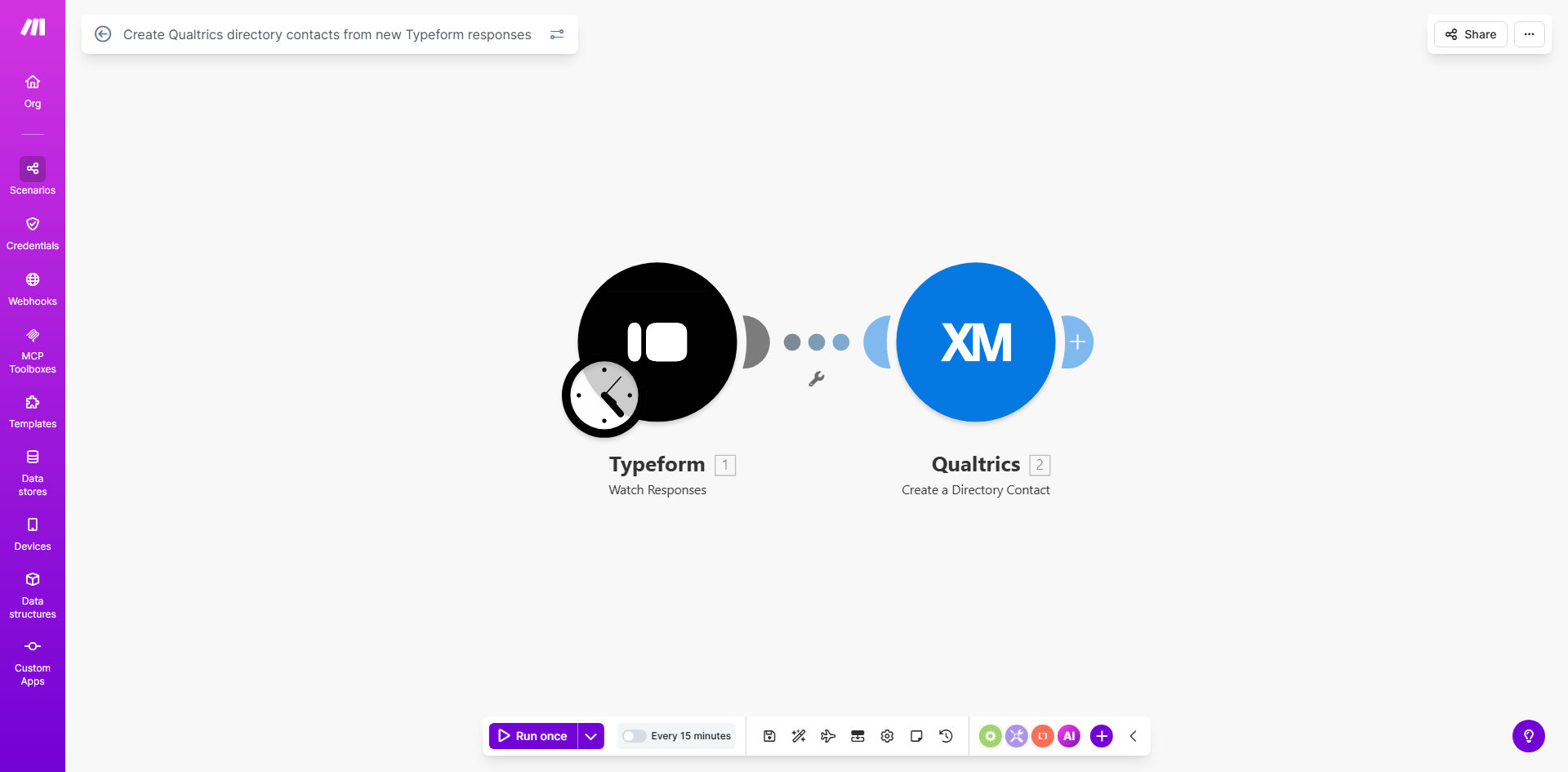
What This Workflow Does
This automation seamlessly connects Typeform survey responses to your Qualtrics directory, eliminating the need for manual data entry. Whenever someone completes your Typeform survey, their response is automatically processed and added as a contact in your Qualtrics directory.
The workflow solves the common problem of survey data being trapped in silos. Instead of exporting CSV files and manually uploading them, this automation keeps your Qualtrics directory continuously updated with fresh respondent data. It's particularly valuable for research teams, customer feedback programs, and any organization running regular surveys.
How It Works
1. New Response Detection
The workflow monitors your Typeform account for new survey responses at regular intervals you specify.
2. Data Extraction
Key information from the response is extracted, including contact details and survey answers you want to store in Qualtrics.
3. Contact Creation
The system maps the Typeform fields to corresponding Qualtrics directory fields and creates a new contact record.
4. Error Handling
The workflow includes checks to handle duplicates, missing data, and API errors to ensure data integrity.
Who This Is For
This automation is ideal for:
- Market researchers managing large-scale surveys
- Customer experience teams tracking feedback
- HR departments conducting employee surveys
- Academic researchers collecting participant data
- Any organization using both Typeform and Qualtrics
What You'll Need
- Active Typeform account with survey forms
- Qualtrics account with directory access
- API credentials for both platforms
- Clear mapping of which Typeform fields correspond to Qualtrics fields
Quick Setup Guide
- Connect your Typeform account in Make.com
- Connect your Qualtrics directory
- Map the field relationships between systems
- Set your preferred scheduling interval
- Test with sample responses
- Activate the automation
Key Benefits
Time Savings: Eliminates hours of manual data entry and file transfers between systems.
Data Accuracy: Reduces human error in transcribing survey responses to your directory.
Real-time Updates: New survey responses appear in Qualtrics almost immediately after submission.
Scalability: Handles any volume of survey responses without additional manual work.
Consistency: Ensures all contacts are added with the same field mappings and formatting.
Pro tip: Use this automation in combination with Qualtrics' panel management features to automatically add respondents to specific research panels based on their survey responses.